E-14 Videojet DataFlex 6530 Service Manual - Rev AA
E.1.10The Master Printer
In 'Group Job Select' mode, the CLARiTY Operator interface acts differently to that of a
standalone printer.
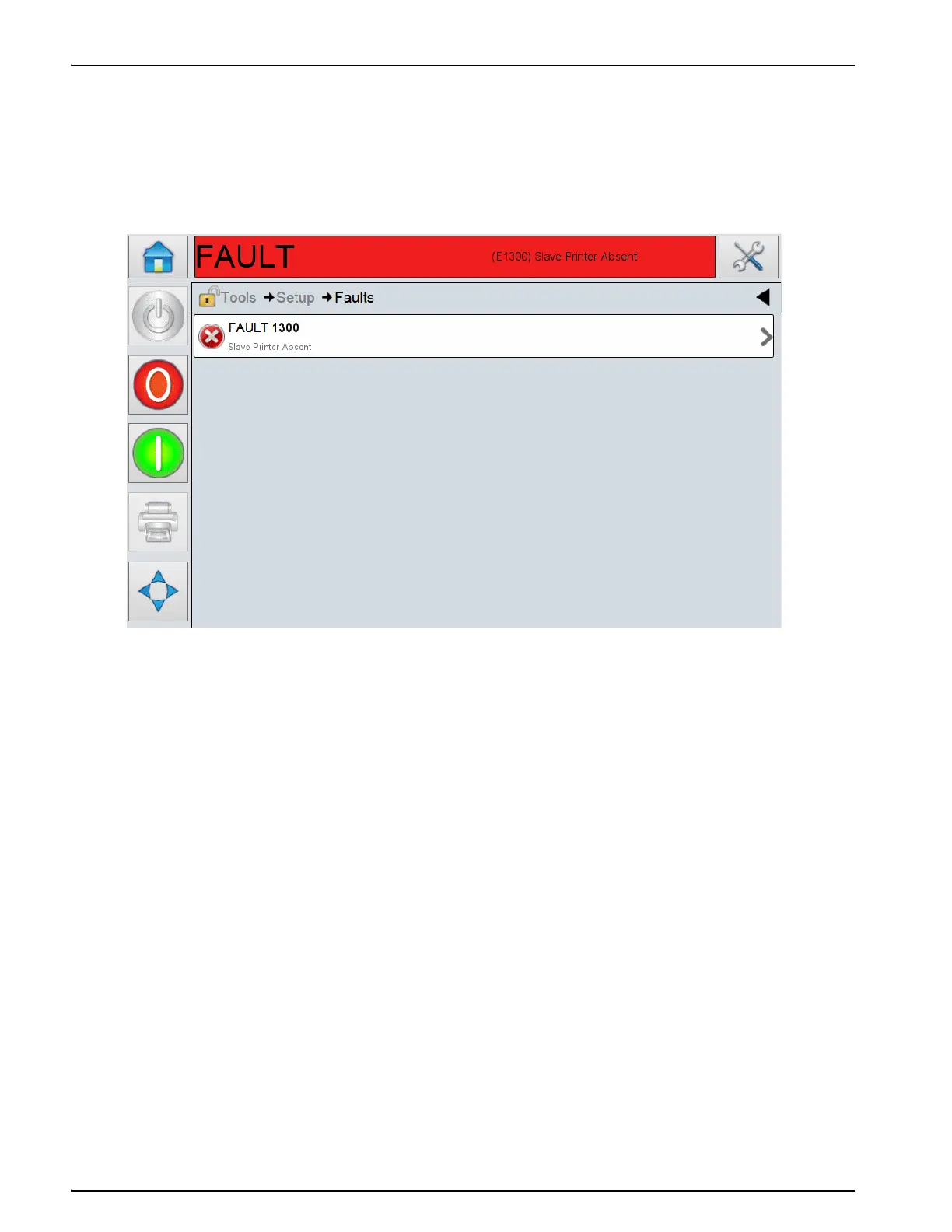
If a Slave printer enters a Fault state, the error is reported on the Master printer’s CLARiTY, as
shown in Figure E-14.
In the example shown (Figure E-14), communication has been lost between the Master and Slave
printer. This fault can be cleared, when the communications are re-established or when the Slave
printer is 'unassigned'.
Touch Tools > Setup > Printhead, or via Tools > Diagnostics > Printhead, to access the printhead
screen.
You can see the list of printers connected to the Master.
Note: The Master printer is always listed first, followed by the Slaves.
Note: If the Master and Slave printers have been given a Name, as described in 'Configure the Master
Printer', CLARiTY reflects these changes.



 To Next Page