Videojet DataFlex 6530 Service Manual - Rev AA 5-13
CLARiTY Operating System
5.4 Working with Passwords
Password protection on the CLARiTY user interface allows different protected access levels for
the various operational features of CLARiTY for up to three different user groups. For example,
the three user groups may be classified as Operators, Production Supervisors and Maintenance
Personnel, each group requiring access to either all or a subset of the total functions of CLARiTY.
Protection may be globally enabled or disabled through the CLARiTY Configuration Manager.
The password protection is disabled in the default factory settings.
CLARiTY has five different functions that may be optionally password protected:
•Job Select
• Registration
•Setup
•Diagnostics
• Databases
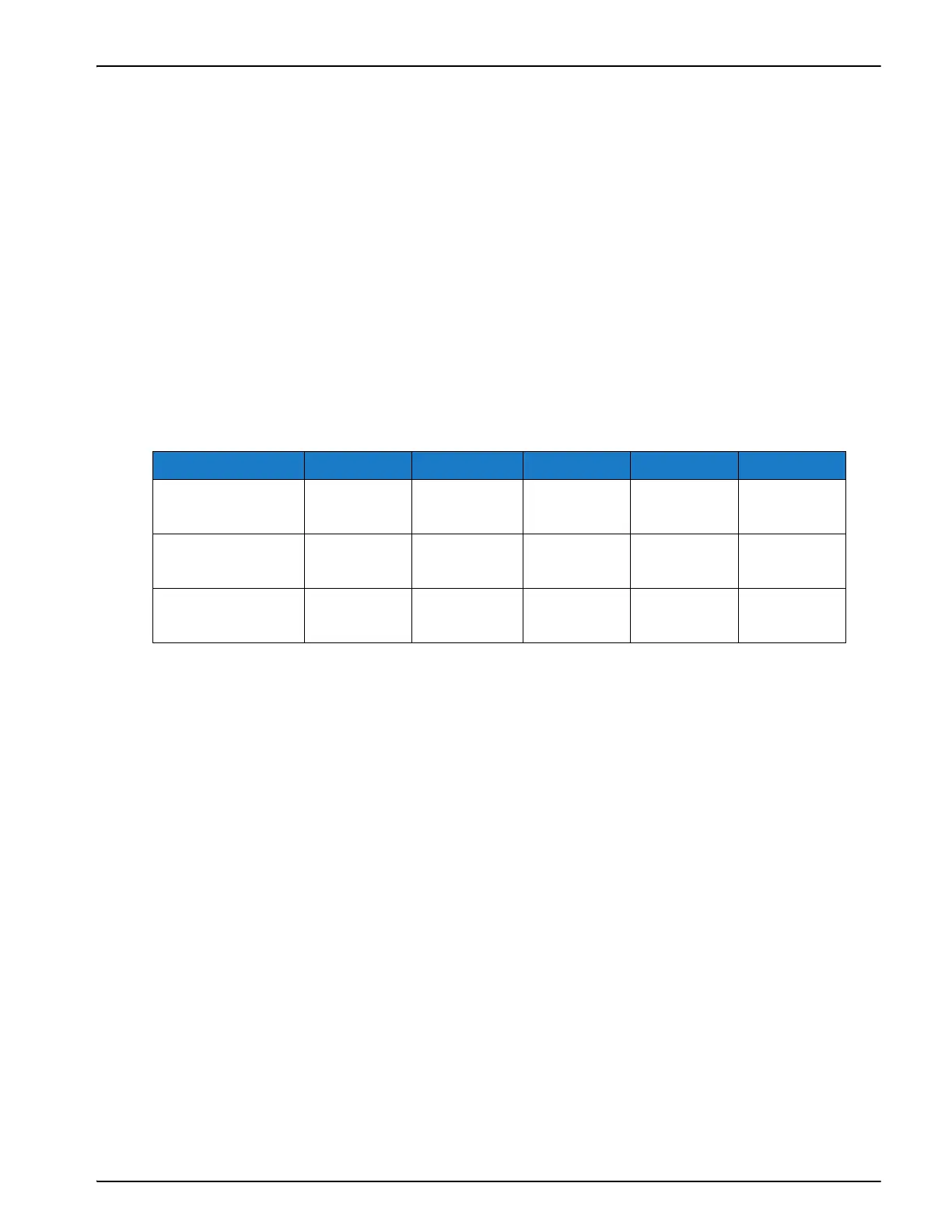
This is can be easily explained by means of an example (Table 5-7):
In this example, registration is not selected for any of the three user access levels, therefore
available to all the users to use without any password protection.
If there is at least one X in a column, then that function is only available to a user level against
which a X appears. Example: Set-up column in the Table 5-7 is accessible (via a password) only to
Level 2 and Level 3 personnel.
Each user level has a different numeric password that can be between 4 and 10 digits.
Job Registration Setup Diagnostics Databases
Level 1
(Operator)
X
Level 2
(Line Supervisor)
X XXX
Level 3
(Maintenance)
XXX
Table 5-7: Password Protection - Example



 To Next Page