Videojet DataFlex 6530 Service Manual - Rev AA 4-5
Installation
4.4 Installing the Ribbon in the Cassette
Installing the ribbon in the cassette involves the following procedure:
1. Remove the cassette from the printer.
2. Load the new ribbon in the cassette.
3. Reinstall the cassette on the printer.
Note: Navigate to Tools > Setup > Consumables and ensure that ribbon size, ribbon type and ribbon
colour are setup correctly.
Refer to Operator manual for more information on installing the ribbon.
4.5 Switching the Power On
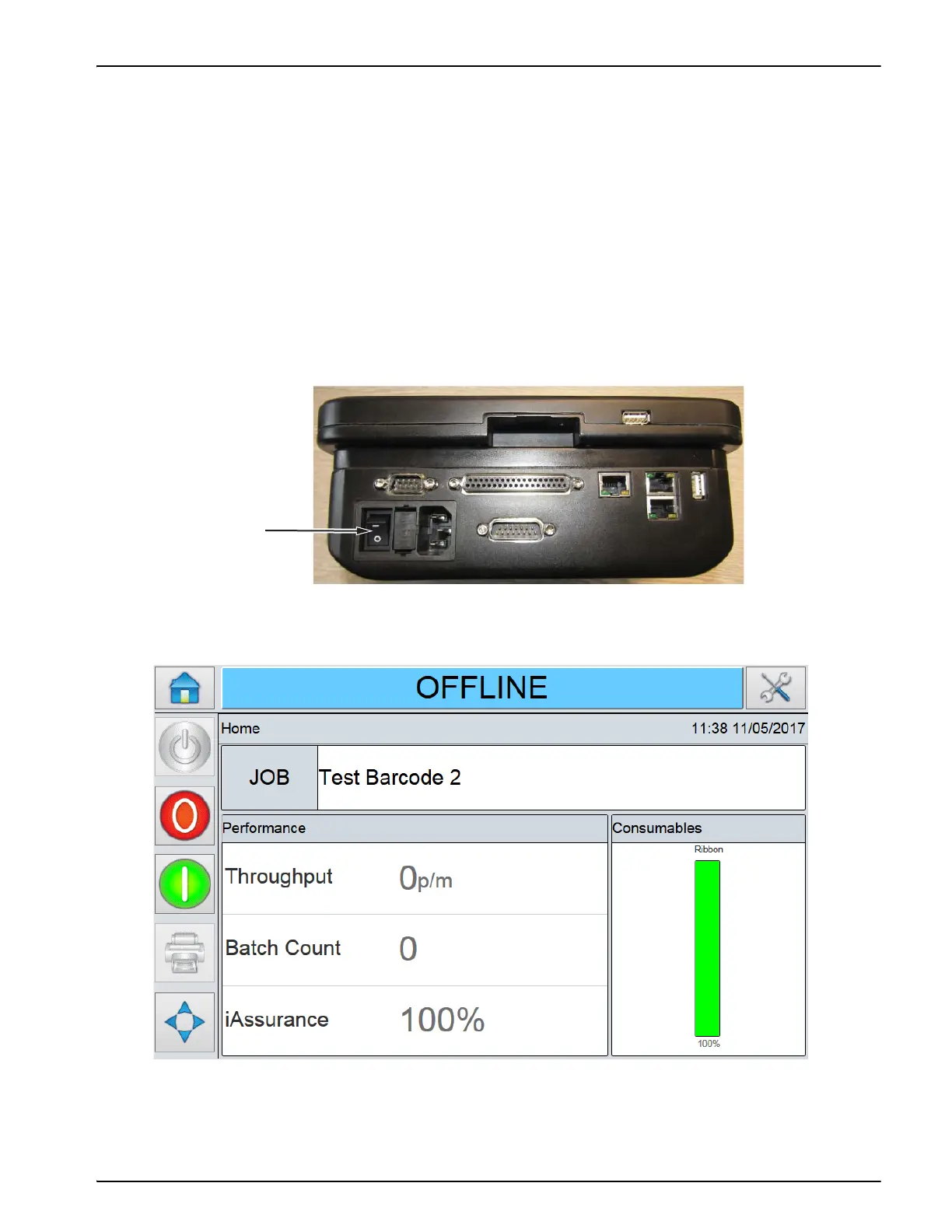
To switch the printer on, turn the power switch on the PSU to the I (On) position (Figure 4-5).
Figure 4-6 displays the CLARiTY Home screen in the OFFLINE state.
Figure 4-5: Standard Printer Power Switch
Figure 4-6: CLARiTY Home Screen in Offline State



 To Next Page