5-8 Videojet DataFlex 6530 Service Manual - Rev AA
CLARiTY Operating System
5.3.1.2 Using the Consumables Screen
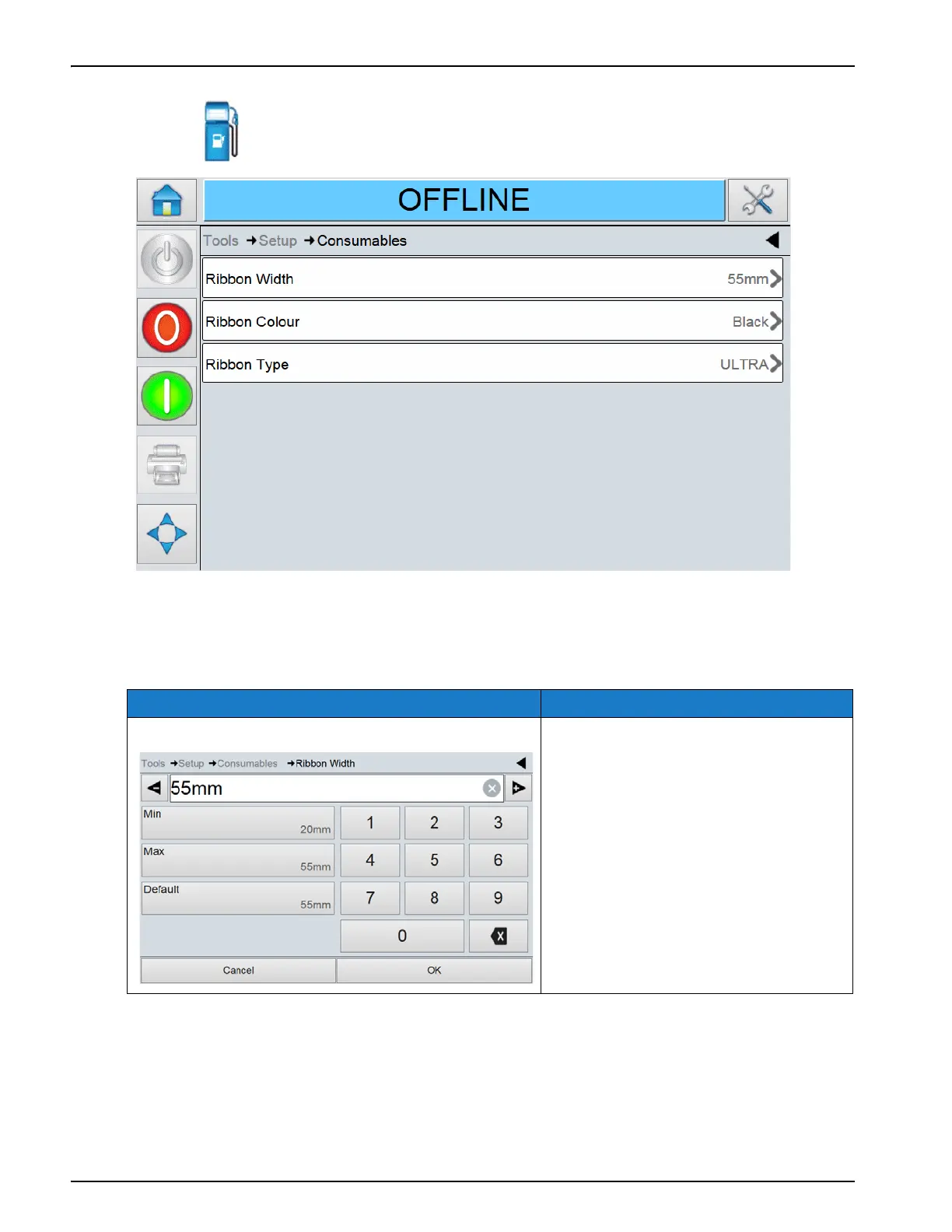
Touch on the Setup screen to access the consumables parameters (Figure 5-6).
The Consumables screen provides access to set the following parameters:
Option Description
Ribbon Width Sets the ribbon tension to the optimum
value depending on the ribbon width.
Table 5-5: Consumables Screen Description
Figure 5-6: Consumables Screen



 To Next Page