Videojet DataFlex 6530 Service Manual - Rev AA E-19
E.1.14The Slave Printers
Slave printers in Group Control mode are typically Videojet DataFlex 6530 Slave Printers (no
CLARiTY Operator Interface) and therefore have no direct interaction with the user.
However, if a Standard Videojet DataFlex 6530 Printer is used as a Slave in Group Control mode,
the JOB, Online/Offline and Print Position buttons are disabled.
Job selection and Online/Offline changes may only be initiated at the Master printer.
Standard Videojet DataFlex 6530 printers in Slave mode accepts communications from CLARiTY
Configuration Manager and other packages, e.g. CLARiSOFT. All other operations are initiated
from the Master printer.
Slave Videojet DataFlex 6530 printers (no CLARiTY) accepts communications from CLARiTY
Configuration Manager and other packages, e.g. CLARiSOFT.
E.1.15Disabling Master/Slave Mode
If a Slave printer has to be temporarily removed from a Master/Slave group, the printer can be
unassigned from the Master (Refer “Assigned Printer Parameter” on page E-15).
If a printer is to be permanently removed from a Master/Slave group, proceed as follows:
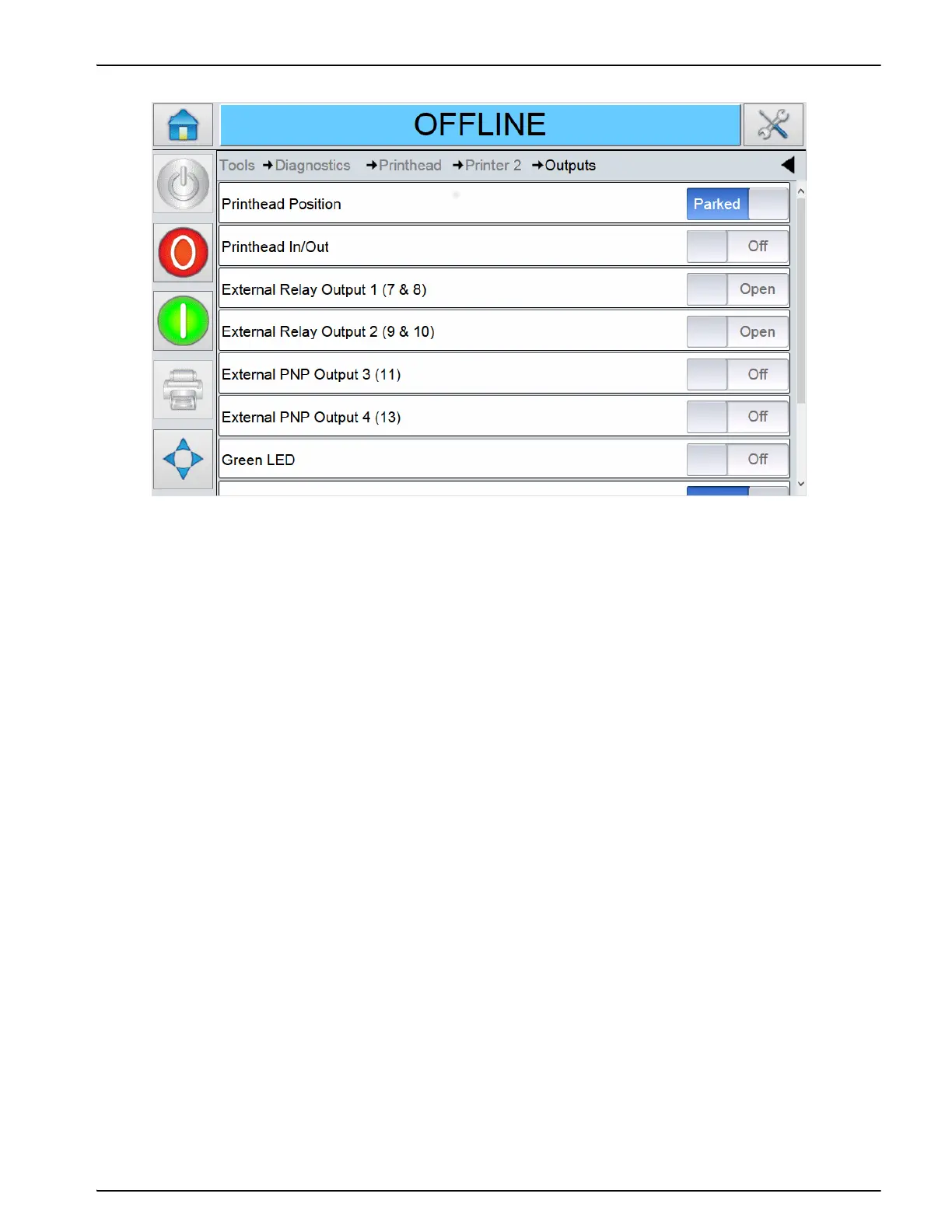
Figure E-21: Slave Output Diagnostics



 To Next Page