Videojet DataFlex 6530 Service Manual - Rev AA E-11
E.1.8.6 Configuring the Master printer
To configure the master printer proceed as follows:
1. Establish communications between CLARiTY Configuration Manager and the master printer
(“Connecting the CLARiTY Configuration Manager to the Printer” on page 4-8).
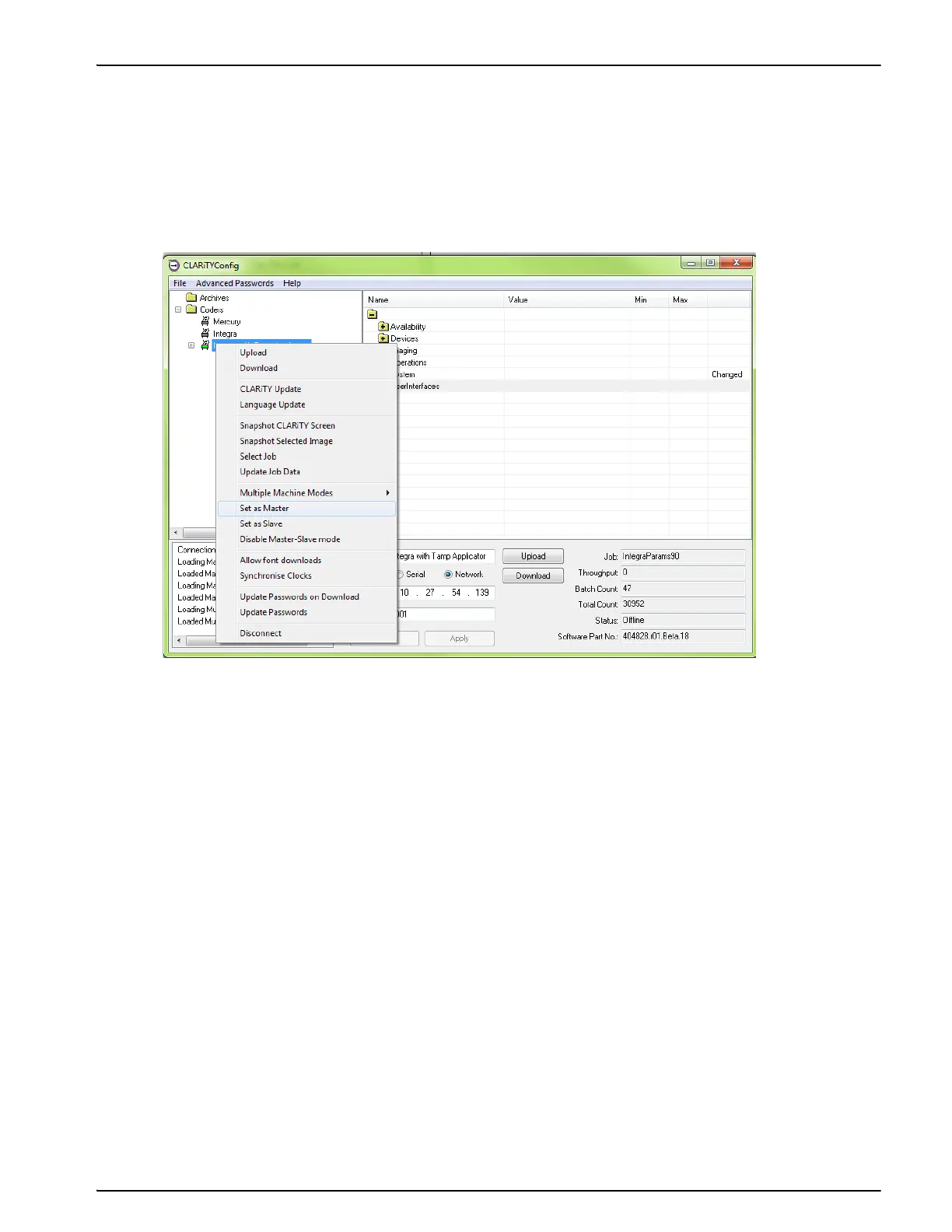
2. Right click on the New Printer icon when the icon turns 'green' and select Set as Master, from
the list as shown in Figure E-11.
Figure E-11: CLARiTY Config - Master Setup



 To Next Page