Videojet DataFlex 6530 Service Manual - Rev AA E-15
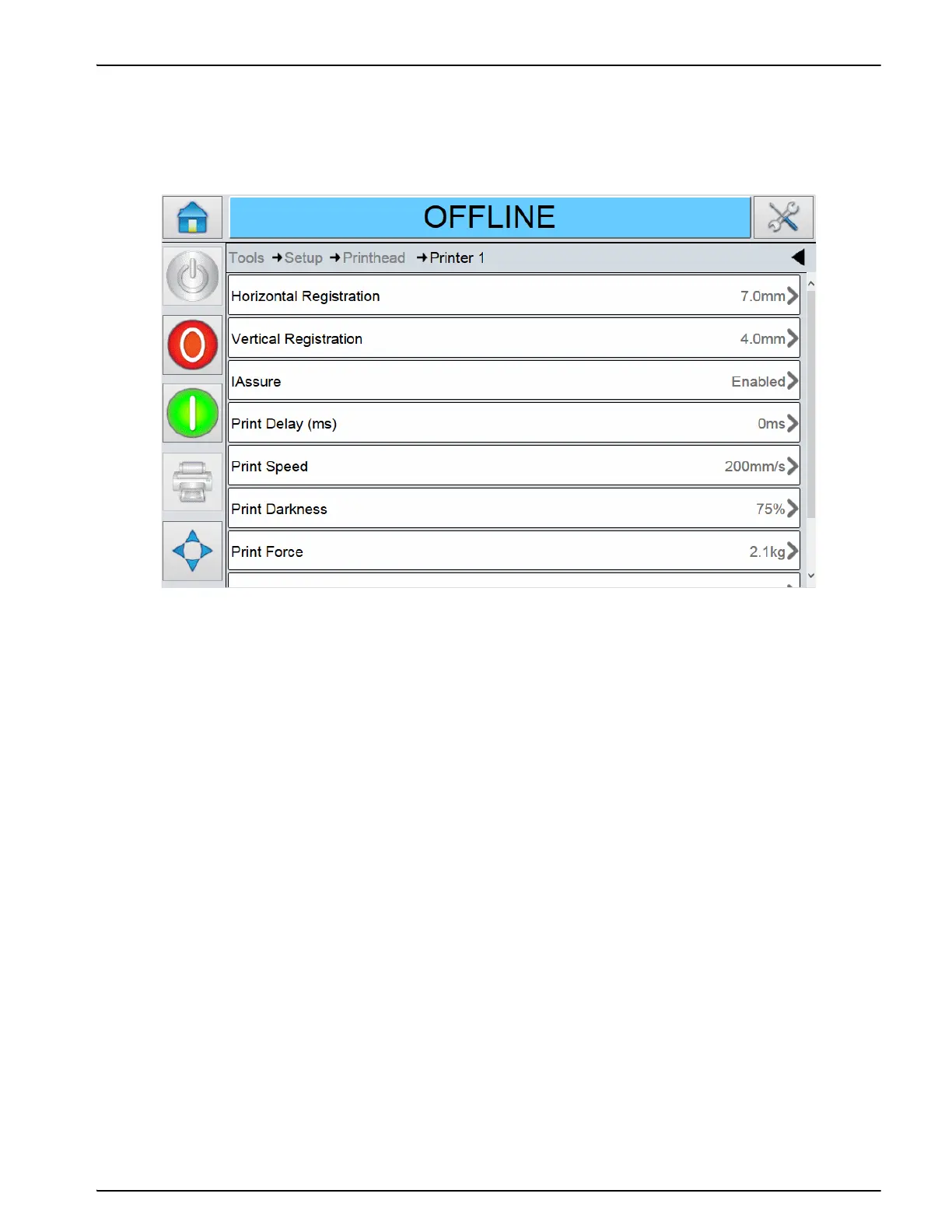
E.1.10.1Assigned Printer Parameter
You can view the assigned printers to the master printer in this parameter.
Touch Tools > Diagnostics > Printhead and select the required printer to view this parameter.
This printer can be disabled (unassigned) via the software. Touch the parameter and set the
value to No on the chosen printer.
This allows a Slave Absent fault to be cleared at the Master CLARiTY, so that the Master and
other Slave printers can continue operation.
Note: When a Slave printer is unassigned, the Master is unable to send commands to the Slave printer
and ignores any information sent from the Slave printer.
Un-assigning a Slave printer is a useful when a printer is removed from the production line for
maintenance and the rest of the printers in the group needs to continue operation.
If a printer is to be permanently removed, reconfigure all printer numbers affected, as described
previously in the Configuration of Master/Slave printers.
Figure E-15: Assign Parameter



 To Next Page