3-10 Videojet DataFlex 6530 Service Manual - Rev AA
Main Parts
3.2 Working with Printer Connections
3.2.1 Product Sensors/Print Signals
There is a 15 pin D-type on the printer that has an I/O cable fitted within the low profile
assembly that is available for input and output connections. There is a second 15 pin D-type
available on the PSU box for I/O connections. Use whichever is the most convenient based on
the install.
The printer can be triggered to print either by a mechanical contact-print signal or a 24 V DC
PNP product sensor.
The printer can be configured to print either on a positive or a negative edge signal.
Note: These settings are known as configuration settings and cannot be set on the CLARiTY panel. For
further information, refer “Configuring the Printer” on page 4-6.
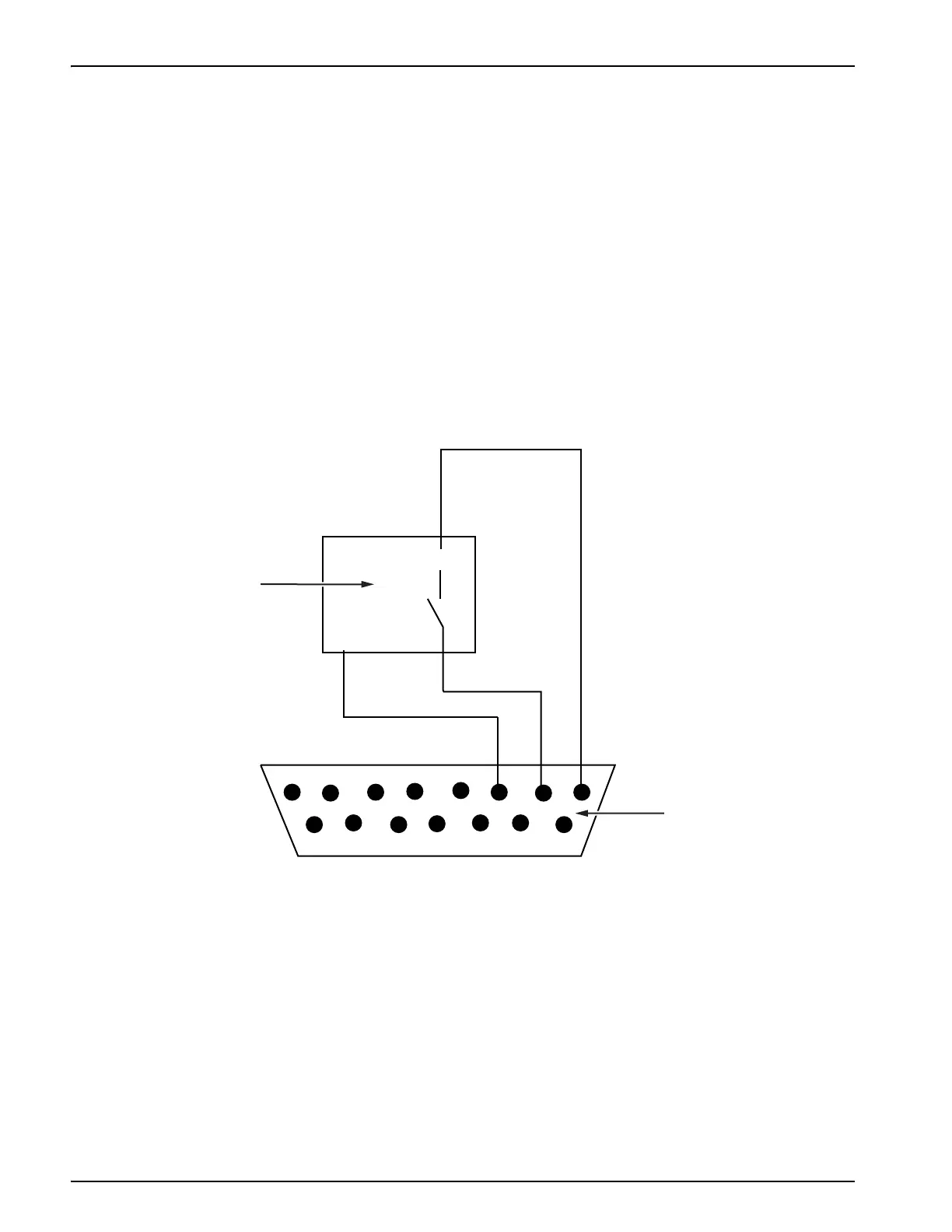
Connect the wiring for the sensor or mechanical contact operation, as shown in Figure 3-16 and
Figure 3-17 on page 3-11.
Figure 3-16: PNP Sensor Wiring (Print Sensor)
1. PNP Sensor
2. 15-pin Male D-type Connector



 To Next Page