E-16 Videojet DataFlex 6530 Service Manual - Rev AA
E.1.11 The Slave Printers
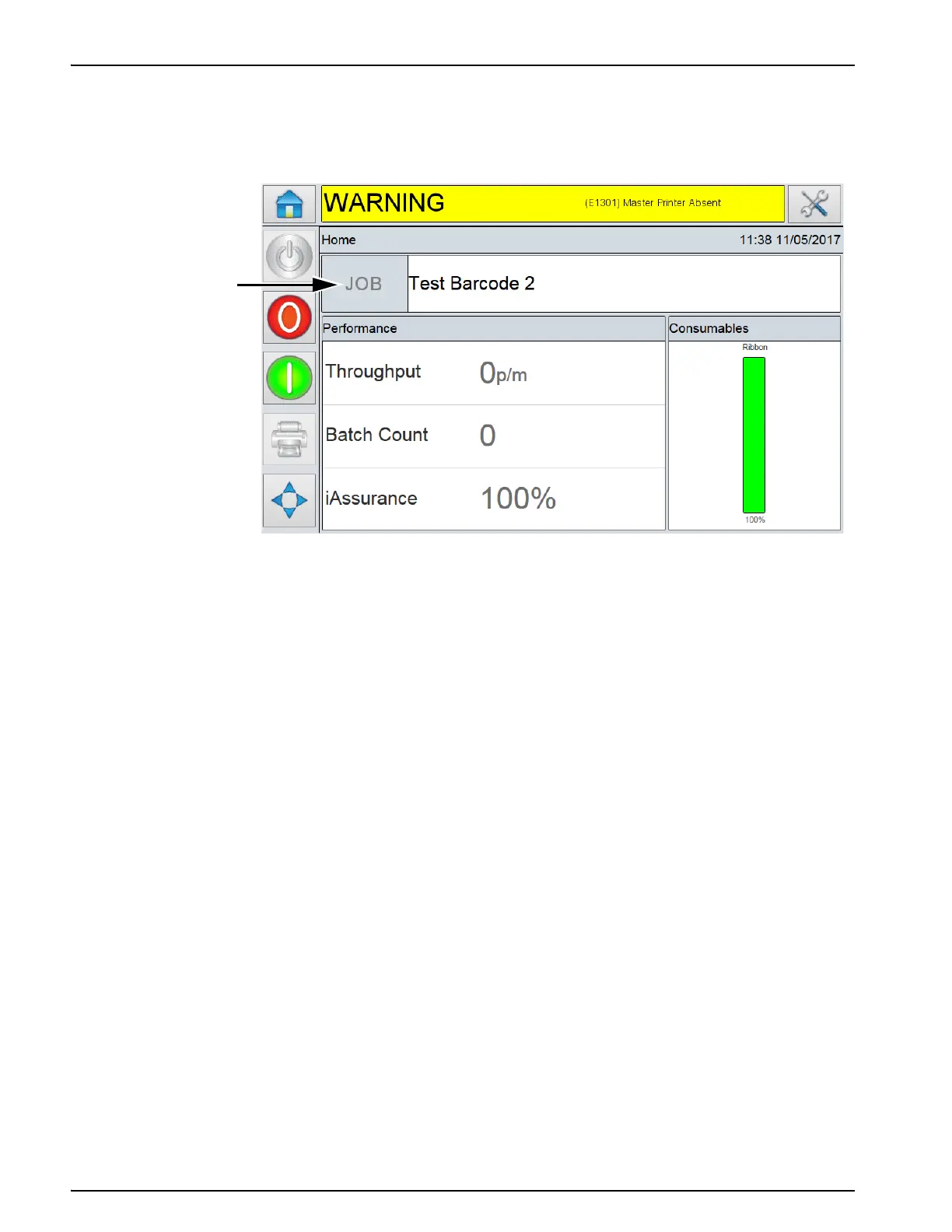
In Group Job Select mode only the JOB button on the home screen of CLARiTY is disabled, as job
selection can only be initiated from the Master printer, as shown in Figure E-18.
Note: Standard Videojet DataFlex 6530
printers in Slave mode and Slave printers (No CLARiTY LCD)
accepts communications from CLARiTY Configuration Manager and other software packages, e.g.
CLARiSOFT.
E.1.12Using Master/Slave Mode - Group Control Mode
Group Control mode allows Slave printers to be controlled from the Master printer CLARiTY
interface.
In addition to the parameters available in Group Job Select mode, additional Setup and
Diagnostics CLARiTY pages are available for setup and diagnostics information.
E.1.13The Master Printer
In Group Control mode, the CLARiTY Operator interface acts differently to that of a standalone
printer.
Using only the screen of the Master printer it is possible to view Diagnostic and edit Setup
information on the Master and any chosen Slave printer, as shown in the example below.
Figure E-16: CLARiTY Home Screen
Disabled
Job Button



 To Next Page