Videojet DataFlex 6530 Service Manual - Rev AA E-17
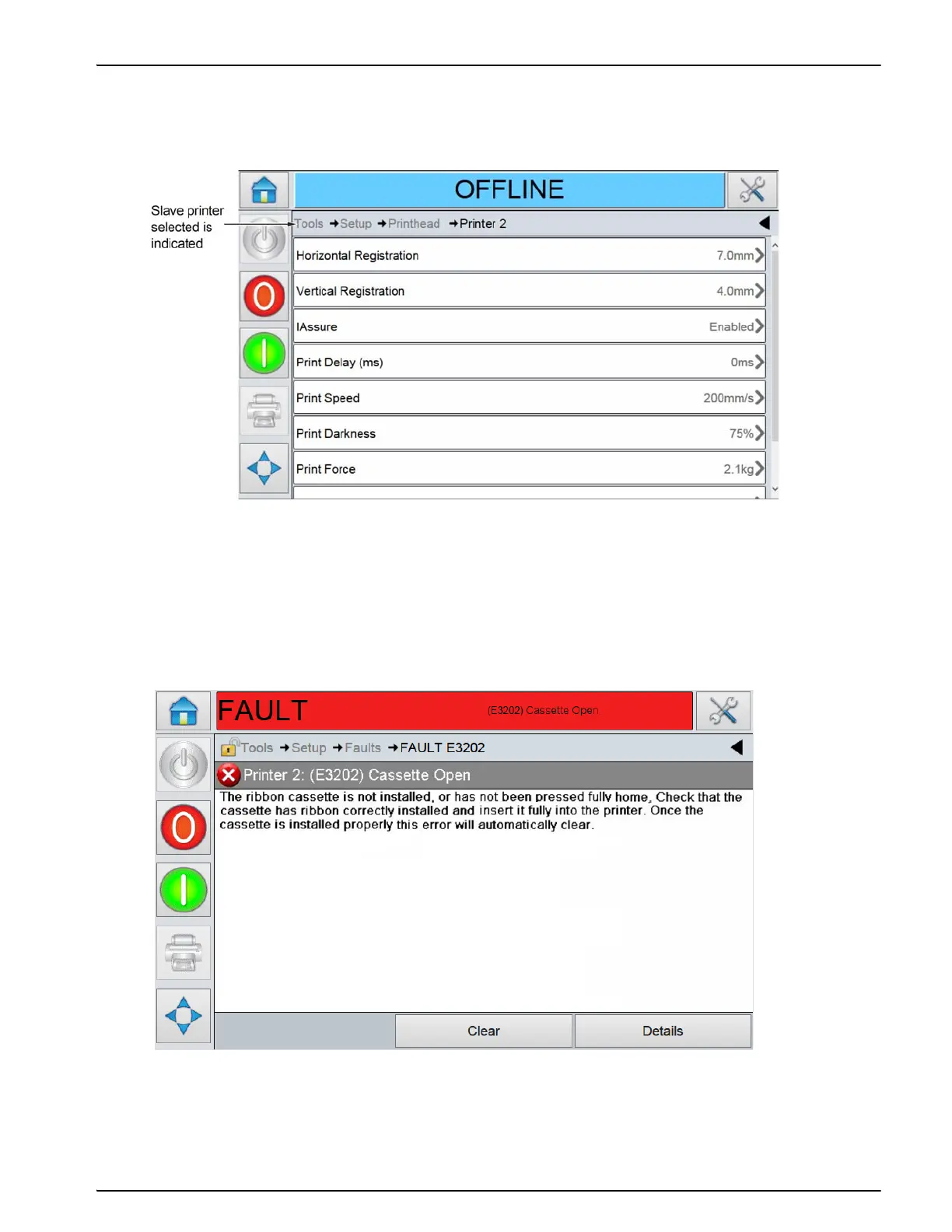
Touch Tools > Diagnostics > Printhead > Printer 1 > Inputs, there is a short delay whilst the Master
printer retrieves the parameters from the Slave 1 printer. These parameters are displayed on the
CLARiTY screen of the Master, as shown in Figure E-17.
If Setup information is selected, any parameters edited would be saved in the selected Slave
printer.
If a Slave printer raises a Fault or Warning, the message is displayed on the Master printer
CLARiTY, as shown in Figure E-18.
The Fault is also displayed on the Slave CLARiTY, if it is a Videojet DataFlex 6530 Printer.
When viewing the details of the error screen on the Master CLARiTY, the name of the Slave
printer raising the error is displayed, e.g. Printer 2.
Figure E-17: Slave Parameters
Figure E-18: Slave Parameters



 To Next Page