Videojet DataFlex 6530 Service Manual - Rev AA 5-3
CLARiTY Operating System
5.3.1 Using the Setup Screen
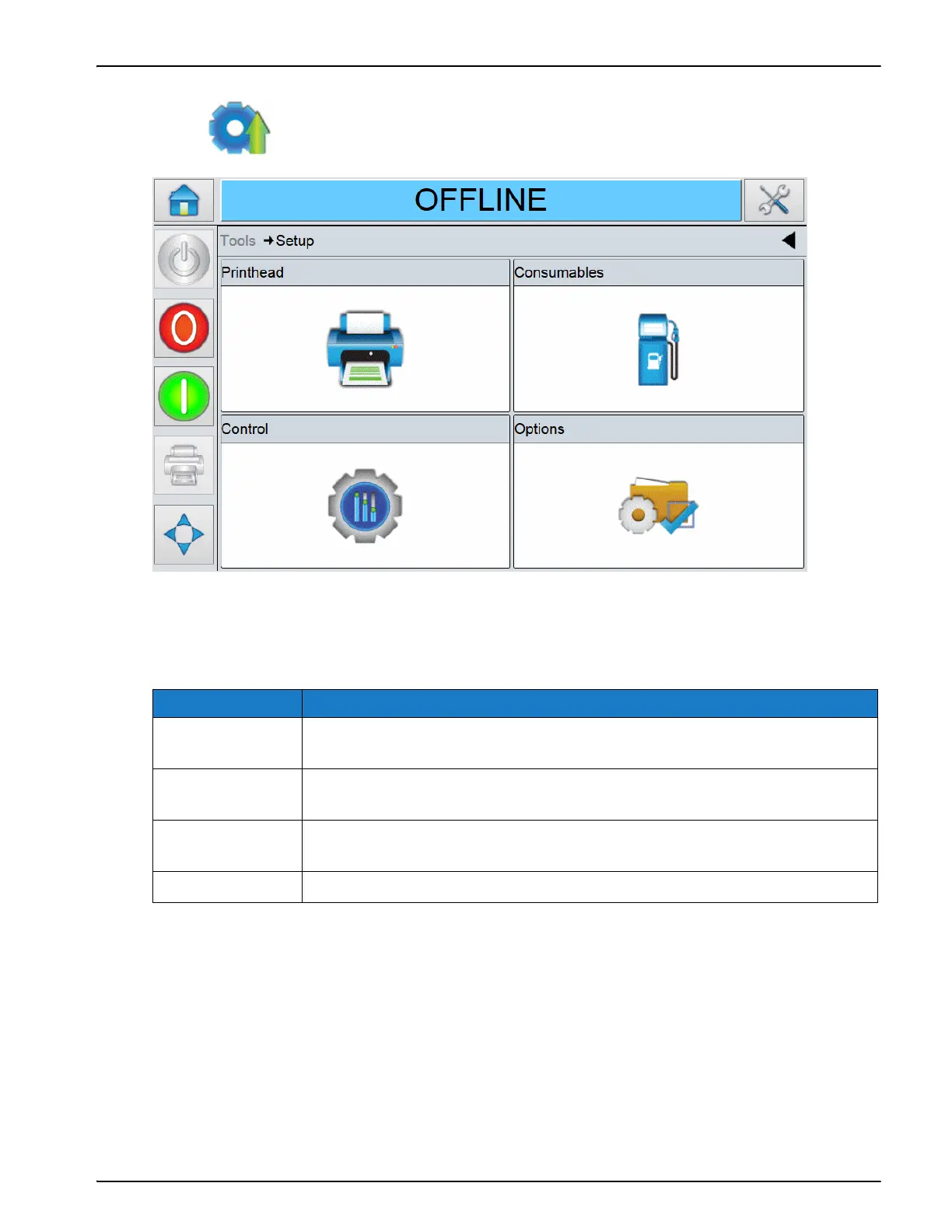
Touch on the Tools screen to access the Setup screen (Figure 5-3).
The Setup screen provides access to the following parameters:
Option Description
Printhead Sets the basic printhead parameters. Refer to “Using the Printhead
Screen” on page 5-4.
Consumables Sets the basic ribbon parameters. Refer to “Using the Consumables
Screen” on page 5-8.
Control Sets the basic printer parameters like date and time, language, network
communications etc. Refer to “Using the Control Screen” on page 5-10
Options There are no options available at this time.
Table 5-2: Setup Screen Description



 To Next Page