Videojet DataFlex 6530 Service Manual - Rev AA 4-15
Installation
4.7.8.2 Editing the Archive in CLARiTY Configuration Manager
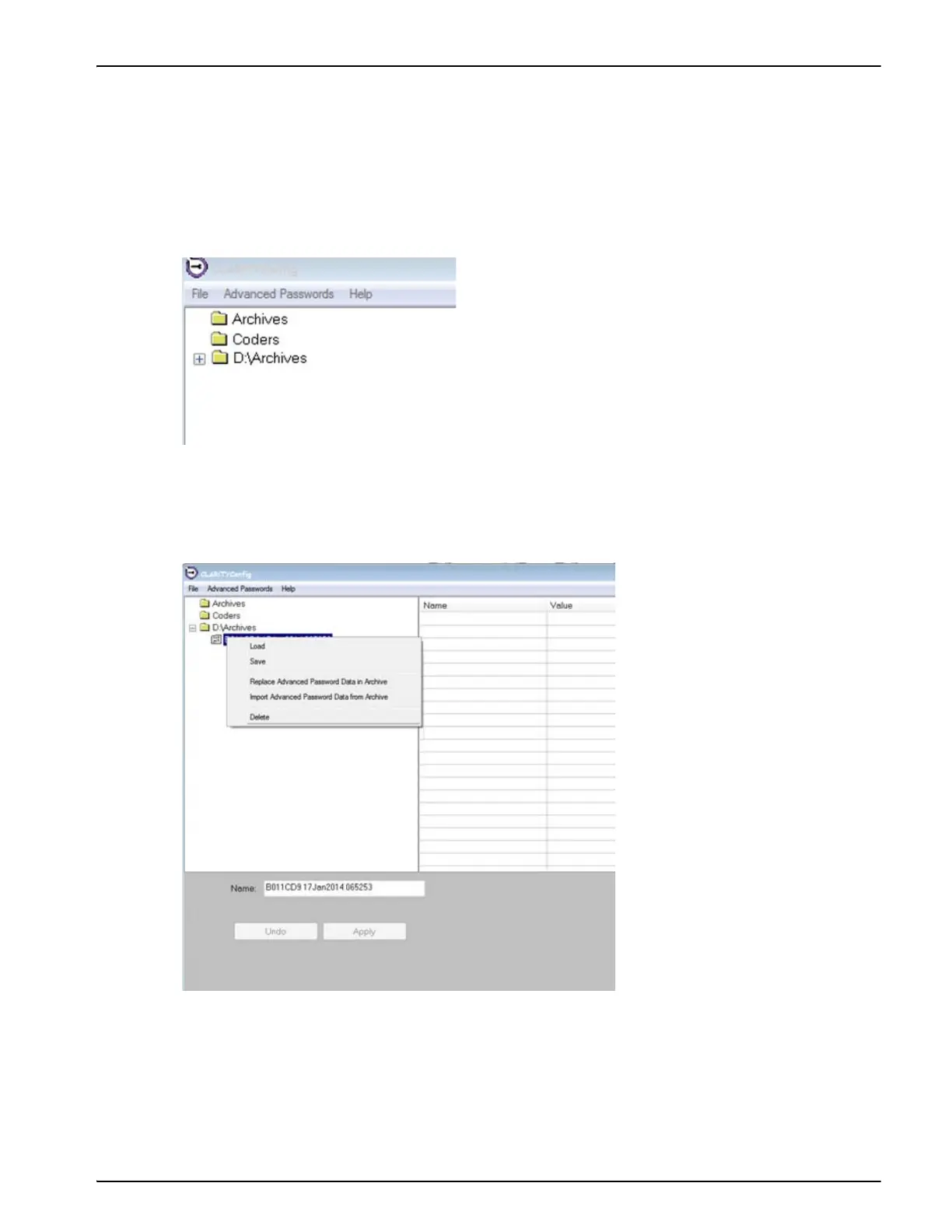
Do the following tasks to edit the archive in CLARiTY Configuration Manager:
1. Insert the USB memory stick into a USB port of the computer running CLARiTY
Configuration Manager.
2. Locate the “Archives” folder for the USB memory stick on the left side of the CLARiTY
Configuration Manager window (i.e. “D:\Archives”) and press the “+” next to the folder.
3. Locate the archive file you wish to edit from the list and right-click on the file name.
4. Select Load from the pop up menu.
5. Make the required changes to the setting on the right hand side of the CLARiTY
Configuration Manager window.
6. Right-click on the name of the archive file and select Save.
Figure 4-15: CLARiTY Config
Figure 4-16: Load Archive File



 To Next Page