Videojet DataFlex 6530 Service Manual - Rev AA F-7
Each fault description takes the user to a more detailed of the fault, likely causes and correction
actions.
F.5.5 Export to USB
The following information can be exported to an external USB stick in a .csv format:
• Availability Metrics
• Event Log
Do the following tasks to export the data to the USB stick:
1. Insert USB stick to the external USB connector.
Note:
‘Export To USB’ button is activated only when a USB stick is inserted.
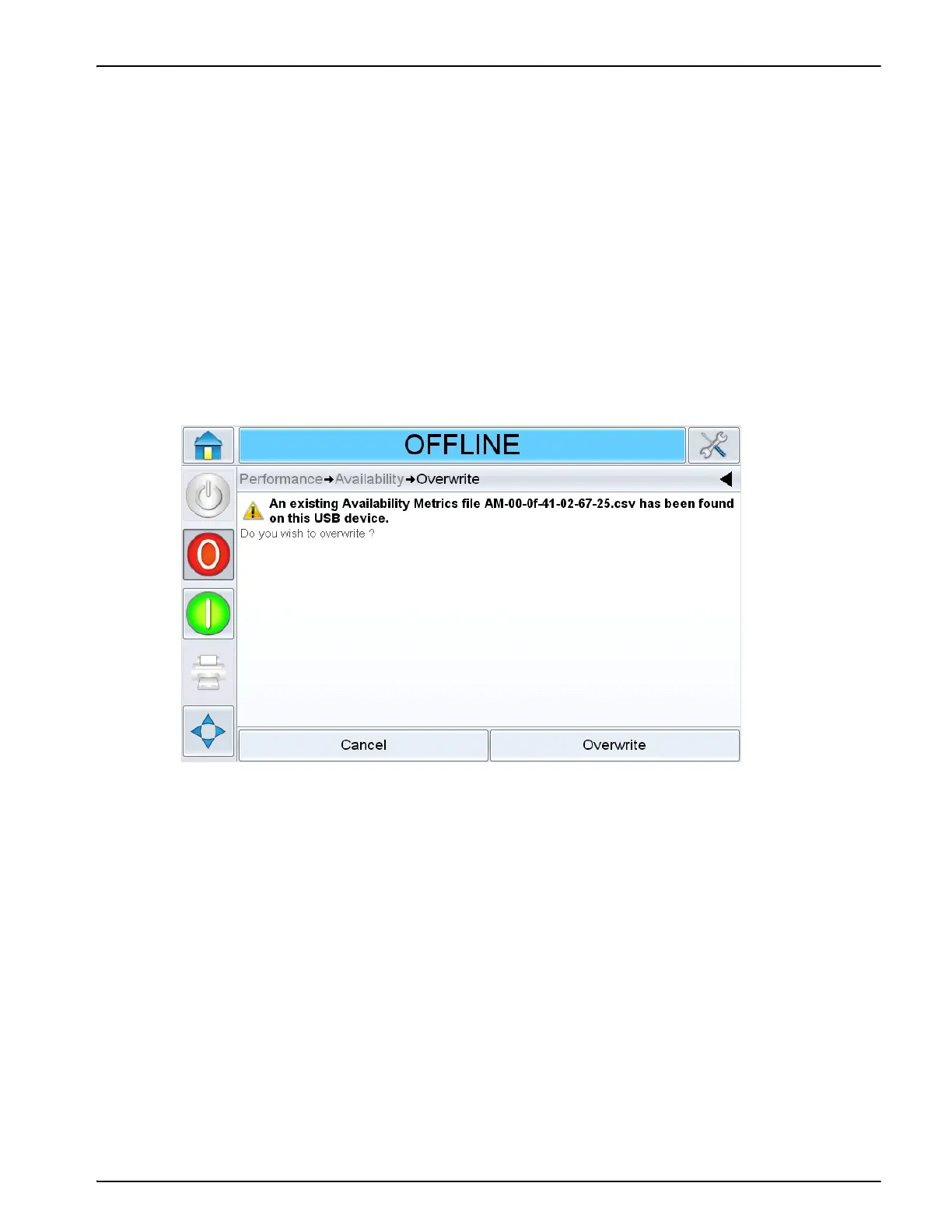
Note: Ensure that the USB stick does not have any previous exported data as you will be asked to
overwrite the files (Figure F-7).
2. Export to USB
Figure F-7: Overwrite Files



 To Next Page