F-6 Videojet DataFlex 6530 Service Manual - Rev AA
The parameters page shows the equipment parameters for the time of the event, 1 minute before
the event and 5 minutes before the event to fully describe and facilitate a diagnosis of the fault
and equipment state, at and just before the fault.
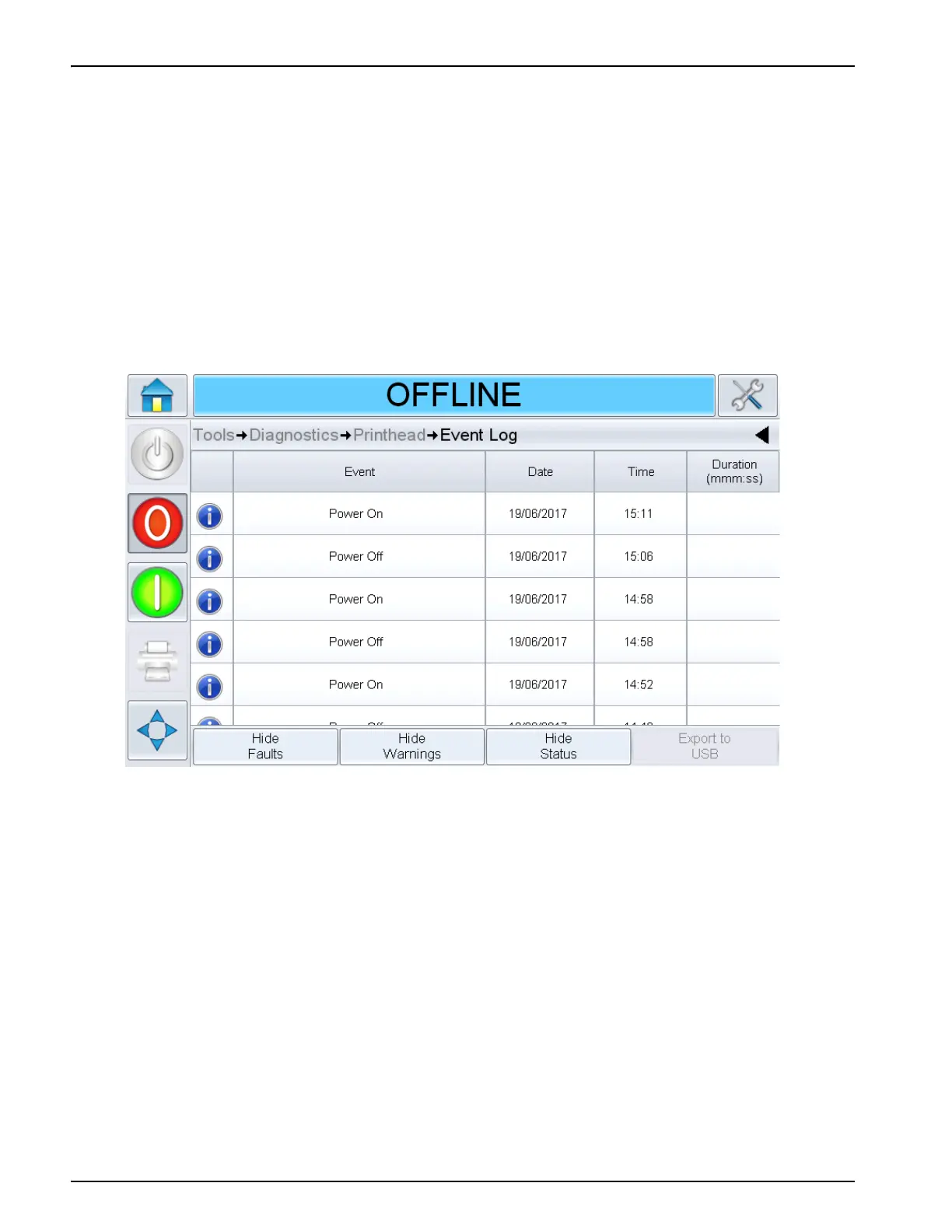
From this page, the event log can be selected that shows all alarms, warnings and status
indicators of the equipment. Selecting event log from this page will show the event log for the
event time.
Touch
Go to Event Log to view Event log page (Figure F-6). You can also view this page by
navigating through
Tools > Diagnostics > Printhead.
The Event log retains all activities happening for a six month period. It can be useful to check
other equipment activities occurring at the same time as a fault to understand the fault context.
You can filter to remove status, warnings, alarms as required.
Touch on the
Event message for detailed description of the fault and where available, the
parameter page can be selected.



 To Next Page