E-18 Videojet DataFlex 6530 Service Manual - Rev AA
Error messages may be cleared in the normal way or, if desired, the printer may be unassigned
to ignore the error (see “Assigned Printer Parameter” on page E-15).
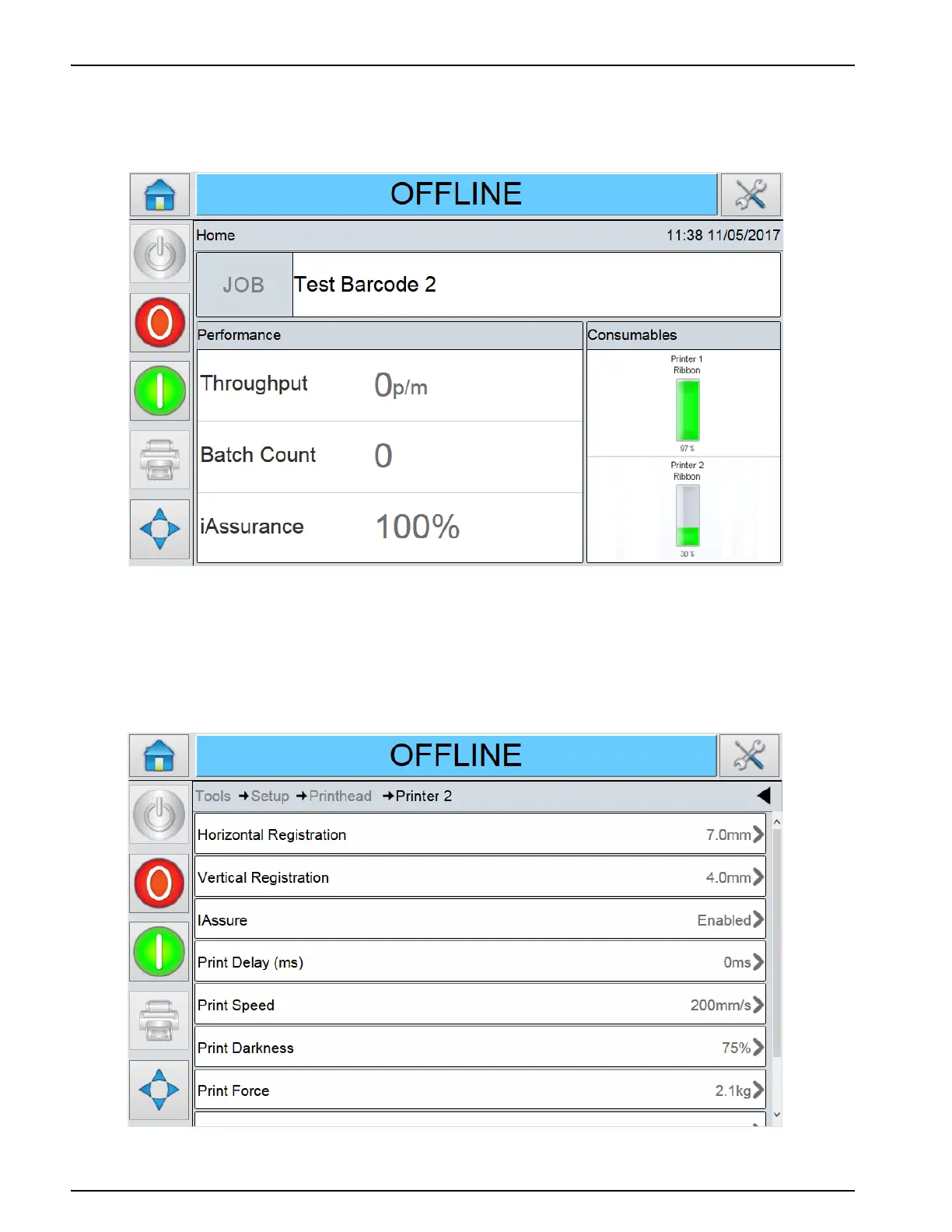
Figure E-19 shows a Master printer has been assigned a single Slave printer. The Consumables
bar for each printer assigned is displayed on the screen of the Master printer.
Consumables information on an individual printer can be viewed further by pressing the chosen
printers consumable bar.
In the same manner, all diagnostic information can also be viewed on the Master printers
operator interface, as shown in Figure E-20 and Figure E-21 on page E-19.
Figure E-19: Master and Slave Consumables
Figure E-20: Master and Slave Diagnostics



 To Next Page