Videojet DataFlex 6530 Service Manual - Rev AA 5-7
CLARiTY Operating System
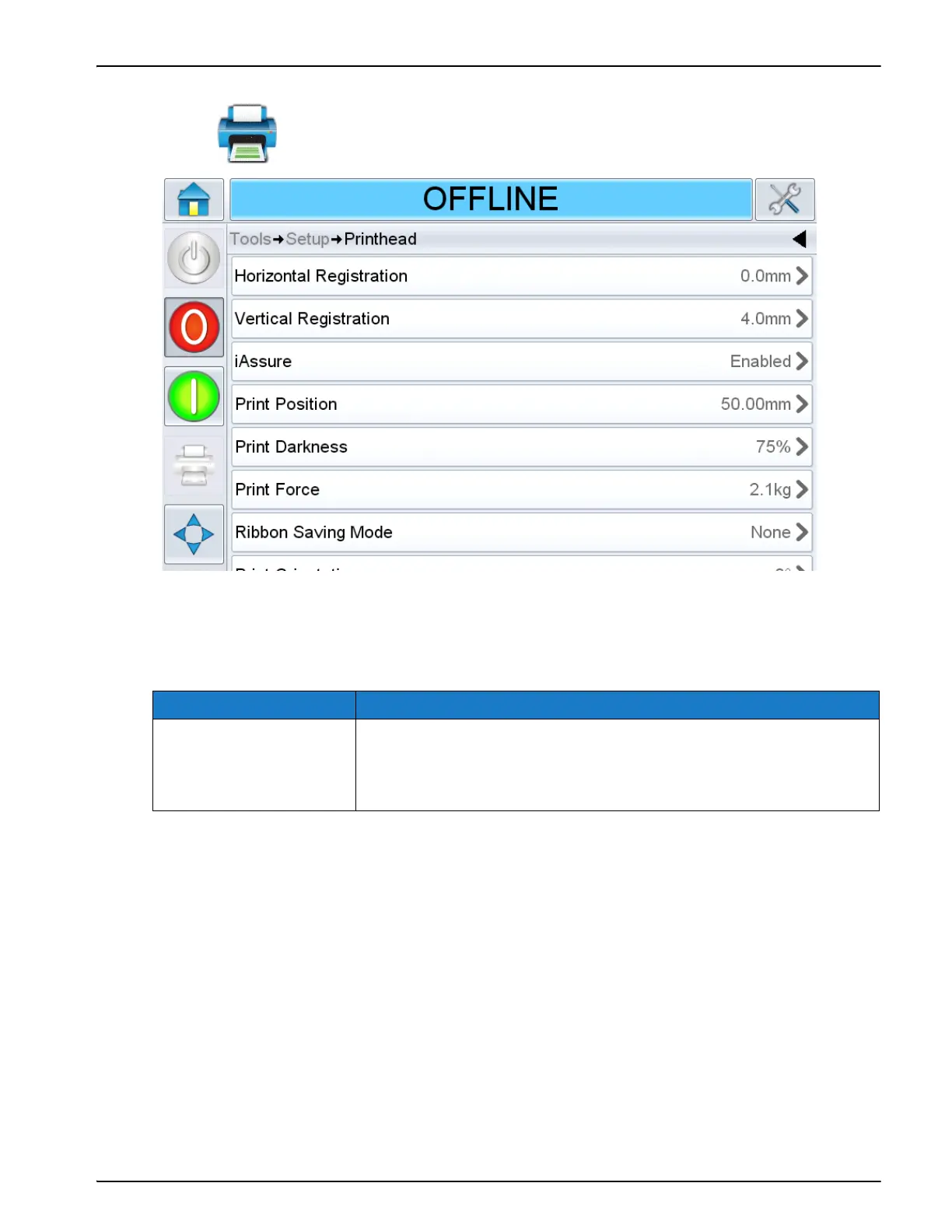
Printhead Setting in Continuous Mode:
Touch on the Setup screen to access the printhead parameters (Figure 5-4).
The Printhead screen in continuous mode provides access to the following parameters:
Note: Other parameters are same as intermittent mode.
Option Description
Print Position Sets the angle of the printhead against the target material by
changing the position of the printhead on the print roller. This
angle affects the print quality. If the angle is not suitable, the
resulting print may appear faded.
Table 5-4: Printhead Parameters in Continuous Mode Description
Figure 5-5: Printhead Parameters in Continuous Mode



 To Next Page