5-6 Videojet DataFlex 6530 Service Manual - Rev AA
CLARiTY Operating System
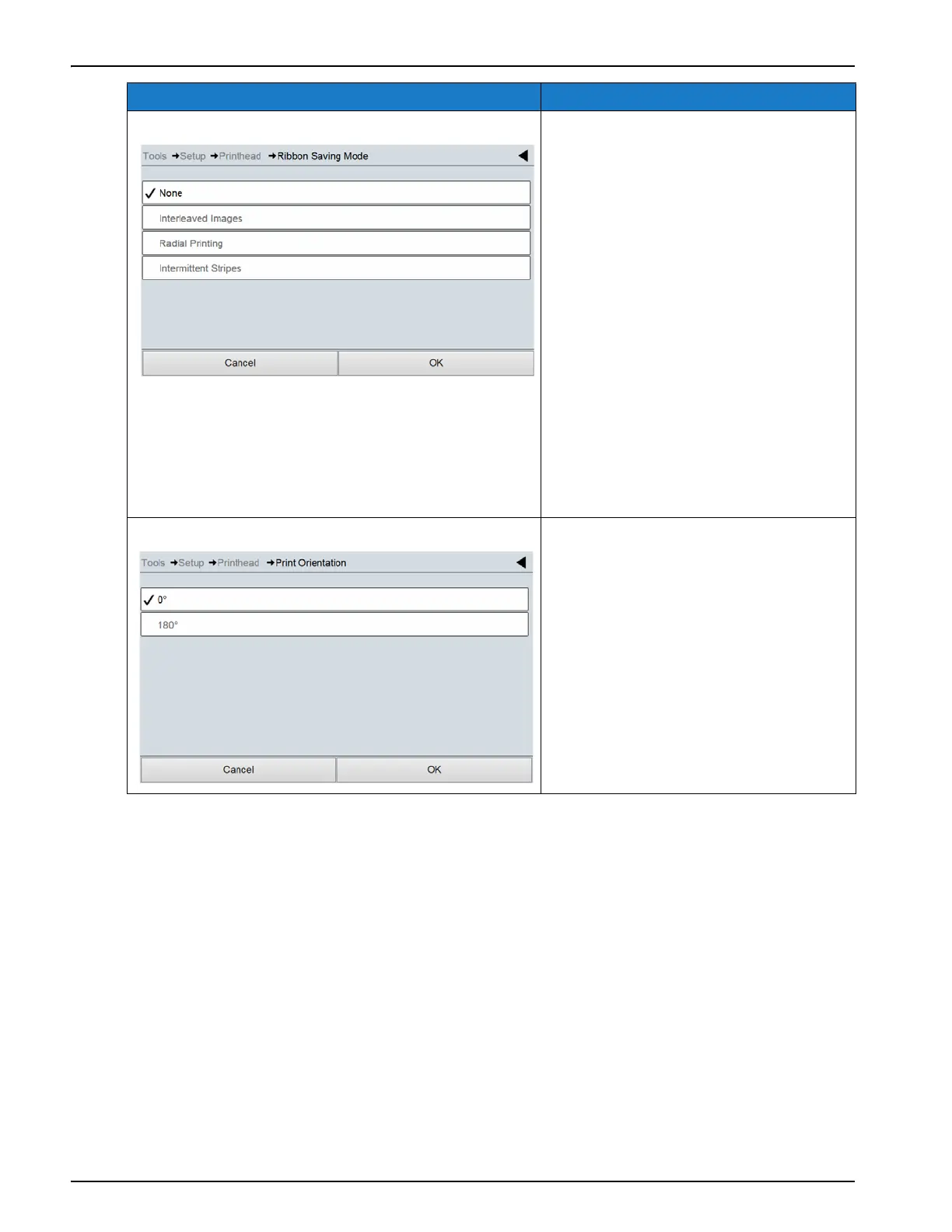
Ribbon Saving Mode The following ribbon saving modes are
available:
• None: No ribbon saving mode
enabled.
• Interleaved Images: Enables a
lower quality draft mode of
printing with a 50% saving in
ribbon consumption.
• Radial Printing: Enables multiple
prints to be printed across the
width of the ribbon. The number
of prints is automatically
calculated by the system
depending on the image height
and the ribbon width.
• Intermittent Stripes: Enables prints
to be printed with gaps between
lines.
Print Orientation Sets the print orientation to 0 or 180
degrees depending on requirement.
Option Description
Table 5-3: Printhead Parameters in Intermittent Mode Description (Continued)



 To Next Page