Videojet DataFlex 6530 Service Manual - Rev AA 5-11
CLARiTY Operating System
CLARiTY Update Selects from a list of available updates.
Update files must be saved in
clarityupdate folder on the root of the
USB memory stick to be recognized.
Note: Only present when a USB
memory stick containing update files is
inserted.
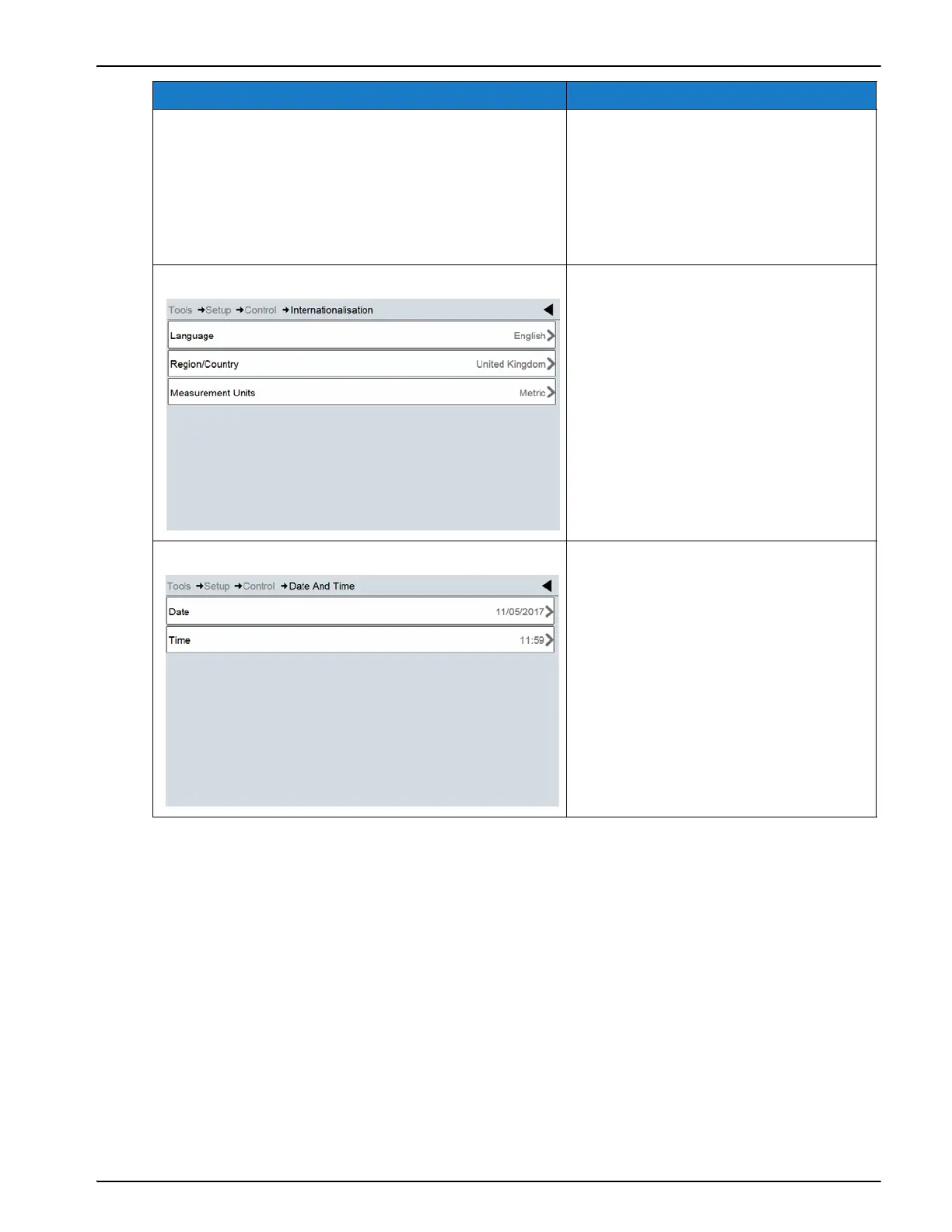
Internationalisation Sets the language of the user interface
and the international region which
control date/time formats displayed
on the screen along with the required
measurement units.
Date and Time Sets the system date and time of the
coder.
Option Description
Table 5-6: Control Screen Description (Continued)



 To Next Page