ZEISS OPERATION Axio Imager 2
Operating the motorized microscope via the touchscreen of the TFT display
122 430000-7544-001 01/2016
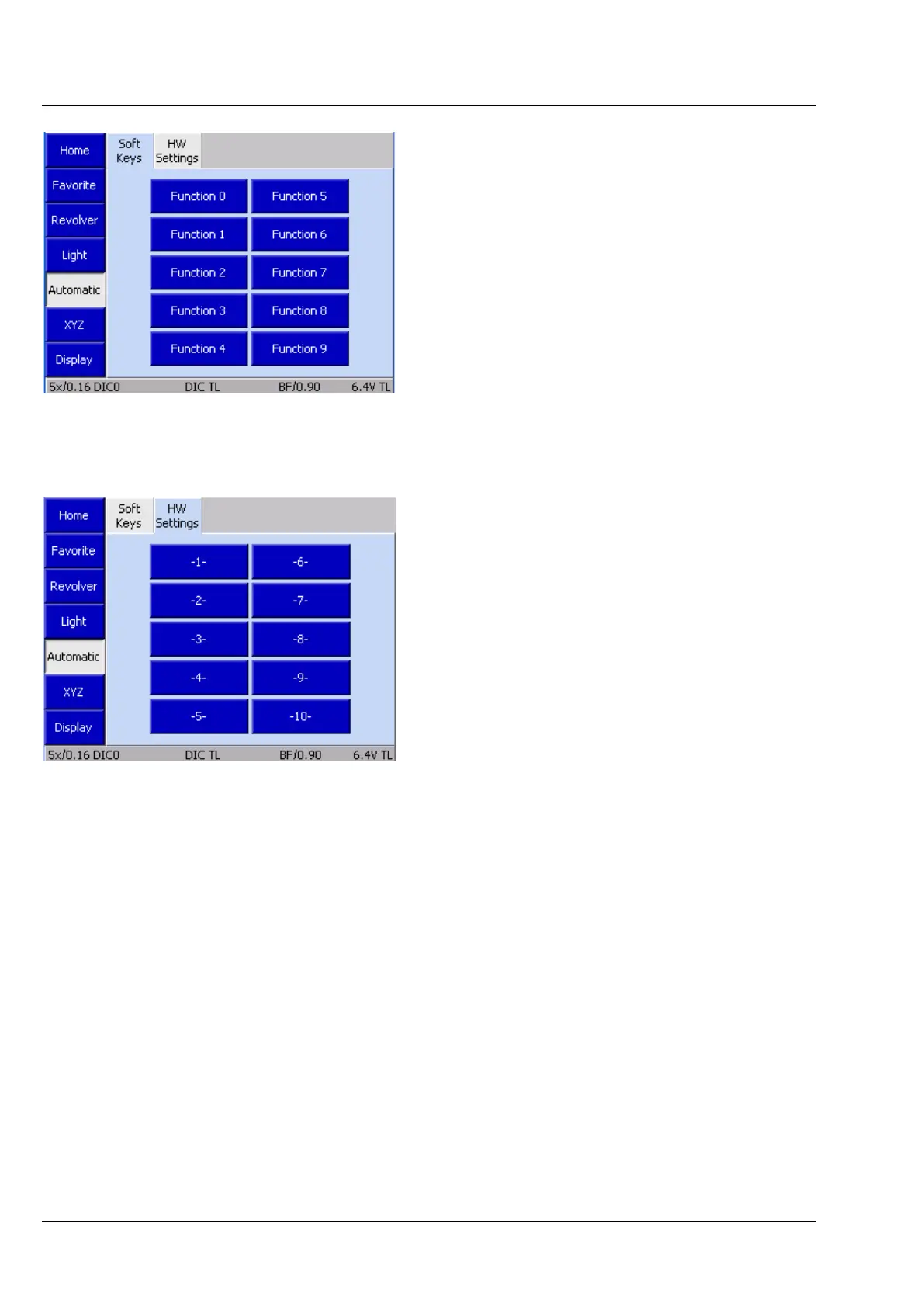
4.8.5.3 Automatic operation page
This menu item contains two tabs:
− Soft Keys and
− HW Settings
(1) Soft Keys tab
On this page, ten functions or courses of action
can be selected by the Axio Vision which may then
be called up from here when the program is being
run.
These can be simple settings, or a camera
snapshot, or even a complex experiment. The
selection is made under the My AxioVision menu
item.
These functions are only active when the
AxioVision software is running and connected to
the microscope.
(2) HW Settings tab
Hardware settings defined on the microscope can
be called up on this page. Complex settings can be
saved in an easy and user-specific manner and
called up later at the touch of a single button.
For allocation, see also Section 4.8.6.
Fig. 119 Microscope -> Automatic ->
Soft Keys
Fig. 120 Microscope -> Automatic ->








 To Next Page