Instructions for Use 9 Analyzing Exam Data and Creating Reports
2660021169042 Rev. A 2018-03 9.4 Working with Viewport Images
2660021169042 Rev. A 2018-03 141 / 246
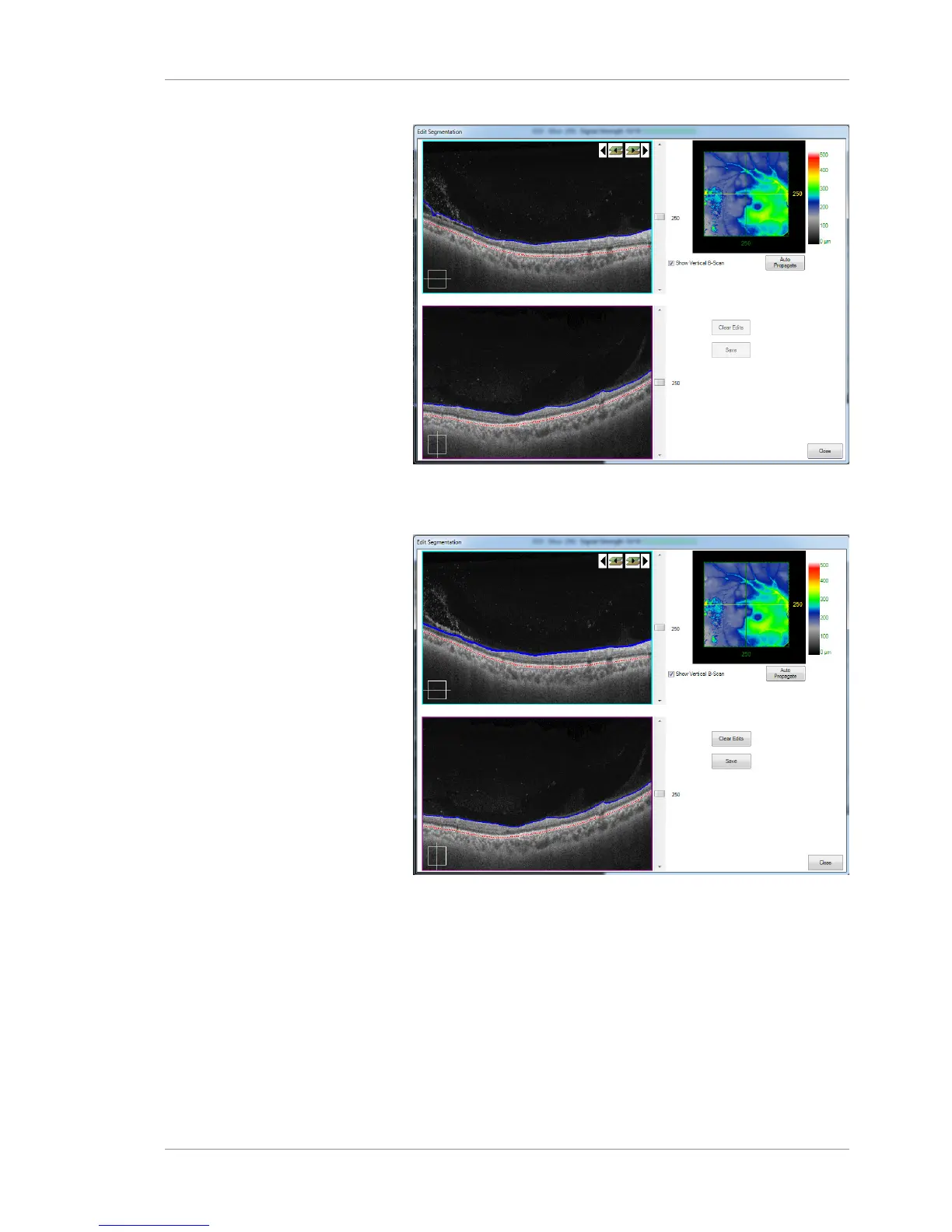
2. Select and drag the blue segmentation line (ILM layer) or the
red segmentation line (RPE) to adjust a boundary, as shown
below.
3. Select Auto Propagate. Your edits will follow the new
selected boundary as shown here:













 To Next Page