13 Maintenance and Repair Instructions for Use
2660021169042 Rev. A 2018-0313.3 Performance Verification Check
192 / 246 2660021169042 Rev. A 2018-03
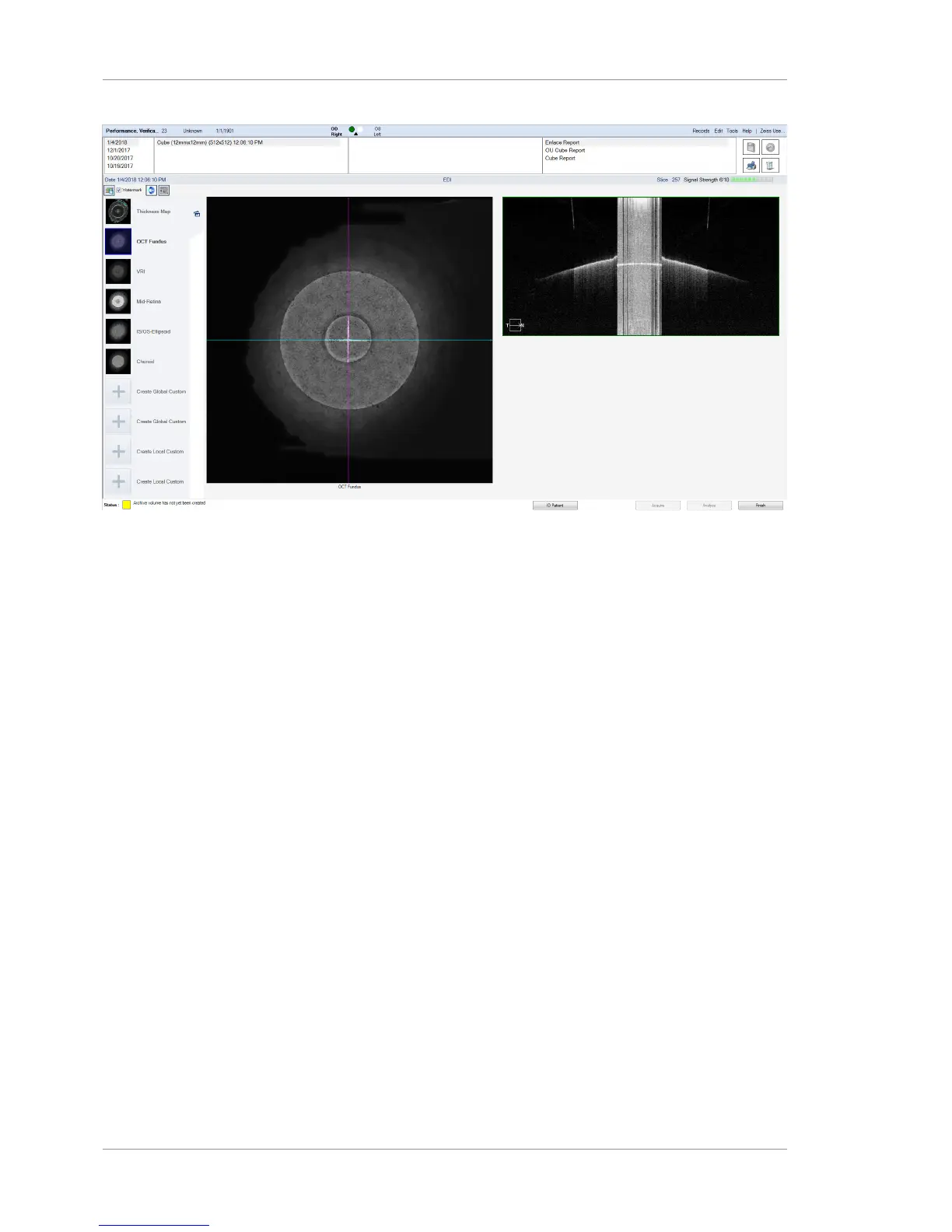
Figure43: Review screen with En Face selected. Note the poor image quality on the right. This is unimportant
and no adjustment to the image is required.
13. When the scan loads, make sure that OCT Fundus is selected.
14. NOTE!When the blue and magenta lines are correctly
centered, you may find it difficult to see where they
cross, because the scan lines are nearly as thick as the
lines that comprise the central cross. Double–click
anywhere on the fundus image to make it appear full screen.
Note the cross–hair pattern in the center of the target. The
alignment target is in the center of the cross–hair. The white
cross defines the acceptable range of alignment between the
fundus image and the OCT scan image, as explained below.













 To Next Page