4 Installation Instructions for Use
2660021169042 Rev. A 2018-034.3 Install Review Station Software
52 / 246 2660021169042 Rev. A 2018-03
NOTE
The review software installs in several steps and takes a few
minutes to complete. A series of progress bars indicate the
progress of each step.
ð When all installation steps are complete, the finish prompt
opens.
6. Click Finish.
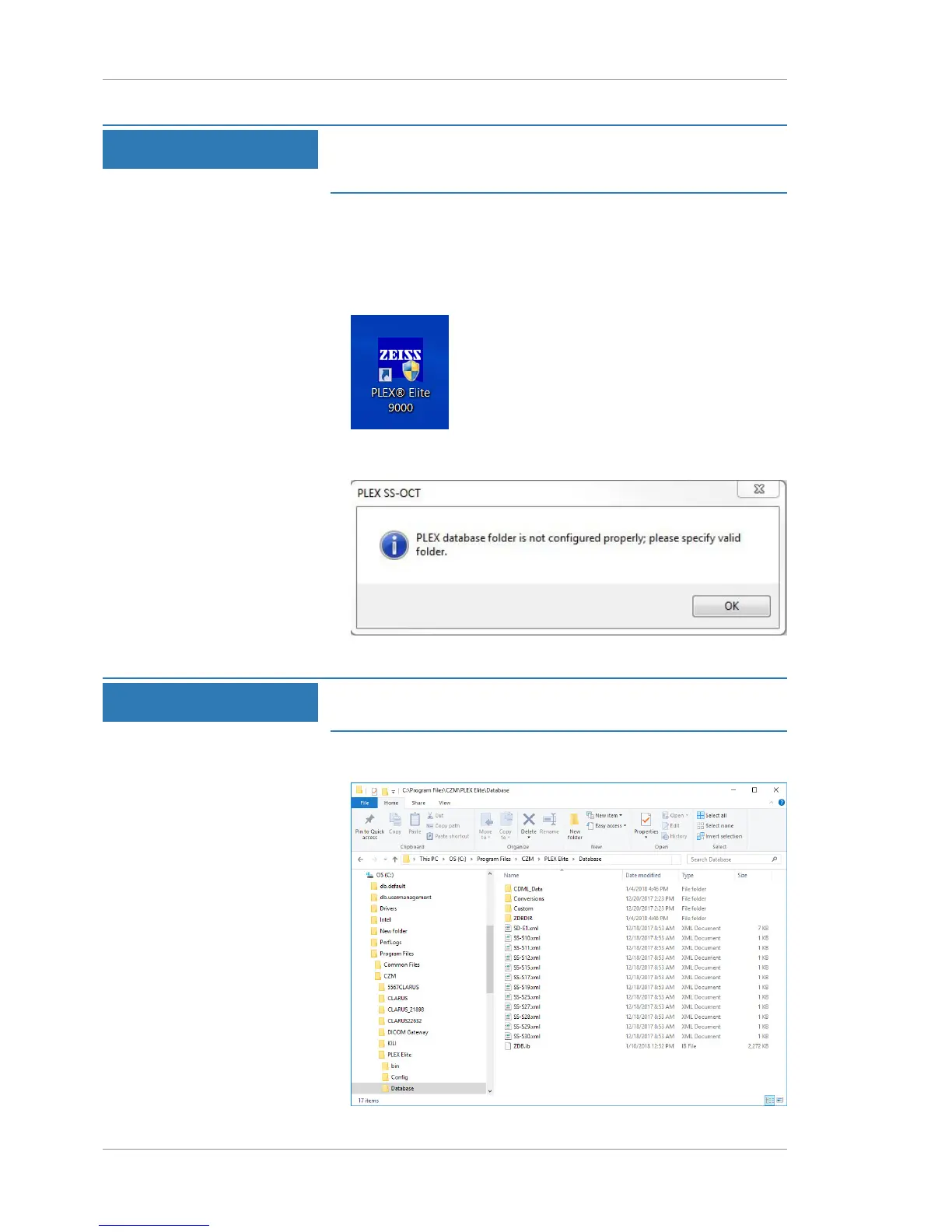
ð The PLEX® Elite 9000 shortcut appears on the computer's
desktop.
ð The application opens automatically and a database
location prompt opens.
7. Click OK.
NOTE
During installation, select the default database.
After installation you can select an existing database.
8. Navigate to C:\Program Files\CZM\PLEX Elite
\Database.













 To Next Page