11: CFM
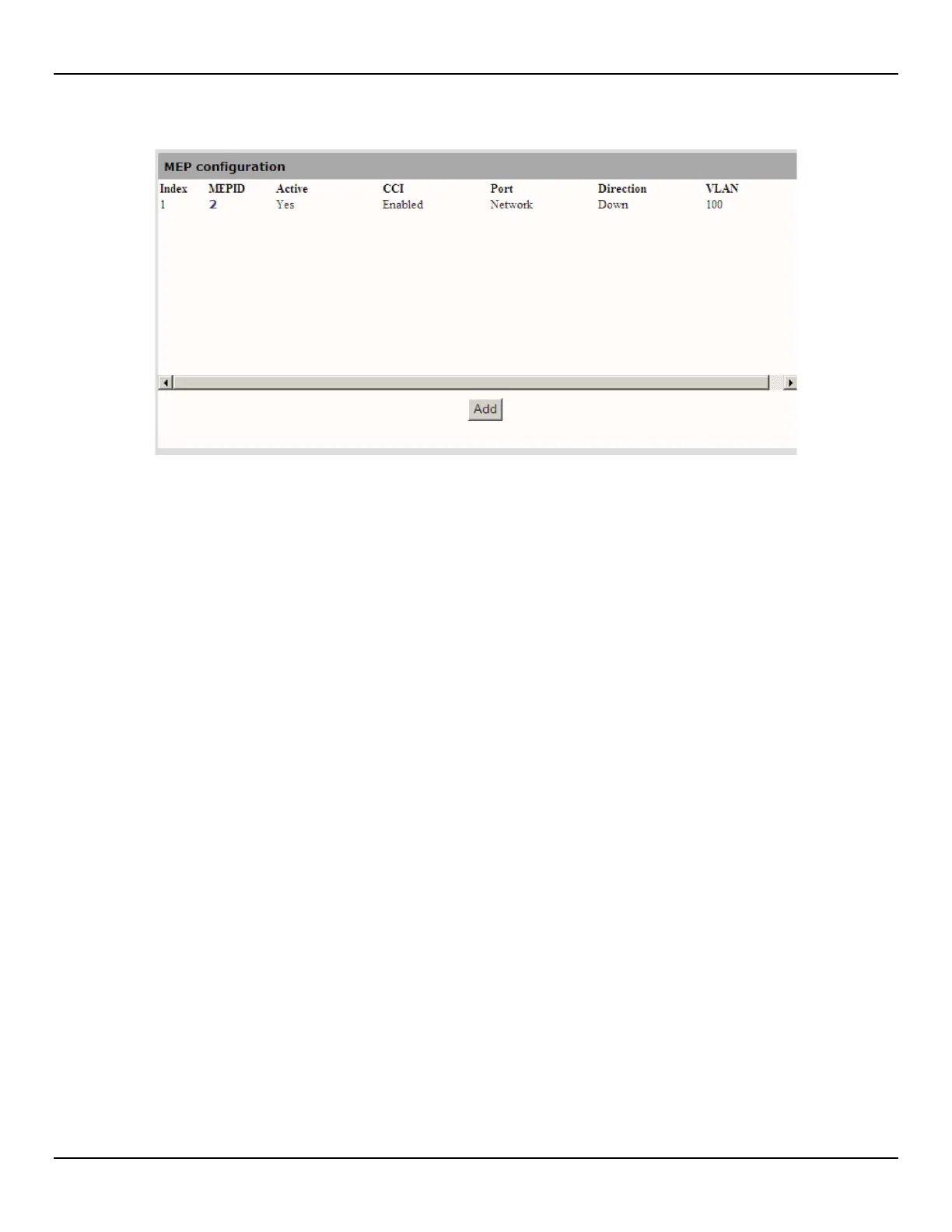
6. Open the CFM > MEP > Configuration page
z Index: Unique index assigned to each Maintenance association End Point.
z MEPID: Maintenance association End Point Identifier (MEPID). An integer, unique to each MA, identifying a
specific MEP.
z Active: Indicates the administrative state of the MEP. True indicates that the MEP is to function normally, and
false indicates that it is to cease functioning.
z CCI: Indicates, if set to true, that the MEP will generate CCM messages
z Port: Indicates the port used by this MEP.
z Direction: The direction in which the MEP faces on the Bridge port. This can be up or down.
z VLAN: The Primary VLAN ID of the MEP. This is always one of the VLAN IDs assigned to the MEP's MA. The
value 0 indicates that either the Primary VLAN ID is that of the MEP's MA, or that the MEP's MA is associated
with no VLAN ID.



 To Next Page