Removing the Module
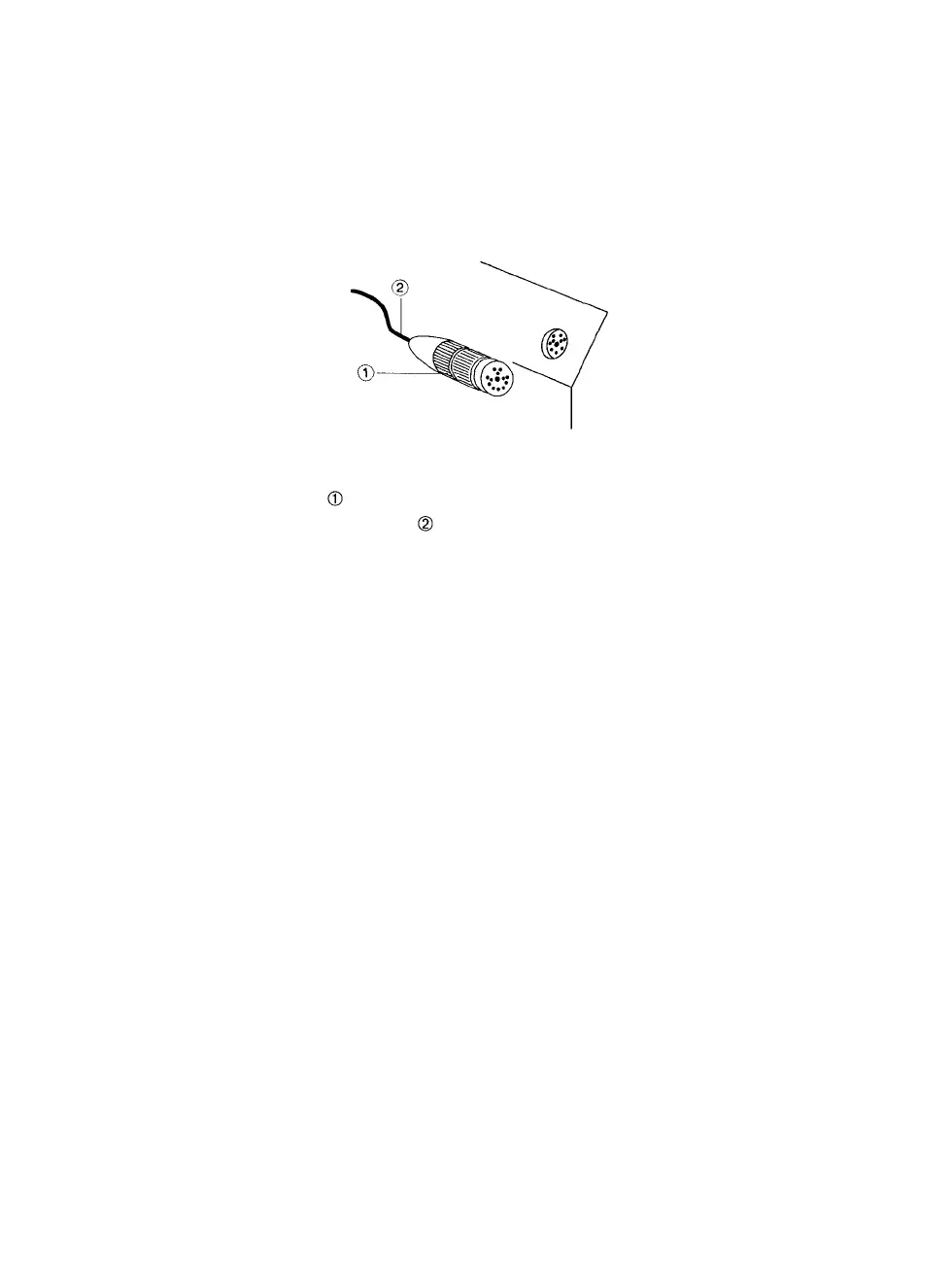
Step 1: Carefully unscrew the locking ring on the module cable con-
nector and pull it straight out. Do not pull on the cable be-
cause this can damage it. See Figure 2.
Figure 2. Removing the camera module.
-Module cable connector locking ring,
-Module cable.
Step 2: Find the two thumb screws on the opposite corners of the
module plate—see Figure 1. Turn the screws counterclock-
wise until they are loose. This releases the camera module
assembly from the PCR II Plus.
Step
3:
Lift
the
module
straight
up to
remove
it
from
the PCR II
Plus.
Note: After you remove the camera module, store
it so that the lens is protected from dust, dirt, and
contact with any objects.
PCR II Plus 35mm Camera Module • 3



 To Next Page