Power Connection
To connect the PCR II Plus power cord:
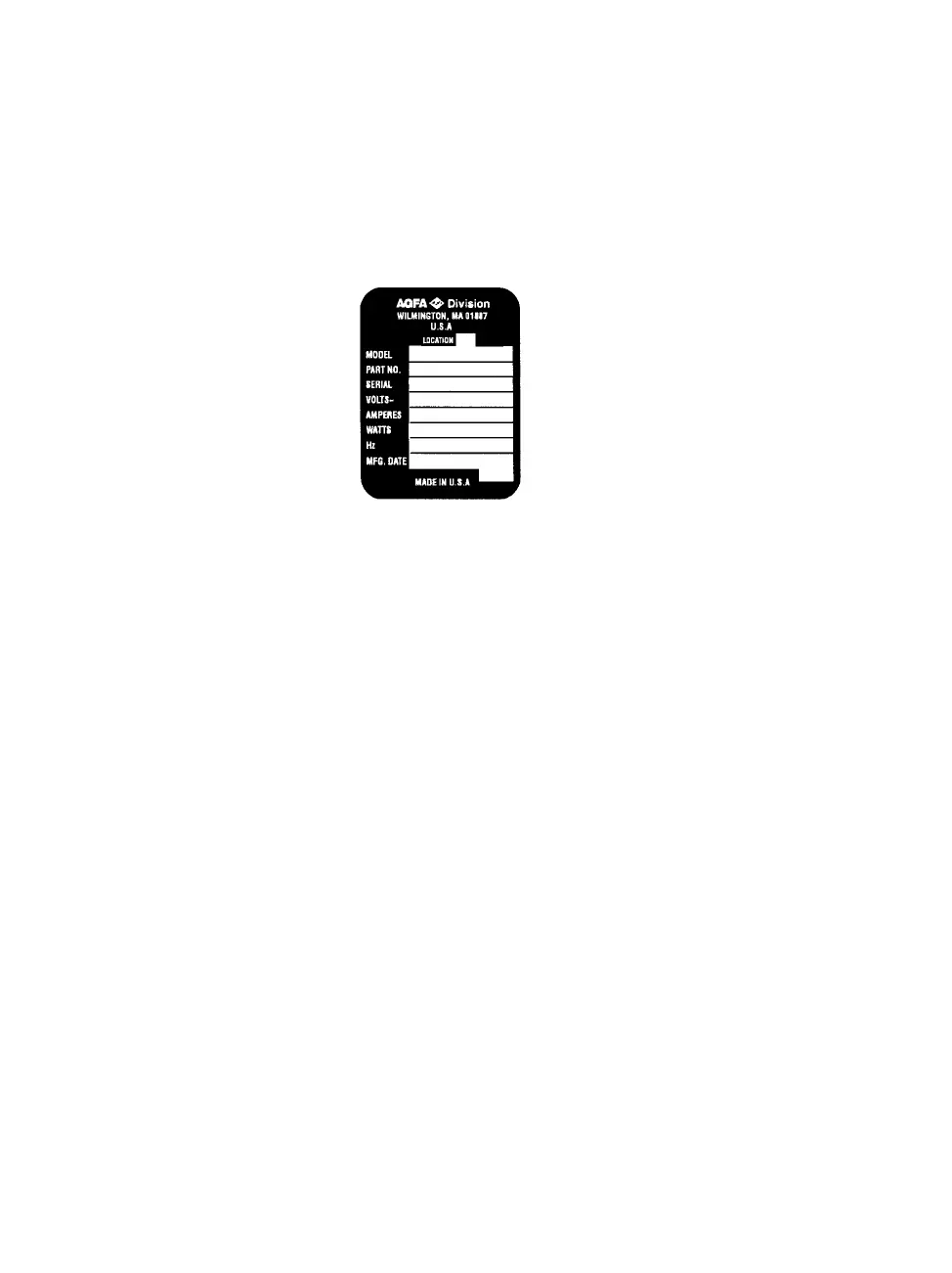
Step 1: Make sure that the wall current matches the power specifi-
cations stated on the film recorder's serial number tag. See
Figure 2.1.
Step 2:
Step 3:
Figure 2.1. Serial Number Tag
Make sure that the PCR II Plus power switch is in the OFF
position. The power switch is located on the rear panel. See
Figure 2.2.
Connect the female end of the power cord supplied with the
film recorder to the three-pronged socket on the rear panel.
See Figure 2.2.
2-2 • PCR II Plus User Guide



 To Next Page