Connecting to a SCSI Interface
This section describes how to connect the PCR II Plus to devices that
use SCSI communication.
You need the appropriate SCSI cables to complete the installation.
These cables may be supplied with peripheral devices, or may be pur-
chased separately.
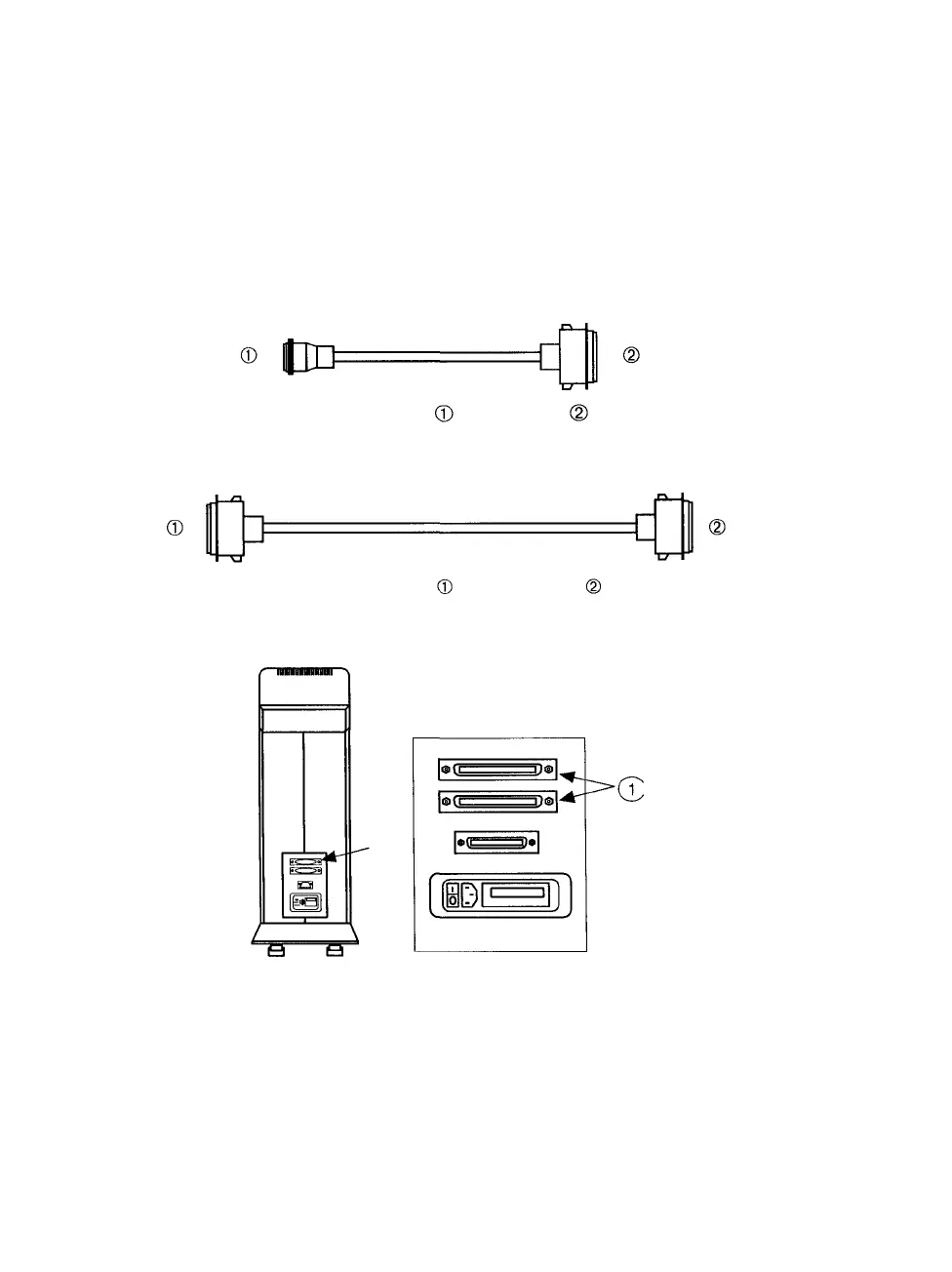
Figure 2 4 SCSI system cable —25 pin plug —50 pin plug
Used to connect the Macintosh SCSI port to the film recorder or other SCSI device
Figure 2 5 SCSI cable extender —50 pin socket —50 pin plug
Connects to a terminator or a SCSI cable from another peripheral device
Figure 2 6 There are two SCSI ports on the PCR II Plus rear panel
On the PCR II Plus, as on other SCSI devices, these two ports are interchangeable
2-6 • PCR II Plus User Guide



 To Next Page