Using the Front Panel Controls
This section explains how to use the PCR II Plus front panel switches
and display to select the pacing and repeat values, shoot test patterns,
set the device address and optimize the color balance of your film out-
put.
Front Panel
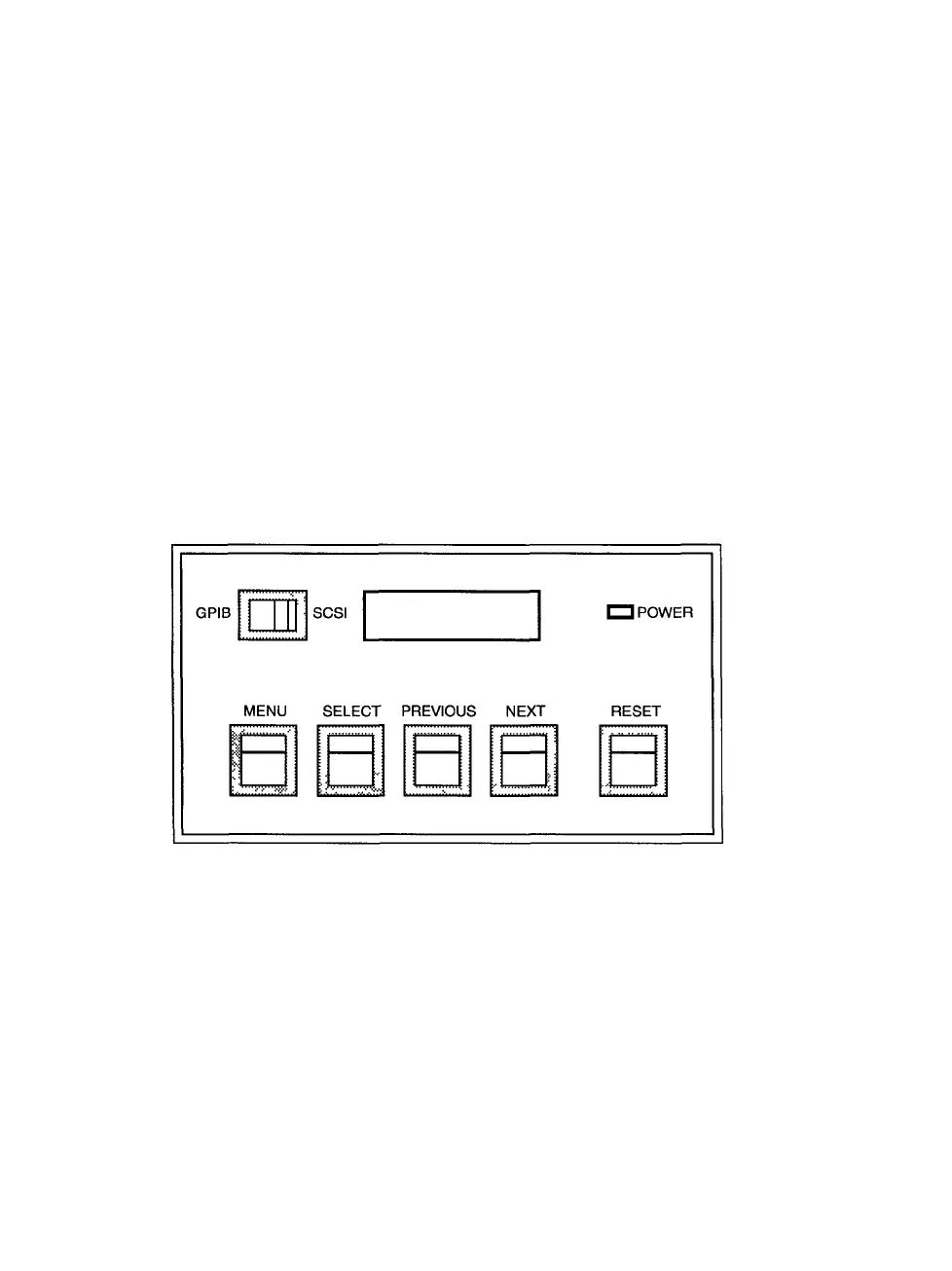
The PCR II Plus uses a 16-character, 2-line LCD message window to
display status and error codes. There are four control buttons on the
front panel—MENU, SELECT, PREVIOUS and NEXT. These enable you
to scroll through the film recorder's user menus and select among a
wide range of setup parameters and test routines. You can switch be-
tween GPIB and SCSI operation using a single front panel switch. The
reset button is also located on this front panel (see Figure 3.2).
Figure 3.2. PCR II Plus Control Panel
3-4 • PCR II Plus User Guide



 To Next Page