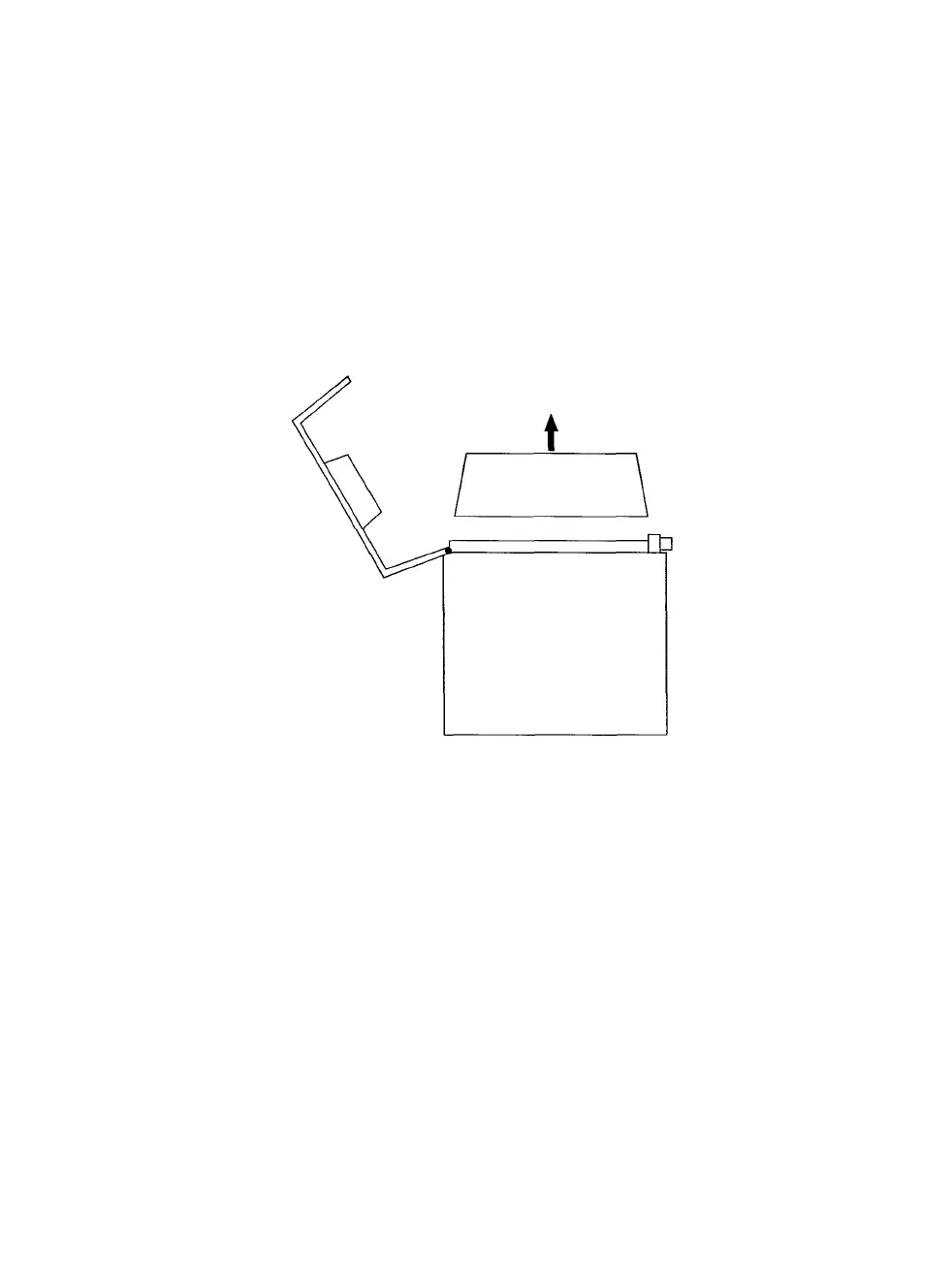
Removing the Film Cartridge
The
film
cartridge
is a
unit
inside
the
120/220
module
that
holds
the
film. You need to remove it from the module to load and unload film.
Step 1: Make sure the PCR II is turned on.
Step 2: Locate the back lock releases on the right side of the camera
module, then slide them outward.
Step 3: Open the back of the module and lift the film cartridge up
and
out.
Figure 2. Open the back of the module and lift the film cartridge up and out.
PCR II Plus 120/220 Camera Module • 3



 To Next Page