Removing the Camera Module
Follow this procedure to remove the 120/220 camera module from the
PCR II Plus:
Step 1:
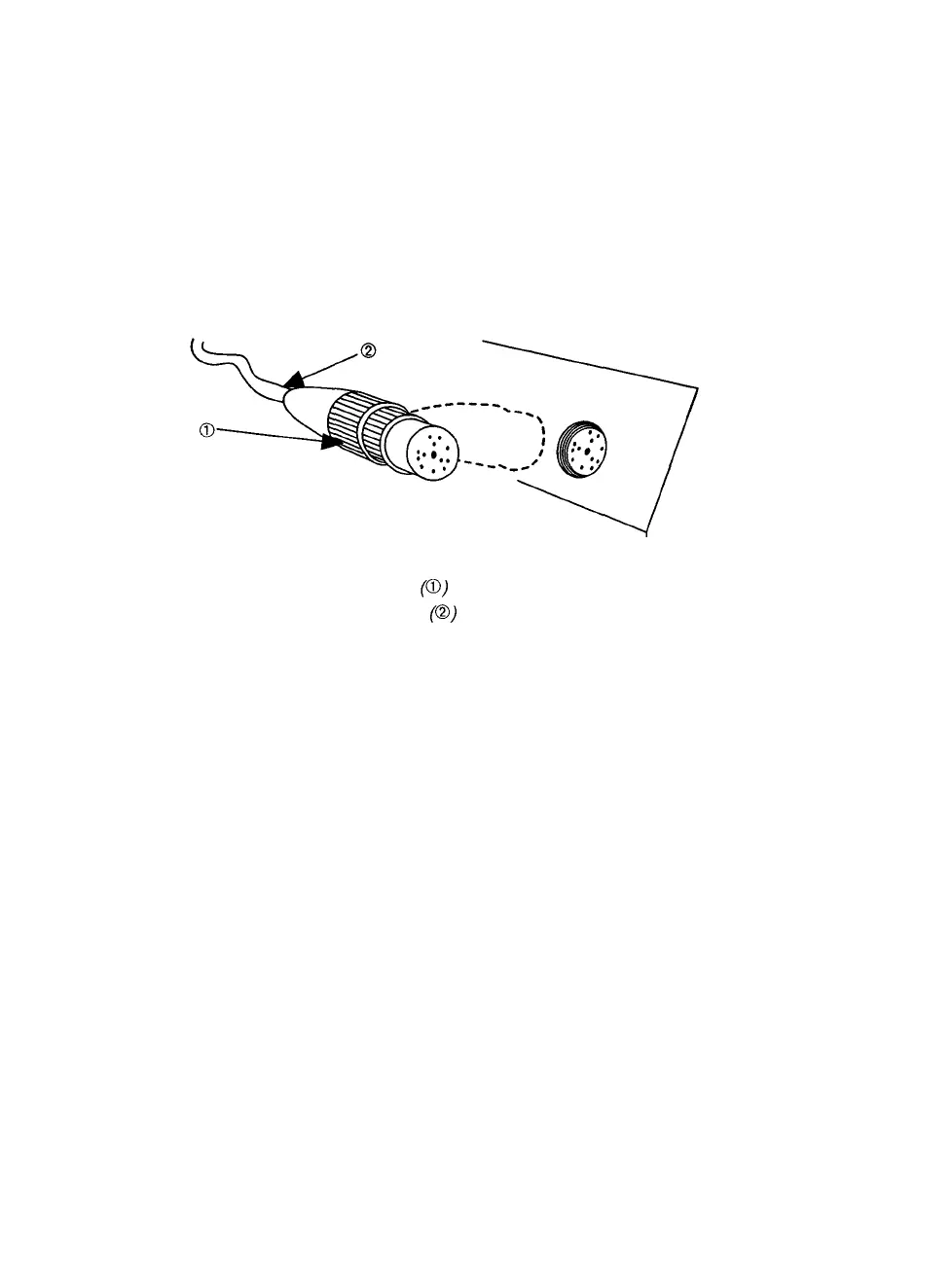
Loosen the locking ring on the module connector, then pull
the connector out of the camera receptacle on the front panel
of the PCR II Plus. Pull the module connector out of the re-
ceptacle.
Figure 14. When removing the camera module from the PCR II Plus,
loosen the locking ring on the module connector.
Do not pull on the cable when removing the plug.
Caution:
Pull the body of the connector plug. Do not pull the
cable to remove the module connector from the re-
ceptacle.
Step 2: Loosen both locking screws that hold the camera module in
place on the PCR II Plus.
Step
3:
Lift
the
camera
module
up and off the
film
recorder.
12 • PCR II Plus 120/220 Camera Module



 To Next Page