Unloading Film
After the last exposure on the roll is made, wait for the film to wind into
its cartridge, then unload the film from the camera back. You can also
unload the film at any point on the roll if you have finished the current
job.
To unload the film after exposing the entire roll:
Step
1:
After
exposing
the
last
frame
on the
roll,
the
film
is
wound
into its cartridge, and you see the END OF FILM message in
the film recorder message window.
Step 2: Open the camera back and remove the exposed film. Place it
in a safe place until processing.
• The END OF FILM message in the film recorder message
window will clear after loading a new roll and executing
the LOAD FILM command. You can also clear the mes-
sage by pressing RESET.
To unload the film before the end of the roll:
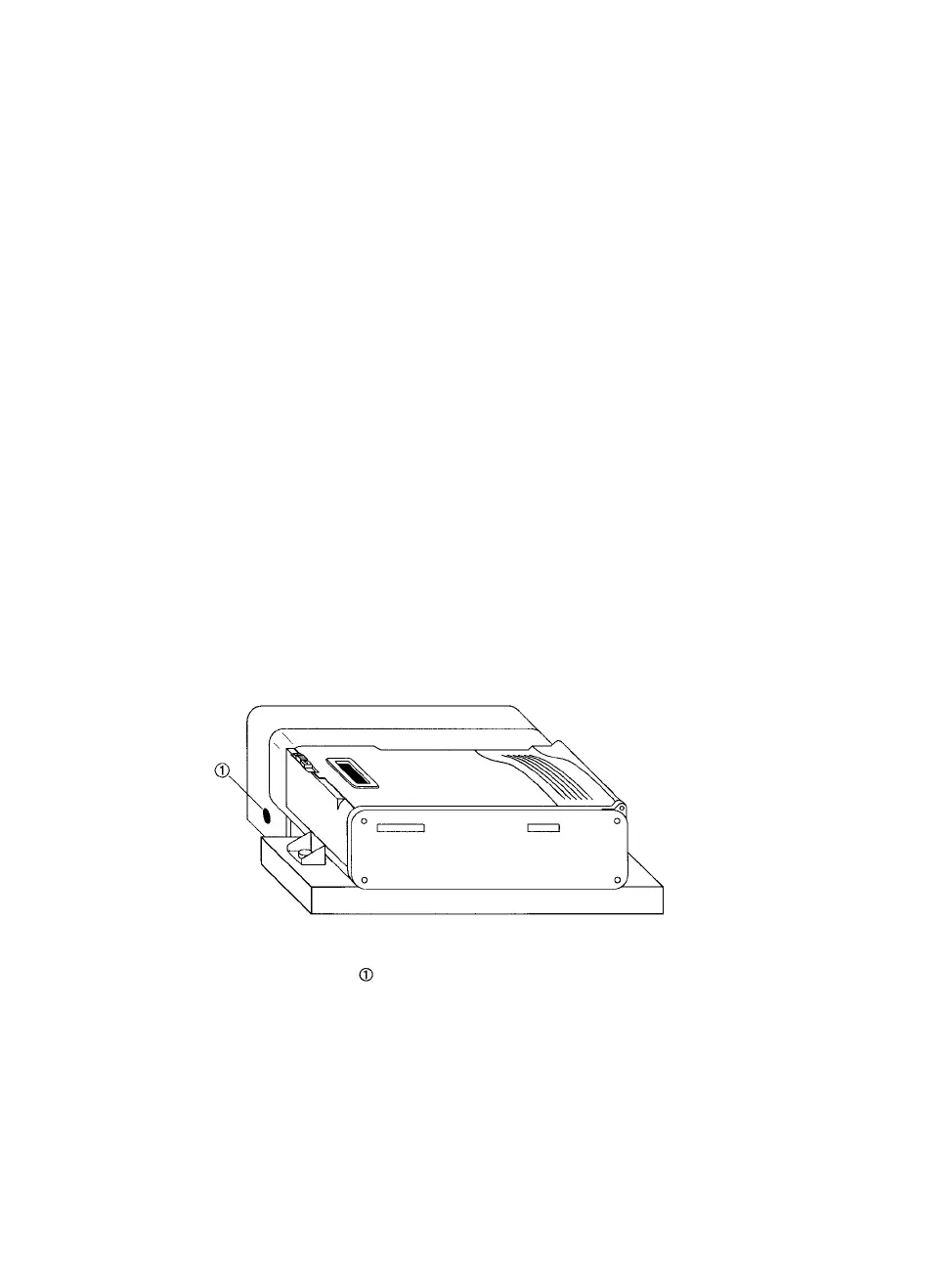
Step 1: Locate the recessed film rewind button on the left side of the
camera. See Figure 5.
Figure 5. Manual film rewind.
-Film rewind button.
Step 2: Press the recessed rewind button for at least five seconds
with the point of a pen or pencil.
6 • PCR II Plus 35mm Camera Module



 To Next Page