Using the 120/220 Module
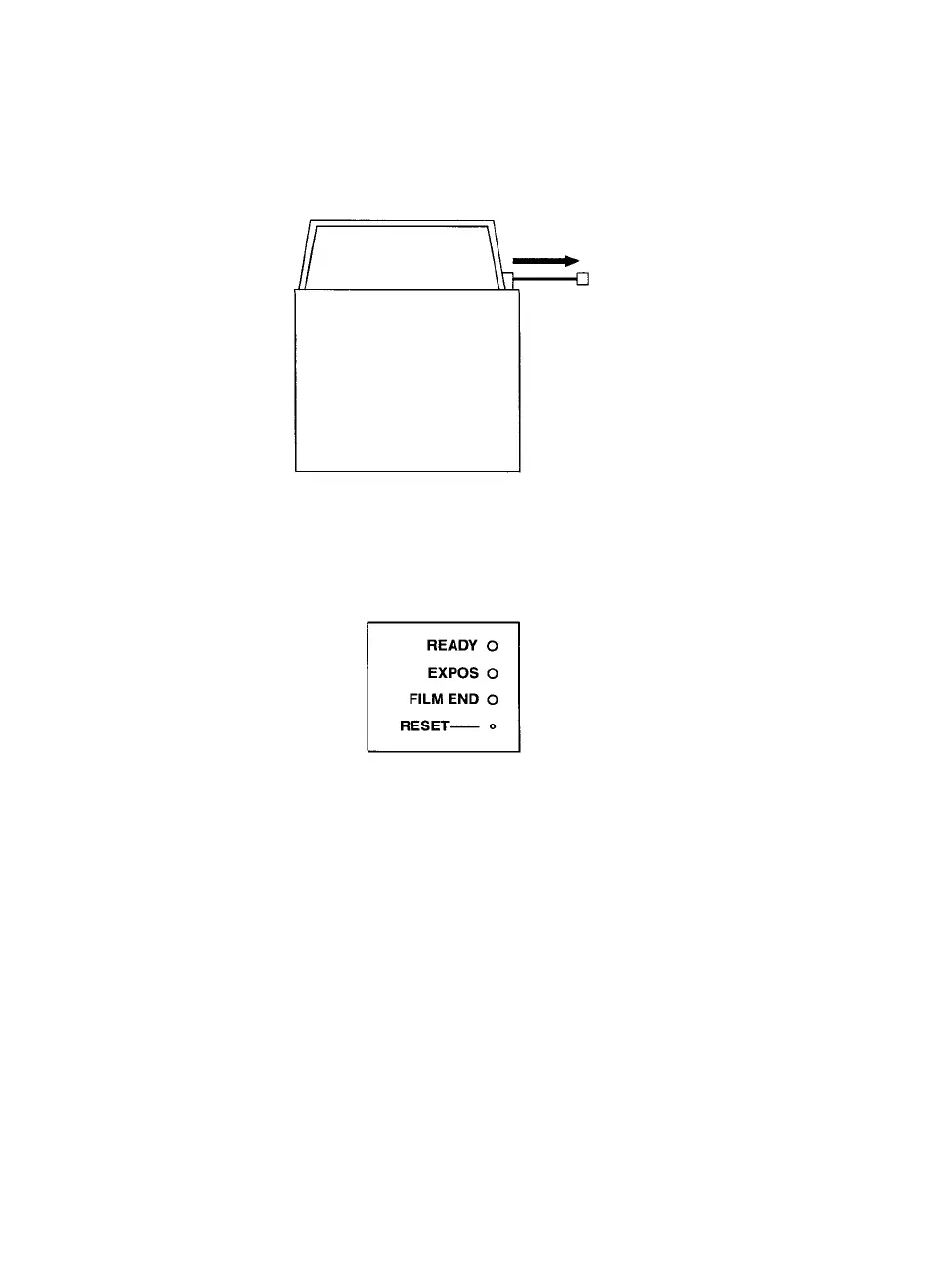
Step 1: Before making exposures, remove the dark slide as shown in
Figure 12.
Figure 12. Remove the dark slide before you make exposures.
Step 2: Make exposures as desired. When you use the last frame on
a roll of film, the FILM END indicator LED lights up.
Figure 13. Indicator Lights on Back of Module
Step 3: If you did not use the entire roll of film, use the PCRII Plus
front panel controls to advance film to the end of the roll.
Step 4: Replace the shutter.
10 • PCR II Plus 120/220 Camera Module



 To Next Page