Attaching the Camera Module
Follow this procedure to attach the 120/220 camera module to the
PCR II Plus:
Step 1: Align the camera module inside the recessed area on top of
the PCR II Plus. The module fits tightly on the two registra-
tion pins and can only be oriented in one direction.
Step 2: Secure the module by turning both locking screws clockwise
until they are tight.
Step 3: Insert the module connector into the camera receptacle on
the front panel of the PCR II Plus. Tighten the connector by
turning the outer ring clockwise.
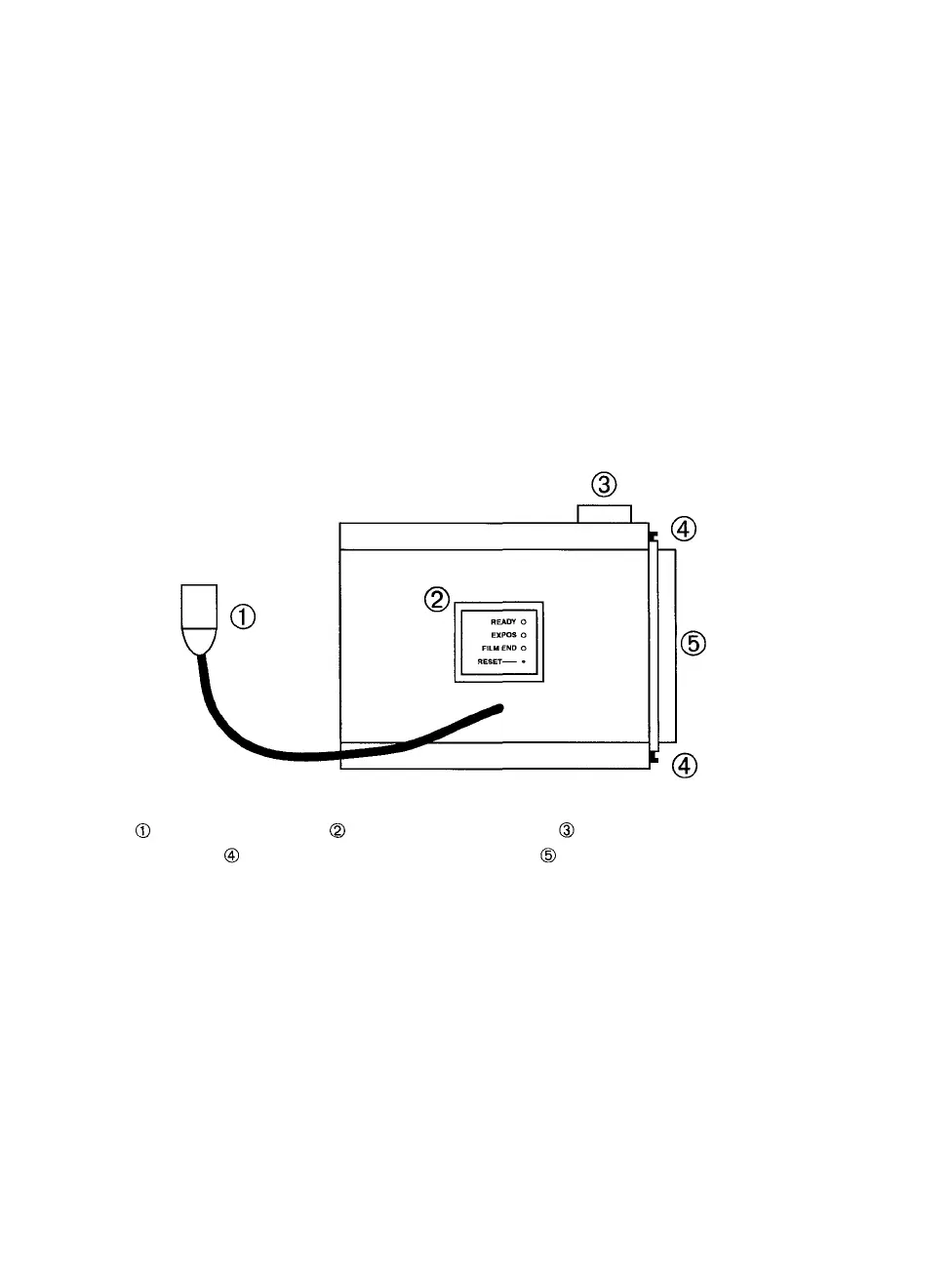
Figure 1. Rear view of the PCR II Plus 120/220 camera module.
— Module connector. — LEDs and reset button. — Film advance knob.
— Latches. (Note that there are two.) — Dark slide.
2 • PCR II Plus 120/220 Camera Module



 To Next Page