140 Agilent 7100 Capillary Electrophoresis System User Manual
5 Using the Agilent 7100 Capillary Electrophoresis System
Capillary Electrophoresis, Plus High Pressure CE+p
Preparing the Agilent CE Instrument for High Pressure Use
1 Ensure that the gas source is switched off prior to connection.
2 Connect the push-fit connector and gas line to the receptor on the rear of
the Agilent CE instrument.
3 Connect the gas line to the source.
4 Switch on the gas supply.
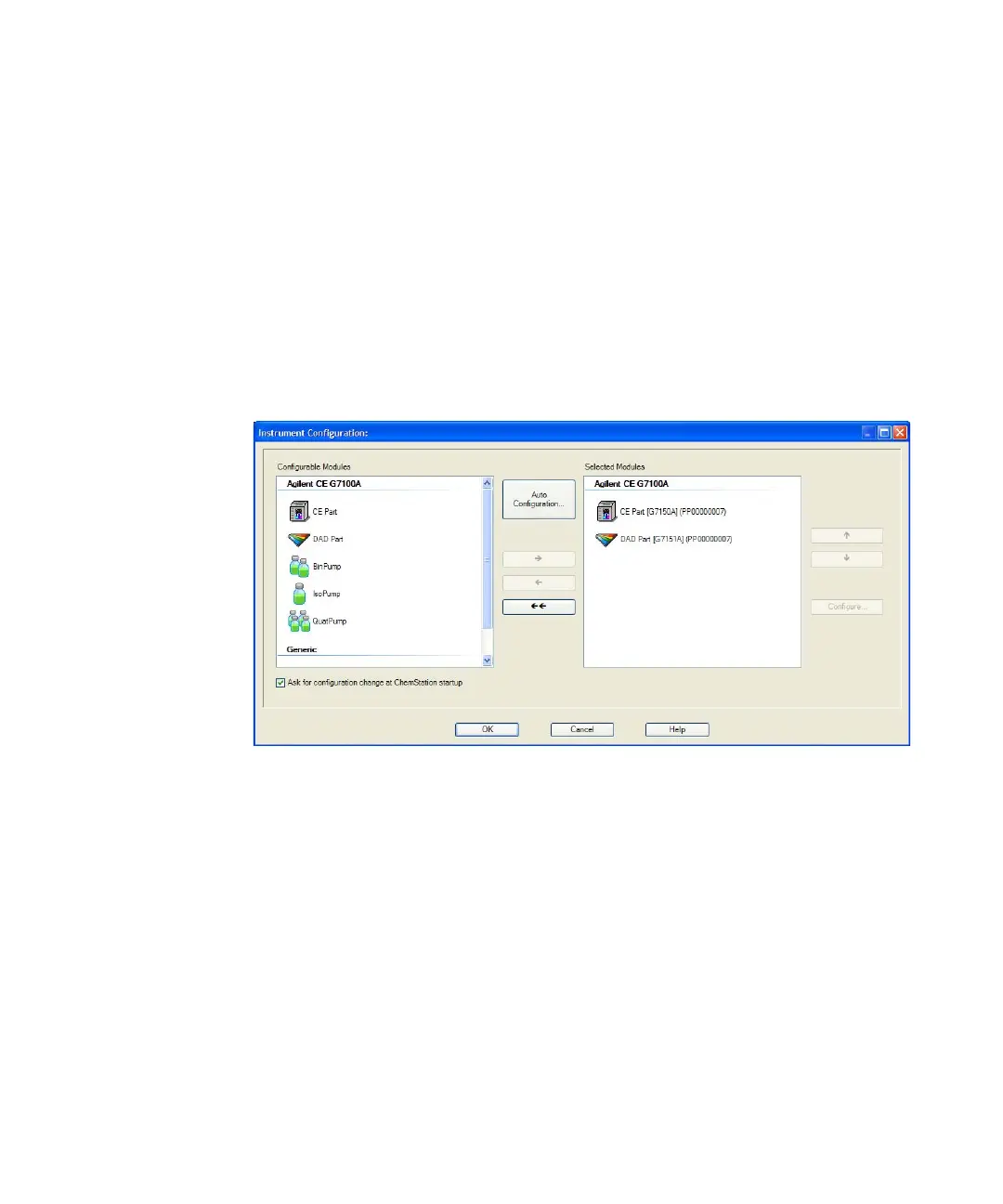
5 Select under Instrument in the CE diagram the Instrument Configuration Menu,
see Figure 37.
Figure 37 Configuration menu





 To Next Page