EasyManua.ls Logo

Amoul i6 - System Configuration Settings; Alarm Configuration and Management

Amoul i6
119 pages
Print Icon
To Next Page IconTo Next Page
To Previous Page IconTo Previous Page
Loading...
6
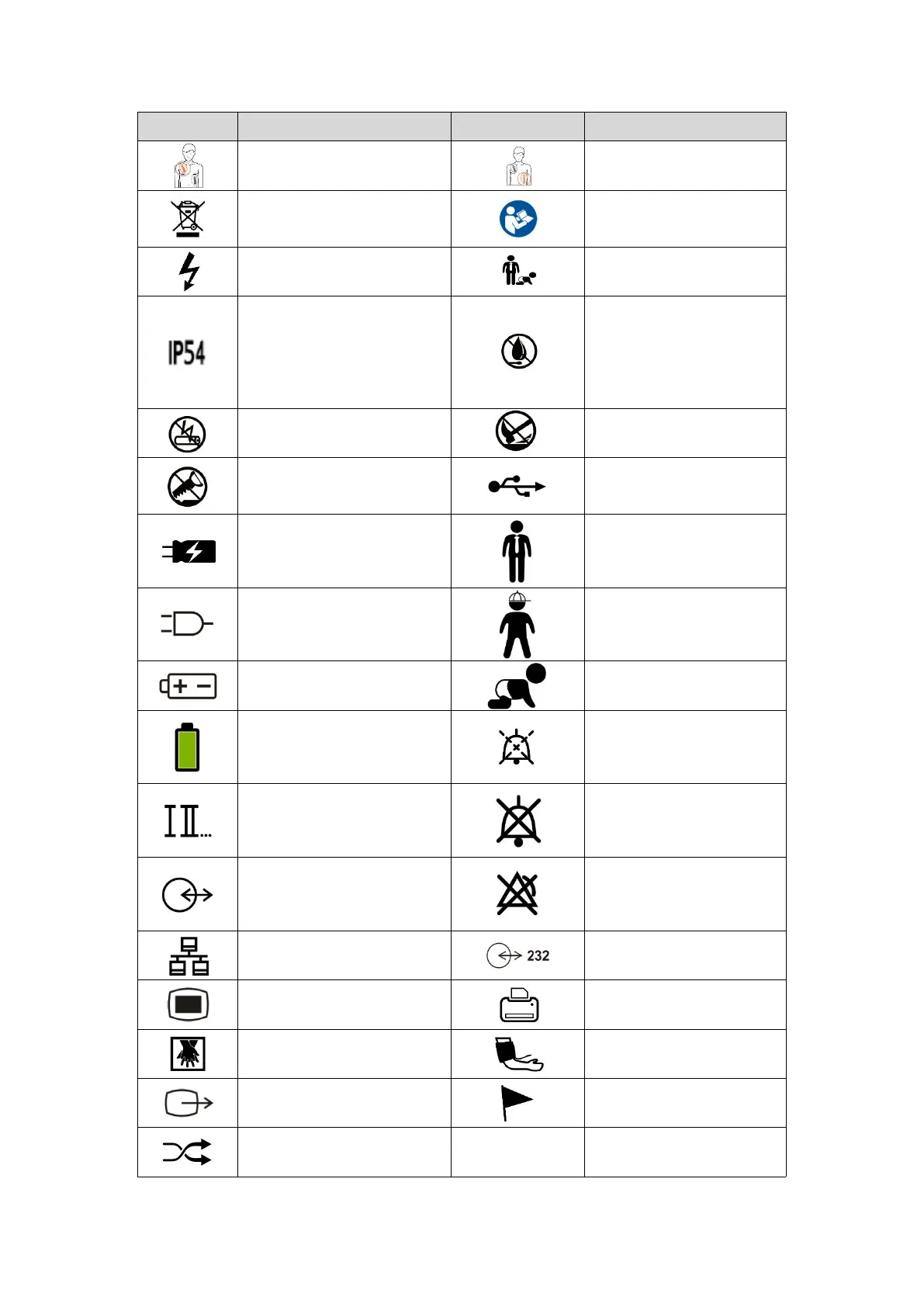
Symbol
Description
Symbol
Description
sternum paddle icon
Apex paddle icon
Do not discard in trash
Refer to the attached
Handbook/Instructions
"Shock" button
Select Adult or Child
Level of protection against
ingress of solid particles
Level of protection against
ingress of liquid
Keep away from high heat
and open flame, and do not
dispose of battery in fire
Do not recharge the battery
Do not crush the battery
Do not deform the battery or
open the battery housing
USB
Charging
Adults
AC Power Supply
Children
Battery-powered
Neonates
Status of battery capacity
Pausing alarm
Lead selection
Silencing Alarms
I/O
Alarm suppression
Computer network
is232 interface
Menu
Printing
CPR
NIBP
Video output
Event marking
Sync

Table of Contents

Related product manuals