Warnings:
• During pacing, the heart rate and alarm provided by the Defibrillator Monitor may be
inaccurate, and the patient should be observed closely. Do not rely on displayed heart rate or
heart rate alarms as a measure of the patient's perfusion status.
7.2 Pacing Screen
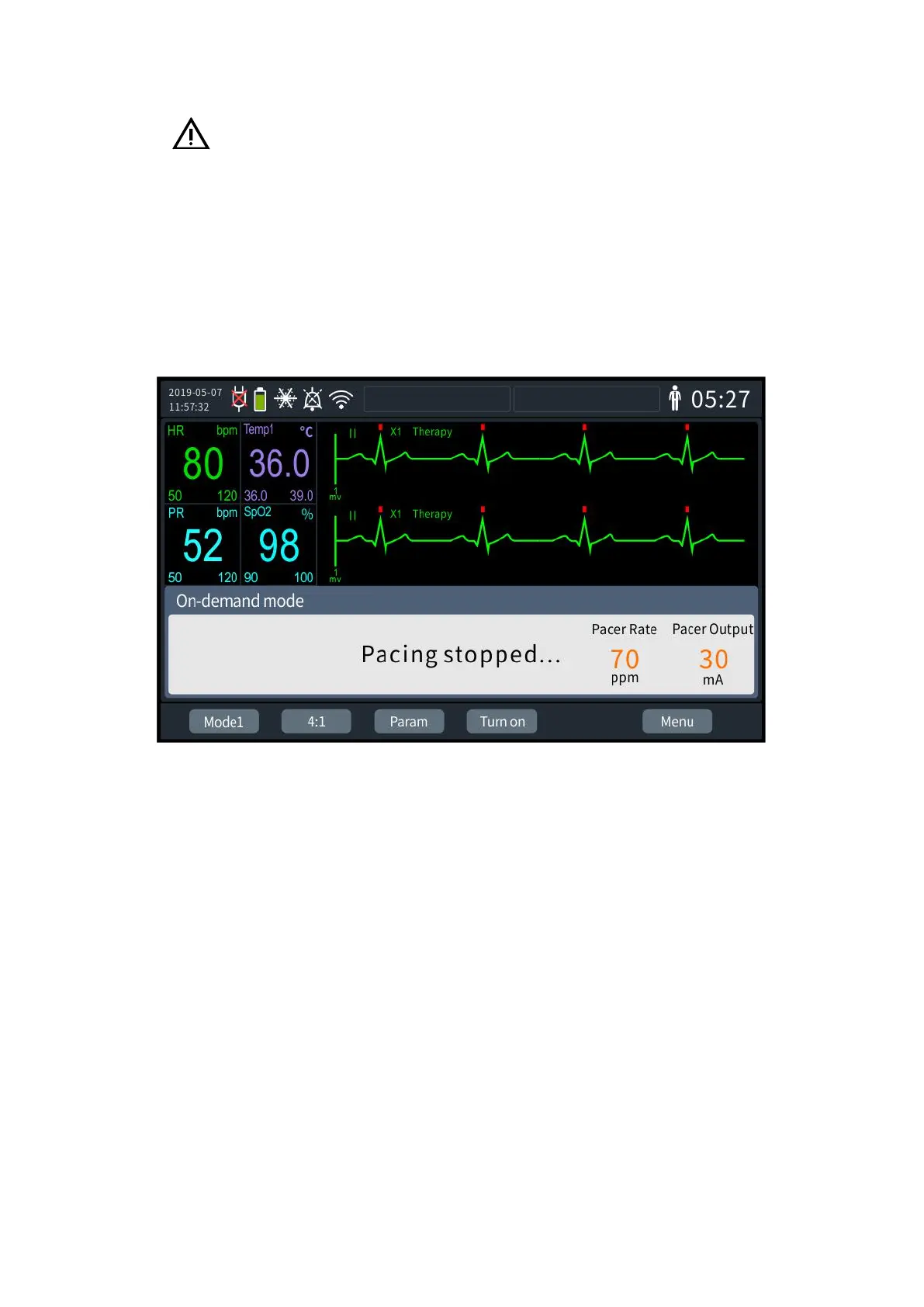
The standard screen of the Defibrillator Monitor in normal pacing status is shown in the
figure below.
7- 1 Pacing Screen
Under pacer mode, the Defibrillator Monitor will display an ECG waveform and related
monitoring parameter values. The pacing information area in the middle of the screen displays
pacing-related information, such as pacer mode hotkey, pacing prompts, pacing alarms, pacing
rate and pacing current.
7.3 Pacing Settings
The pacing-related information can be set as follows:
1. Press the knob to bring up the [Menu] screen and select [General Configuration] -
[Pacing settings]. The pacing settings screen is shown in the following figure:



 To Next Page