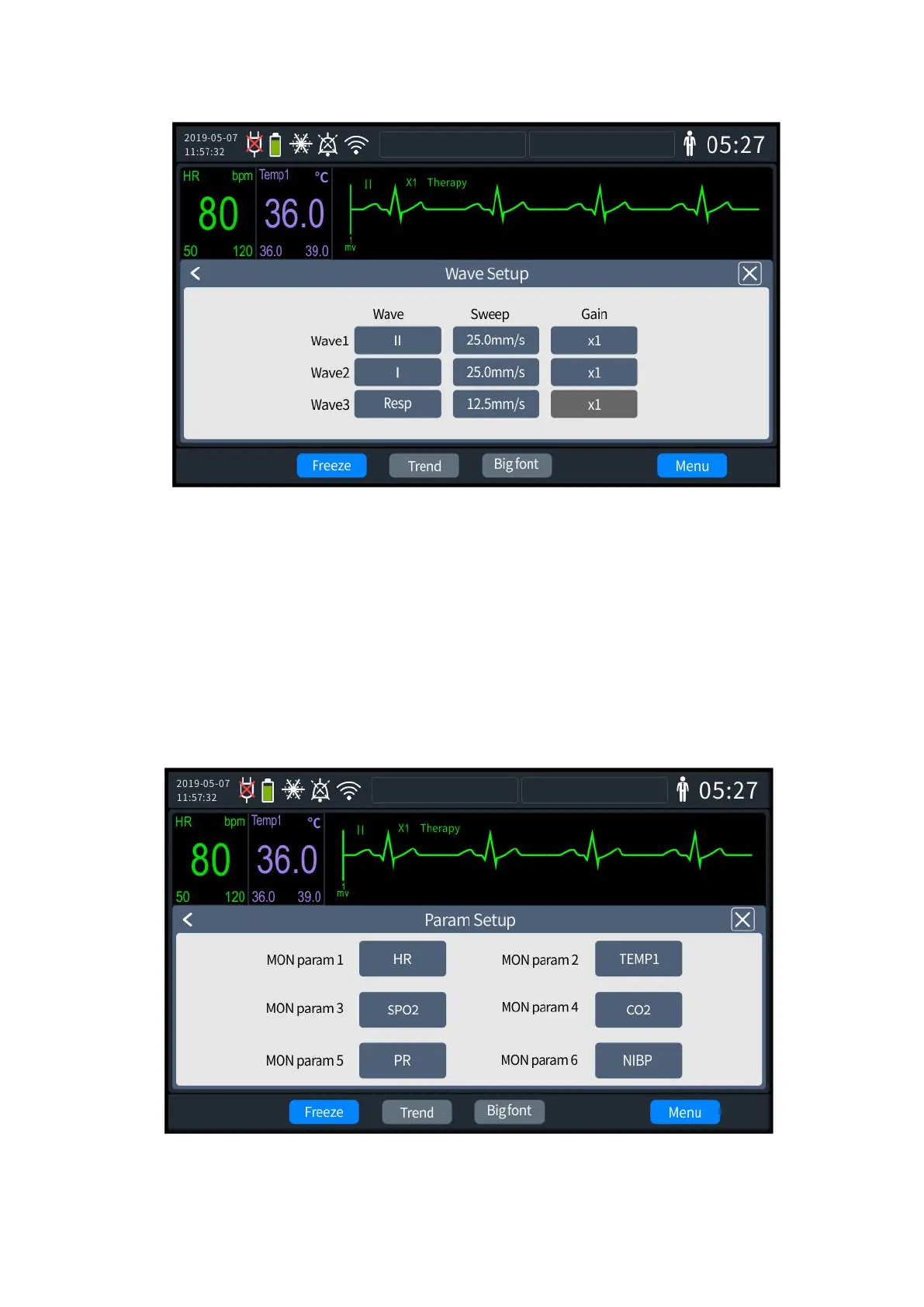
3- 9 Waveform settings
2. Set [Waveform 1], [Waveform 2], and [Waveform 3]: "Waveform Selection," "Waveform
Speed" and "Gain" can be set respectively.
3. Once set up, exit the settings screen, and the Defibrillator Monitor will automatically
update to the latest settings.
3.5 Monitoring Parameter Settings
1. Press the knob to enter the [Menu] settings screen. Select the Parameter settings tab
and press the knob to enter the settings screen, as shown below.
3- 10 Parameter settings



 To Next Page