Treatment time after
start-up
Time elapsed since the start of the treatment
Displays technical alarm information
Displays physiological alarm information
Network connection method (Optional)
Shows that the device is in silent mode
The current screen information is frozen
Battery Condition Display
Current remaining battery time
Displays adapter plugging-in status
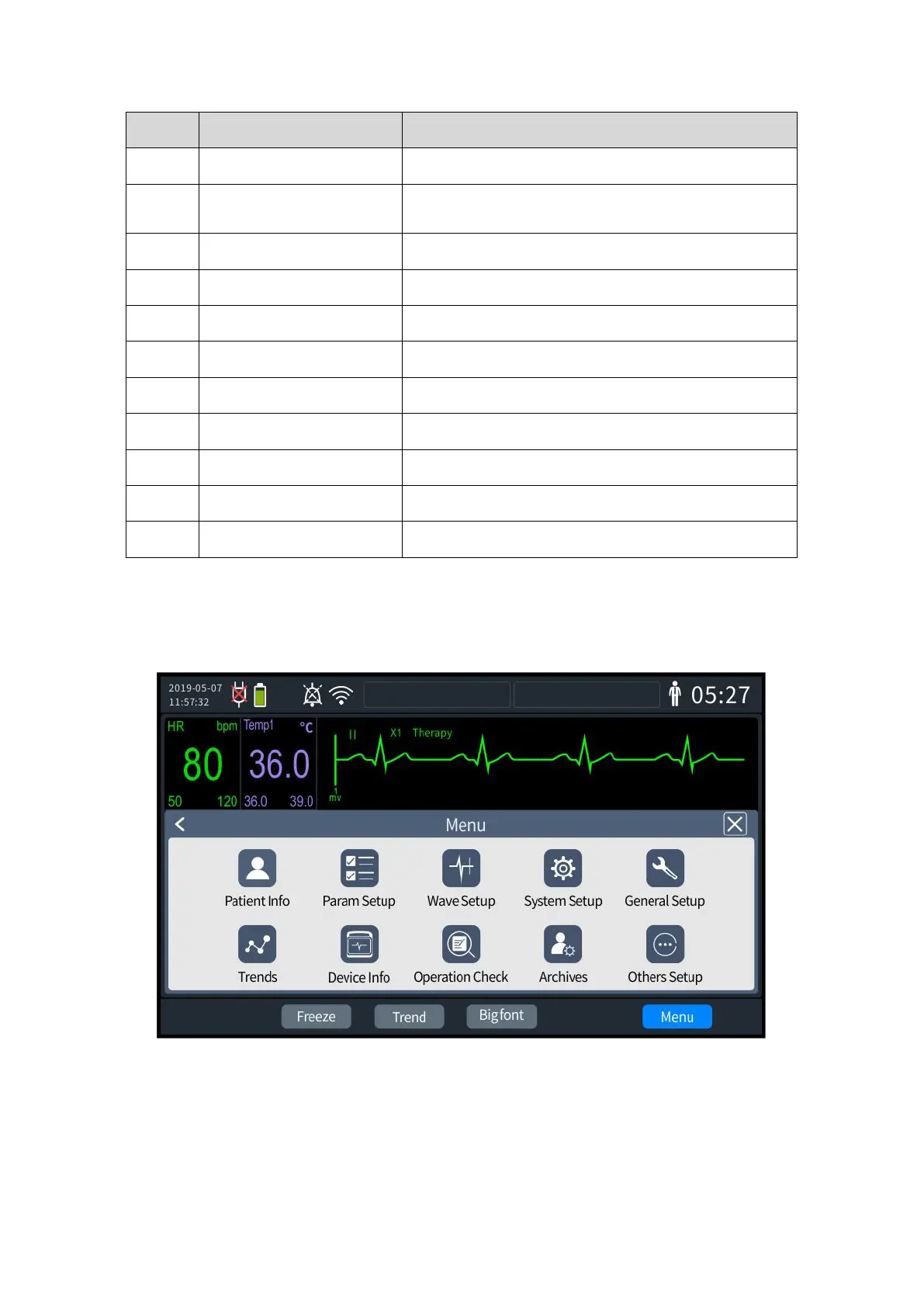
3.2.2 Main Menu
Press the navigation knob on the Defibrillator Monitor panel to bring up the main menu
screen, as shown below.
3- 2 Main Menu
The various menus are basically similar in style to the main menu, and generally consist of
the following parts:
1. Main menu screen
2. Various functions in settings



 To Next Page