3. Exit button
3.3 System Settings
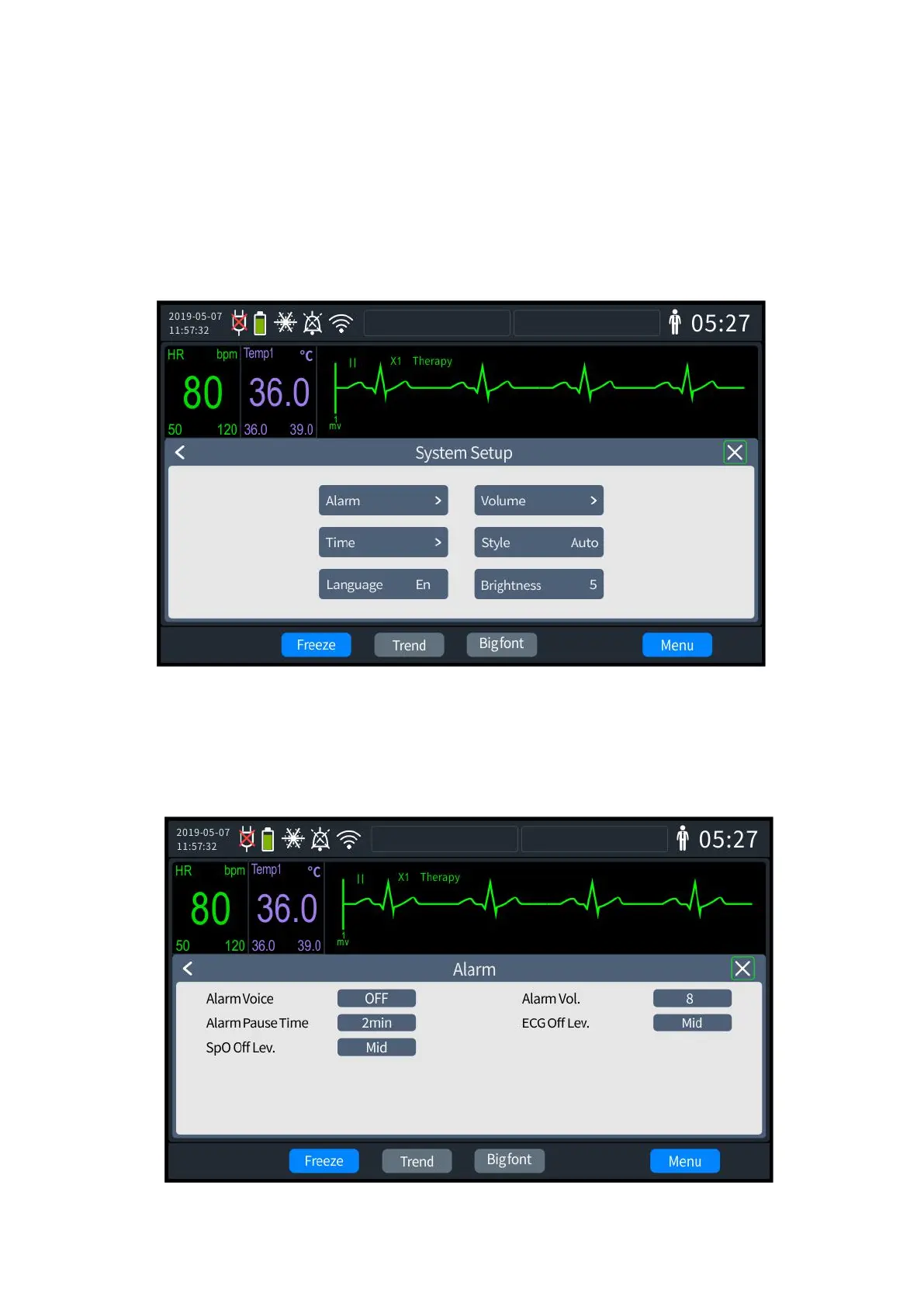
Press the knob to enter the [Menu] settings, select the [System settings] tab, and press the
knob to enter the settings screen, as shown below. On the screen, six modules such as [Alarm]
[Volume] [Time] [Style] [Language] [Brightness] can be set.
3- 3 System settings screen
3.3.1 Alarm Settings
1. Rotate the knob to select the [Alarm] tab, press, and enter the password to enter the
settings screen, as shown below.



 To Next Page