2. Set [Monitor Parameter 1] to [Monitor Parameter 6]: parameter categories
corresponding to "Monitor Parameter 1" to "Monitor Parameter 6" can be selected respectively.
3. Once set up, exit the settings screen, and the Defibrillator Monitor will automatically
update to the latest settings.
4 AED
4.1 Overview
This chapter describes how to operate AED and related prompts. In this mode, the
Defibrillator Monitor automatically analyzes the ECG waveform of the patient and instructs the
user to perform operations according to the monitored heart rate.
When the Defibrillator Monitor enters the AED mode, the smart analysis starts immediately.
When a shockable rhythm is detected, the Defibrillator Monitor will give an indication that a
shock is recommended and immediately start charging automatically. If it is found that the
patient is not suitable for a shock, then the unit will enter the no shock state. The smart
defibrillation analysis is continuously performed throughout the AED operation. When the
Defibrillator Monitor enters the CPR state or when there is an abnormality in the connection of
multi-function pads, the smart defibrillation analysis will be stopped.
Warnings:
• During defibrillation, air bubbles between the skin and the multi-function pads may
cause skin burns. Ensure that the multi-function pads are completely attached to the skin to
avoid forming any bubbles.
• Do not use dry multi-function pads.
• Keep a sufficient distance from the patient during defibrillation.
Caution:
• For patients with implanted pacemakers, the sensitivity and specificity of the AED
analysis algorithm may be reduced.
4.2 AED Screen
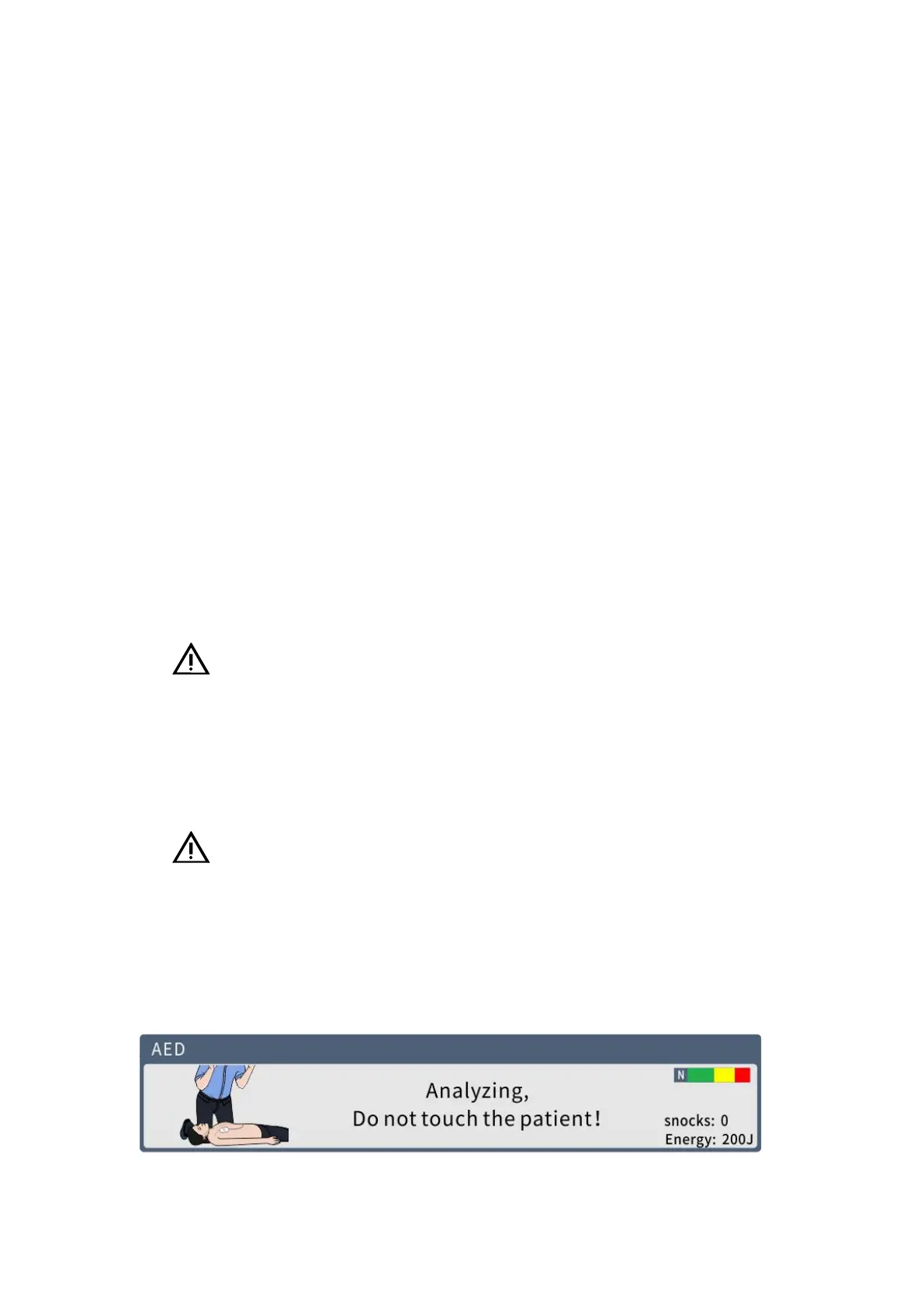
The following shows the standard screen of the Defibrillator Monitor in AED mode.
4- 1 AED working screen



 To Next Page