sensor and SpO
2
cable otherwise, there may be a risk of harm to the patient.
• When the patient is prone to hypoxia, a blood sample should be analyzed using an
oximeter to fully grasp the patient's condition.
• When a patient tends to be hypoxic, an oximeter should be used to analyze the blood
sample to get a complete picture of the patient's condition.
• For continuous long-term monitoring of the patient, the position of the oxygen probe
should be checked every 2 hours and moved appropriately when the skin changes or every 4
hours. Some patients may require more frequent examinations, such as neonates, patients with
perfusion disorders, or skin sensitivities. This is because continuous prolonged monitoring may
increase unpredictable skin changes such as allergies, redness, blistering, or compressive
necrosis.
Caution:
The functional test equipment or SpO
2
simulator cannot be used to verify the accuracy of
the SpO
2
monitor and pulse oximetry probes. The accuracy of the SpO
2
monitor and pulse
oximetry probes needs to be verified by clinical data.
The oximetry probes and probe extension cable used with the Defibrillator Monitor have
been verified and tested for YY0784-2010 conformance.
9.3 Monitoring Settings
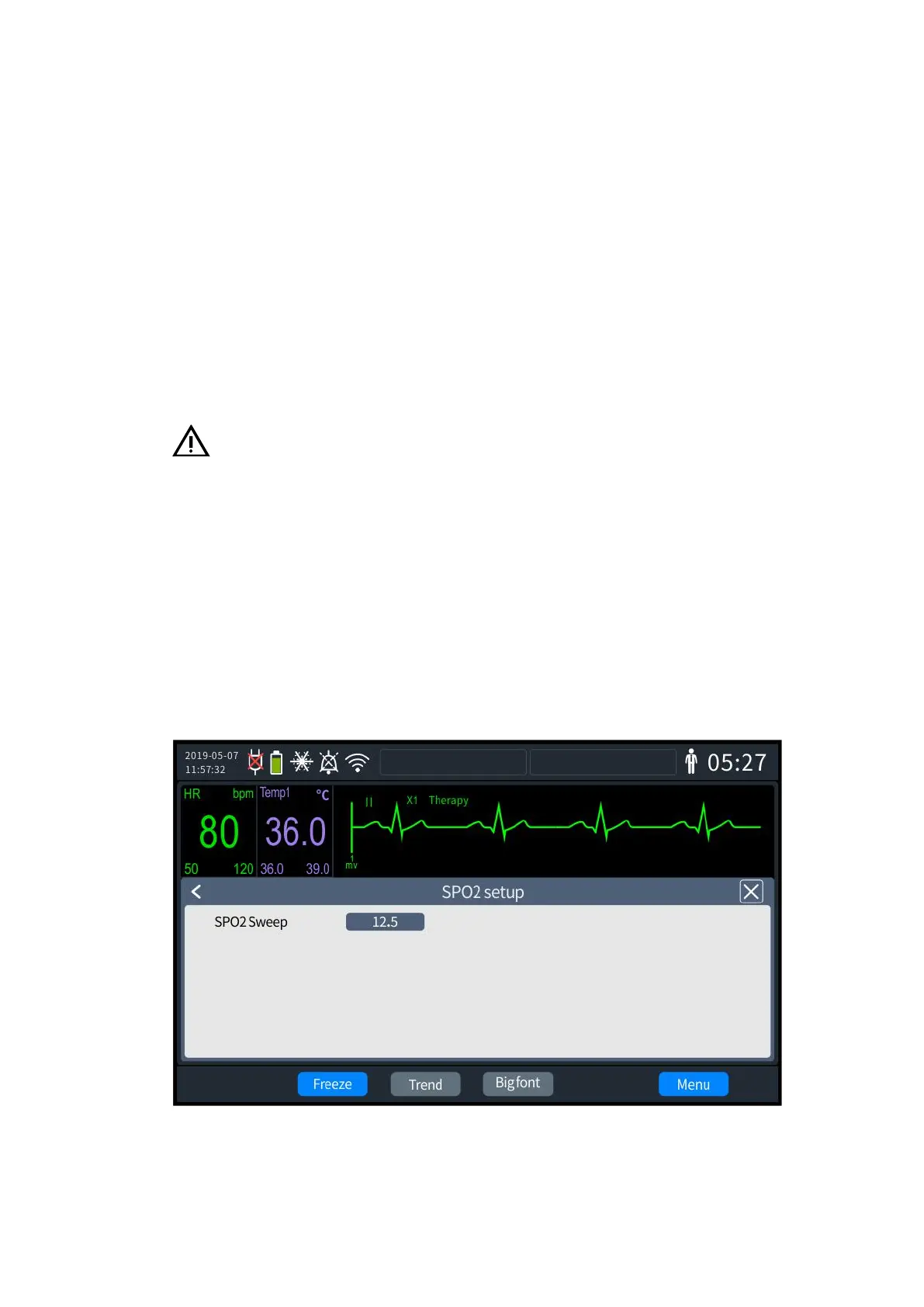
1. Press the knob to bring up the [Menu] interface and select [General Configuration] -
[SpO
2
settings]. The SpO
2
settings screen is shown in the following figure:
9- 2 Monitoring settings
2. Select [SpO
2
Waveform Speed], which can be set to "12.5" and "25.0".



 To Next Page