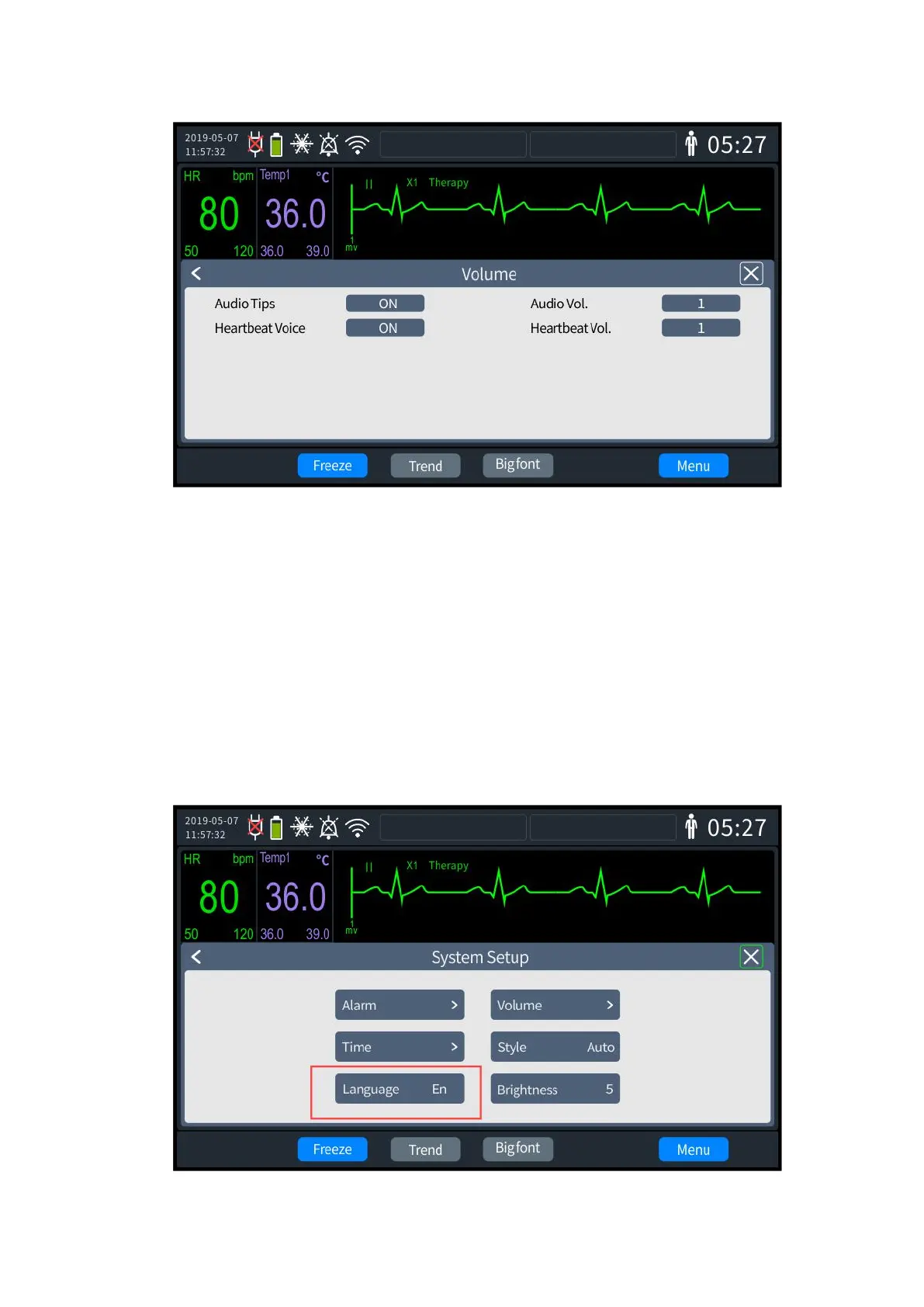
3- 6 Volume
2. Set [Voice prompt switch]: can be set to "On" or "Off".
3. Set [Voice Prompt Volume]: can be set to levels 1-10.
4. Set [Heartbeat Tone switch]: can be set to "On" or "Off".
5. Set [Heartbeat Tone Volume]: can be set to levels 1-10.
6. Once set up, exit the settings screen, and the Defibrillator Monitor will automatically
update to the latest settings.
3.3.4 Language Settings
1. Rotate the knob to select the [Language] tab and press to enter the settings screen, as
shown below.



 To Next Page