measurement requirements.
2. If a disposable probe is used, connect the probe to the extension cable.
3. Insert the probe or extension cable into the temperature probe connector.
4. Attach the probe properly to the patient.
5. Ensure that the alarm settings are applicable to the patient.
6. Rotate the mode selection switch to monitoring mode.
Caution
The Defibrillator Monitor supports surface and body cavity probes. Please select an
appropriate temperature probe according to the patient category and the measurement
requirements.
11.4 Temperature Unit Setting
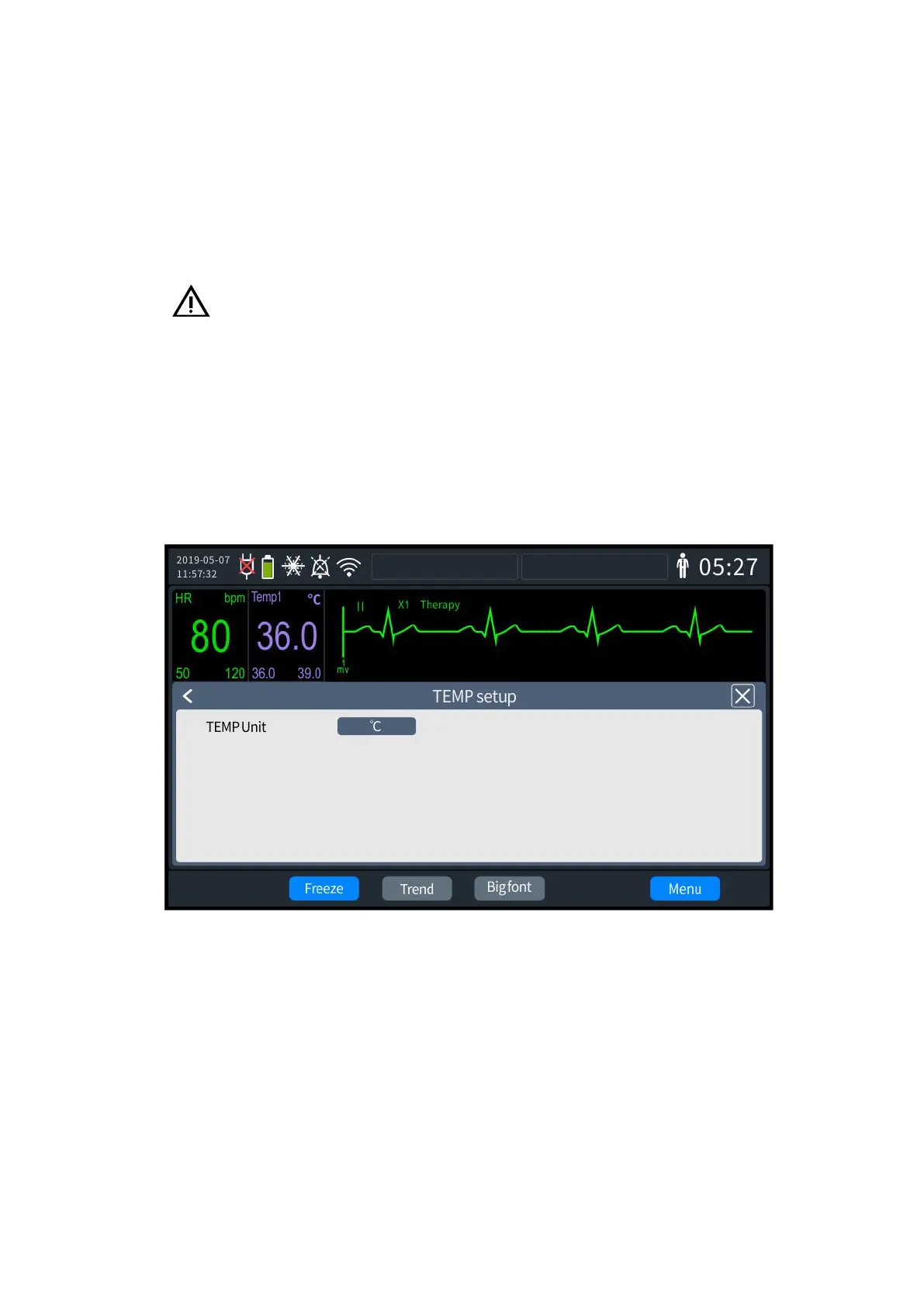
1. Press the knob to bring up the [Menu] screen and select [General Configuration] -
[TEMP settings]. The settings screen is shown in the following figure:
11- 2 Temperature unit setting
2. Select [Temp Unit], which can be set to "℃" or "℉".
3. Once set up, exit the settings screen, and the Defibrillator Monitor will automatically
update to the latest settings.



 To Next Page