Section 6 Peformance Tests
6-18
(4) Test procedures: Power meter (Power Meter) measurement accuracy
Step Procedure
1. Obtain the calibration data of signal generator (for the obtained data of signal generator, see the
table below).
2. Initialize the measurement system.
3. Set the MT8801C as follows:
RF Input/Output: Main Set it on the Instrument Setup screen.
Power Meter Method: Power Meter Set it on the Setup TX Measure Parameter screen.
Using Specification: IS-95A Set it on the Setup Common Parameter screen.
4. Display the Power Meter screen. Execute “Zero Set”.
5. Set the frequency of the table below for the MT8801C using the GPIB command:
Command: TXFREQ ####MHZ (* #### is the frequency value to be set in the table below.)
6. Set the above measurement frequency for the signal generator. In addition, set the +10-dBm (P0)
output level calibrated by the power meter for the signal generator.
7. Connect the RF output of signal generator to the main input/output of MT8801C.
8. Execute “Adjust Range” of MT8801C and read the measurement result (P1) after the “Measure
Single” sweep.
9. Repeat the steps 4 to 8 to obtain data for the output levels 0 dBm and –10 dBm.
10. Repeat the above measurement steps 4 to 9 for every measurement frequencies.
11. Set the MT8801C to RF Input/Output: Aux, then perform the measurement as described above.
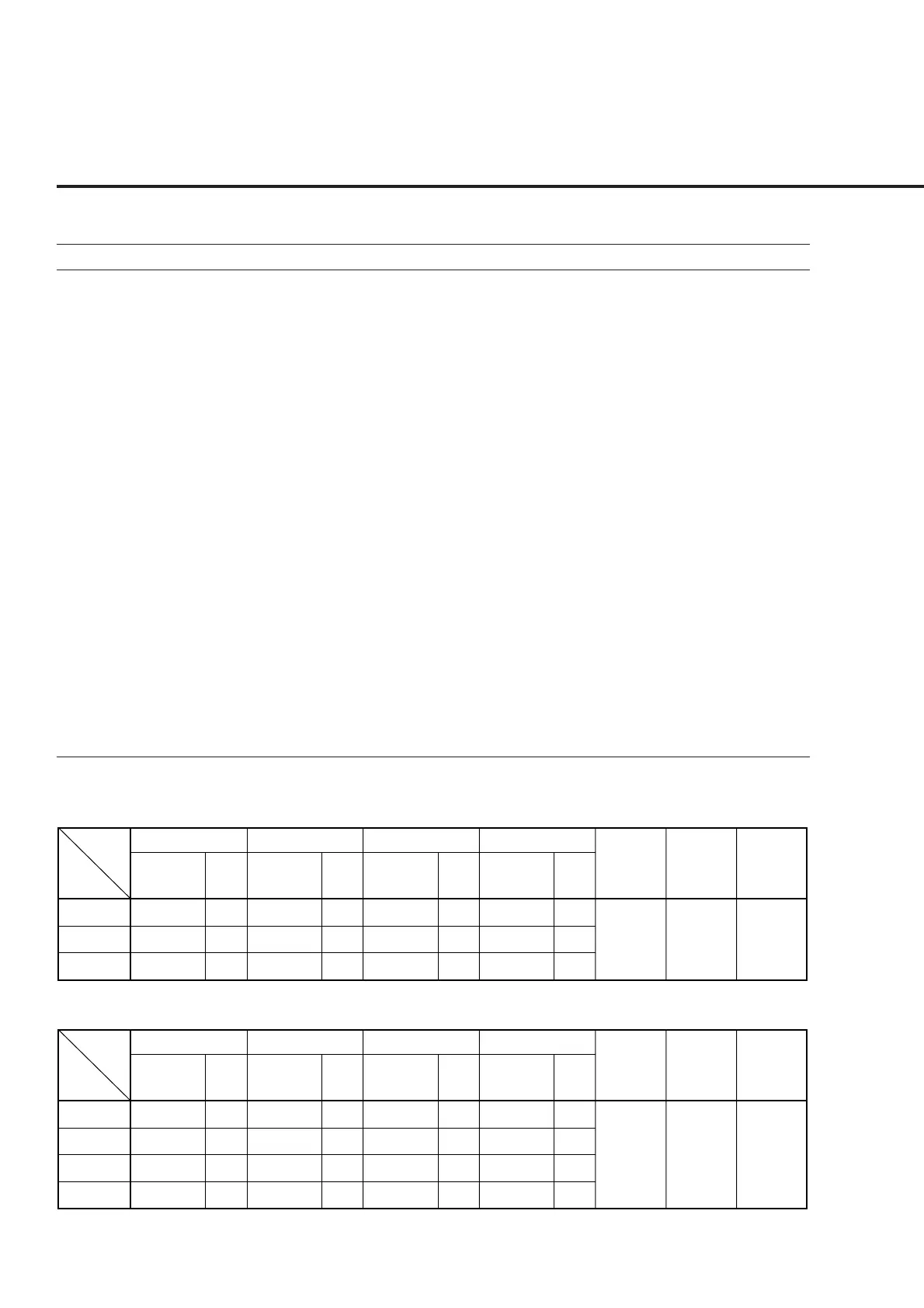
Power meter (Power Meter) measurement accuracy
Main
Freq.
Level
Measurement
uncertainty
Effective
lower
limit
Effective
upper
limit
Error (dB)
(P1 – P0)
10 MHz
Error
(%)
Error (dB)
(P1 – P0)
800 MHz
Error
(%)
Error (dB)
(P1 – P0)
1.9 GHz
Error
(%)
Error (dB)
(P1 – P0)
3 GHz
Error
(%)
±3.6 % -6.4 % +6.4 %
−10 dBm
0 dBm
+10 dBm
Aux
Freq.
Level
Measurement
uncertainty
Effective
lower
limit
Effective
upper
limit
Error (dB)
(P
1
– P
0
)
10 MHz
Error
(%)
Error (dB)
(P
1
– P
0
)
800 MHz
Error
(%)
Error (dB)
(P
1
– P
0
)
1.9 GHz
Error
(%)
Error (dB)
(P
1
– P
0
)
3 GHz
Error
(%)
±3.6 % -6.4 % +6.4 %
−20 dBm
−10 dBm
0 dBm
+10 dBm
* Error (%) is calculated using the following expression:
Expression: Error (%) = ˙ 10
(P1–P0)/10
– 1 ˙ × 100













 To Next Page