2-35
2.5.7 RX Measure commands
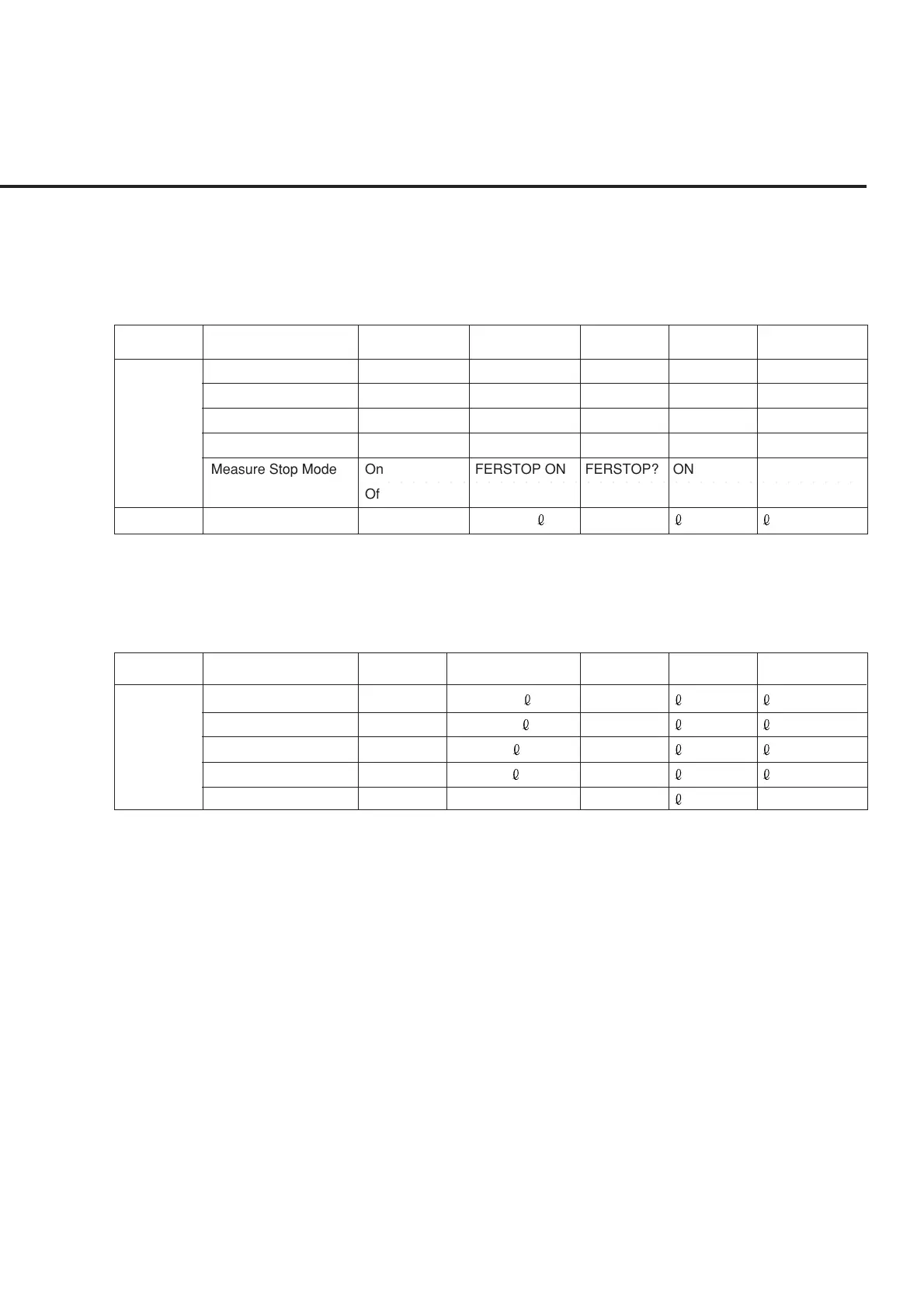
(1) Setup RX Measure Parameter screen commands
• Setup RX Measure Parameter screen commands are valid at all the screens of the
TX/RX measurement screens (screens under the Setup Common Parameter screen).
FER Sample FERSAMPLE n
FERSAMPLE?
n
n
:5 to 10000 Frame
Confidence Level FERCONF r FERCONF? u r:80.0 to 100.0 %
FER FER r FER? u r:0.0 to 100.0 %
FER Upper Limit ULFER r ULFER? u r:0.0 to 100.0 %
○○○ ○○○○○○○○○○○○○○○○○○○○○○○○○○○○○○○○○○○○○○
Measure Stop Mode On FERSTOP ON FERSTOP? ON
Off FERSTOP OFF FERSTOP? OFF
User Cal User Cal Factor RXUCAL
RXUCAL?
[dB/0.01dB] :
-55.00 to 55.00 dB
(2) Setup Signal screen commands
• Setup Signal screen commands are valid at all the screens of the TX/RX measure-
ment screens (screens under the Setup Common Parameter screen).
Pilot Channel Level PILOTLVL PILOTLVL? :-5.0 to -10.0 dB
Sync Channel Level SYNCLVL SYNCLVL? :-7.0 to -20.0 dB
Paging Channel Level PCHLVL PCHLVL? :-7.0 to -20.0 dB
Traffic Channel Level TCHLVL TCHLVL? :-7.0 to -29.0 dB
OCNS Channel Level --- OCNSLVL?
RemarksQuery Msg
Intermediate
class
Function Program Msg
Response
Msg
Function
details
RemarksQuery Msg
Intermediate
class
Function Program Msg
Response
Msg
Function details
2.5 Device Message List













 To Next Page