Section 4 Operation
4-6
4.1.2 Turning off the Power
Turn off the power as described below.
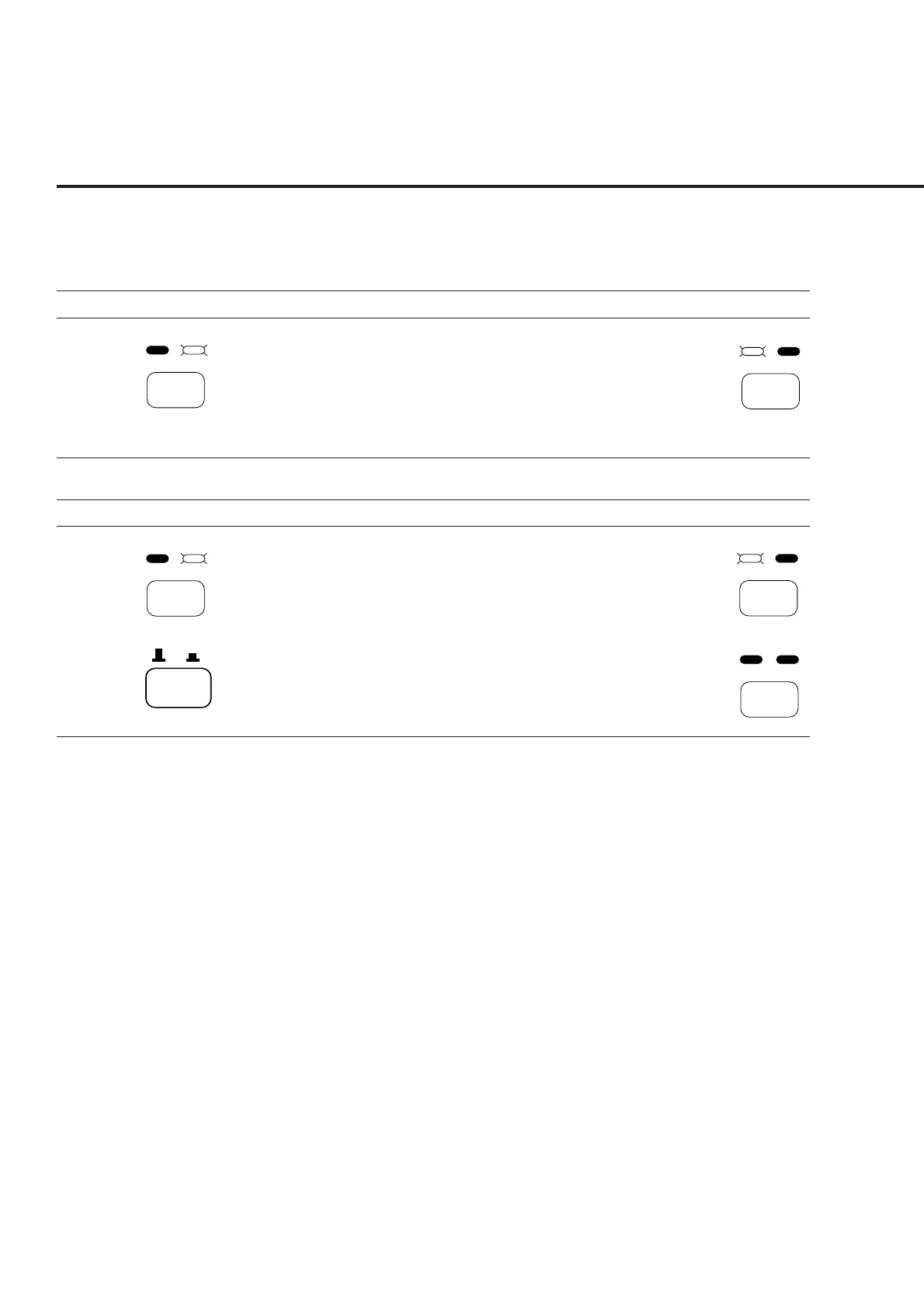
(1) Normal power-off procedures
Step Operation Result check
1.
Stby
On
• The On lamp of the Power switch on the front
panel goes off, and the Stby lamp lights.
• Only the internal reference crystal oscillator is
turned on.
(2) Power-off procedures for storage or long stop
Step Operation Result check
1.
Stby
On
• The On lamp of the power switch on the front
panel goes off and the Stby lamp lights.
• Only the internal reference crystal oscillator is
turned on.
2.
O I
• The AC power is turned off. Both the Stby and
On lamps of the Power switch on the front panel
go off.
4.1.3 Setup state after power-on
• The Setup Common Parameter screen is displayed shortly after power-on. At this
time, parameters can be set by specifying Power-On Initial on the Instrument Setup
screen. (See paragraph 4.3.3.)
• If a short power failure occurs, the power switch on the front panel goes Off. In this
case, press the power switch On again.
Press the Stby/On switch
on the front panel for a few
seconds to set it to Stby
state.
Stby
On
Stby
On
Stby
On
Press the Stby/On switch
on the front panel for a few
seconds to set it to Stby
state.
Set the O I switch on the
rear panel to the O (off)
position.













 To Next Page