4-27
4.3 CDMA Transmitter and Receiver Test --- TX and RX Tester Mode
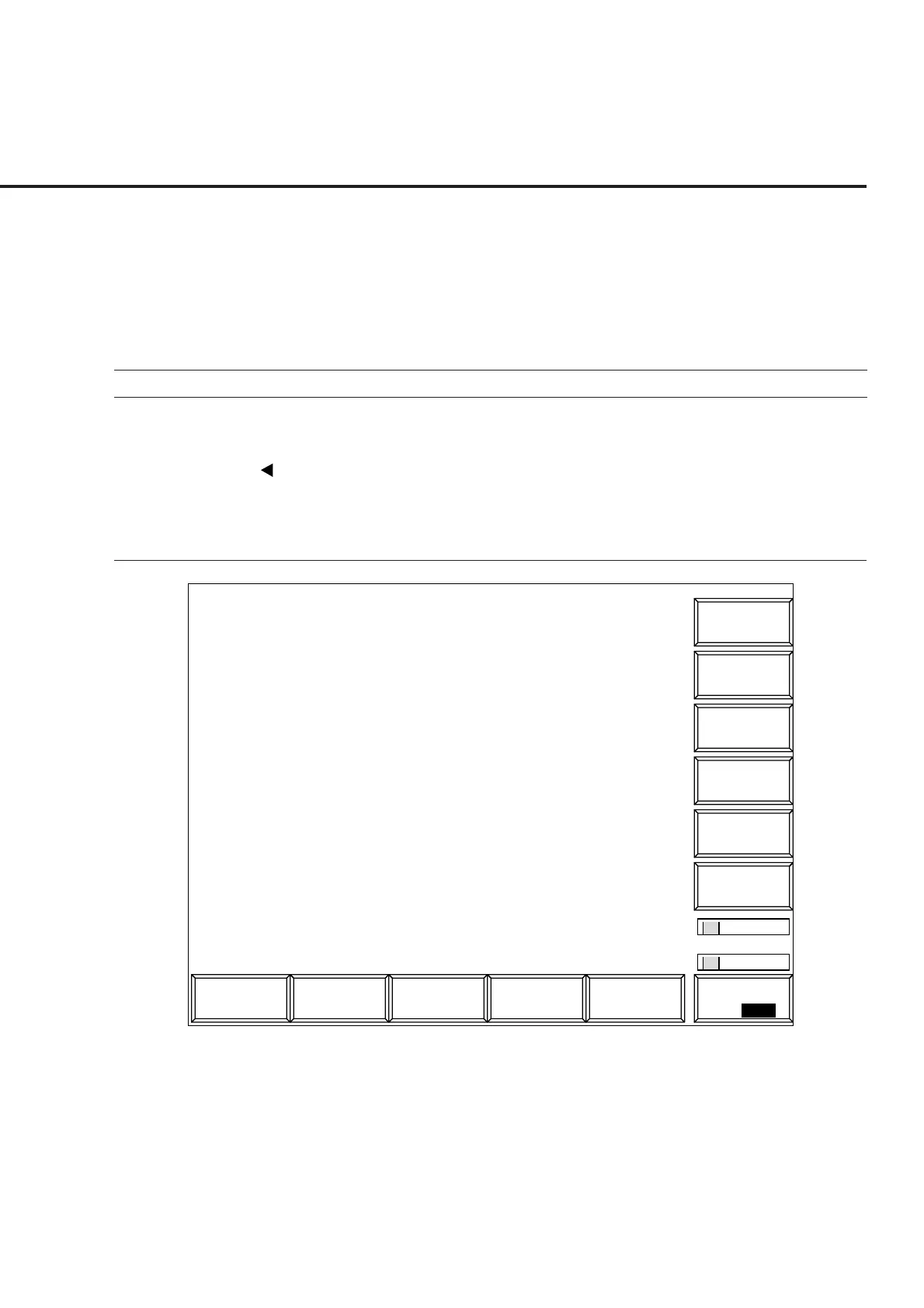
4.3.3 Setting the measurement system conditions: Instrument Setup
screen
Set the standard frequency of the measurement system (10 MHz or 13 MHz), RF
connector (Main or AUX), screen title/date/time display, interface (GPIB or
RS232C), printer (ESC/P), and alarm (on or off) on this screen.
Procedure for transition to the Instrument Setup screen
Step Key operation Description
1. [Main Func on off] F6 Set Main Func on.
The Main Menu appears at the bottom of the screen.
Next Menu [ ] Displays the second page of the Main Menu.
2. [Instrument Setup] F2 Sets Instrument Setup mode.
The Instrument Setup screen appears.
The Instrument Setup function key menu appears on F7 to F12.
1
Main Func
On Off
1
MT8801 99/12/31 12:00:00
<< Instrument Setup >>
Instrument
Power On
Initial
*
Date
#
Time
#
Title : [CDMA TX & RX Tester ]
RS232C Baud Rate : [2400bps]
Parity : [Even]
Data Bit
: [8bits]
Stop Bit : [1bit ]
Alarm : [On ]
Hard Copy Output Device : [Printer(Parallel)]
Clock Display : [YY/MM/DD ]
Frequency : [10MHz]
Interface
Display : [Date/Time]
GPIB Address : [01]
RF Input/Output : [Main]
Reference Frequency
Display Title
Connect to Controller : [GPIB]
Type : [ESC/P]
Fig. 4-3 Instrument Setup Screen













 To Next Page