Section 5 Measurement Examples
5-22
5.2.8 Measuring TX spurious points
TX spurious points measure the spurious effects at the specified frequency.
Measurement procedure
The explanation in this section starts at the completion of the setting explained in 5.1.2
“Setting MT8801C and the CDMA mobile station”.
(1) Press the F6 (Main Func On Off) key to turn On the Main Func.
(2) Press the F1 (TX & RX Tester) key.
(3) Check whether the Loopback status is displayed on the Setup Common Param-
eter screen.
(4) Press the F1 (TX Measure) key.
(5) Press the key of Next Menu to display the second page of function keys (F7
to F12).
(6) Press the F12 (Spurious Emission) key.
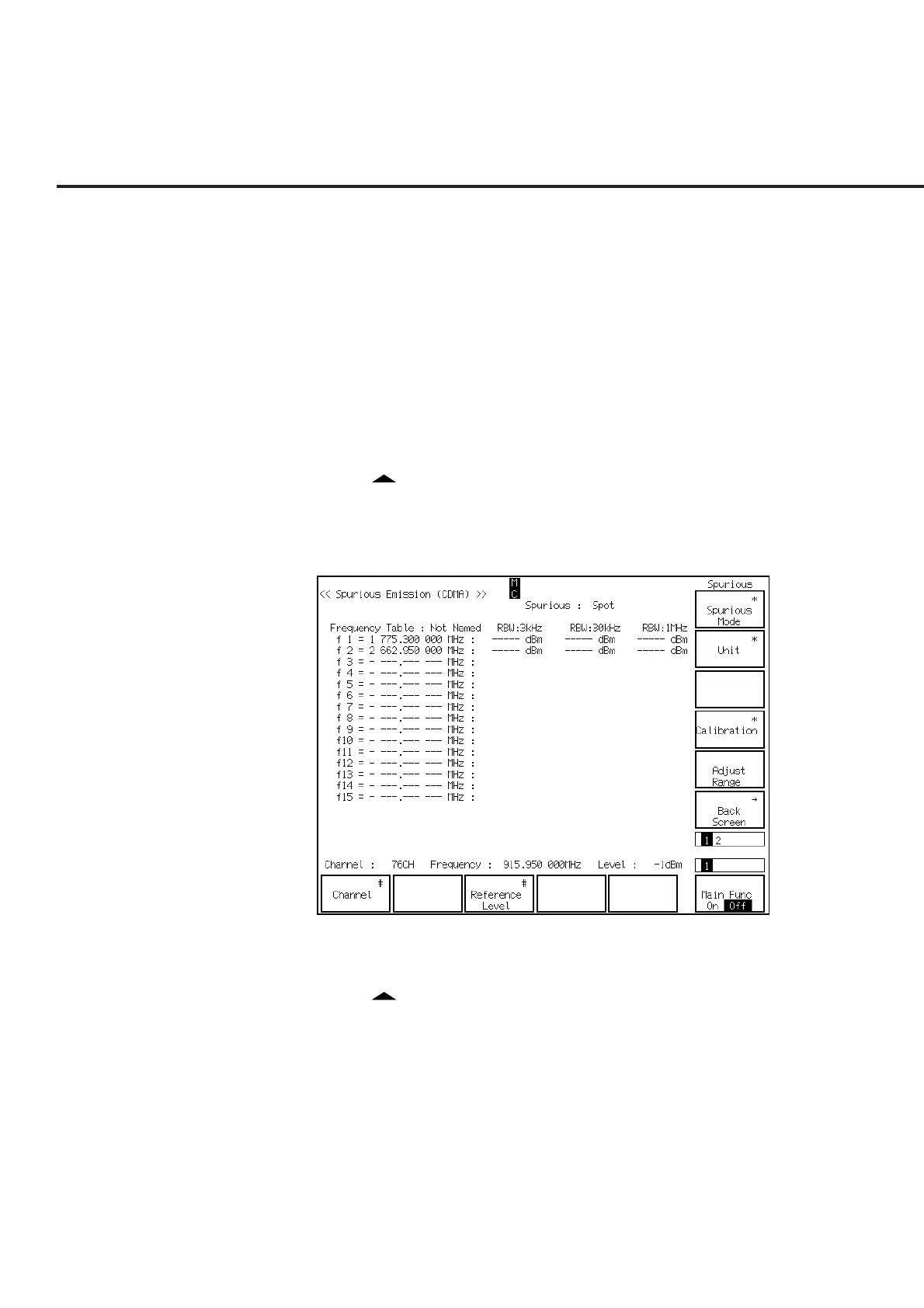
(7) The Spurious Emission screen (shown below) is displayed.
(8) Press the F8 (Unit) key and F11 (dB) to set Unit to be dB.
(9) Press the F12 (return) key.
(10) Press the key of Next Menu to display the second page of function keys (F7
to F12).
(11) Press the F8 (Setup Frequency Table) key.













 To Next Page