3-5
3.4 Setting RS-232C Interface Conditions
3.4 Setting RS-232C Interface Conditions
Set the RS-232C interface on the Instrument Setup screen at the front panel.
Set the following items:
(1) Interface: Connect to Controller (Initial value: GPIB)
(2) RS-232C: Baud Rate (Initial value: 2400)
Parity (Initial value: Even)
Data Bit (Initial value: 8 bits)
Stop Bit (Initial value: 1 bit)
Set the RS-232C interface conditions, as described below.
Step Key operation Explanation
(Switching to the Instrument Setup screen)
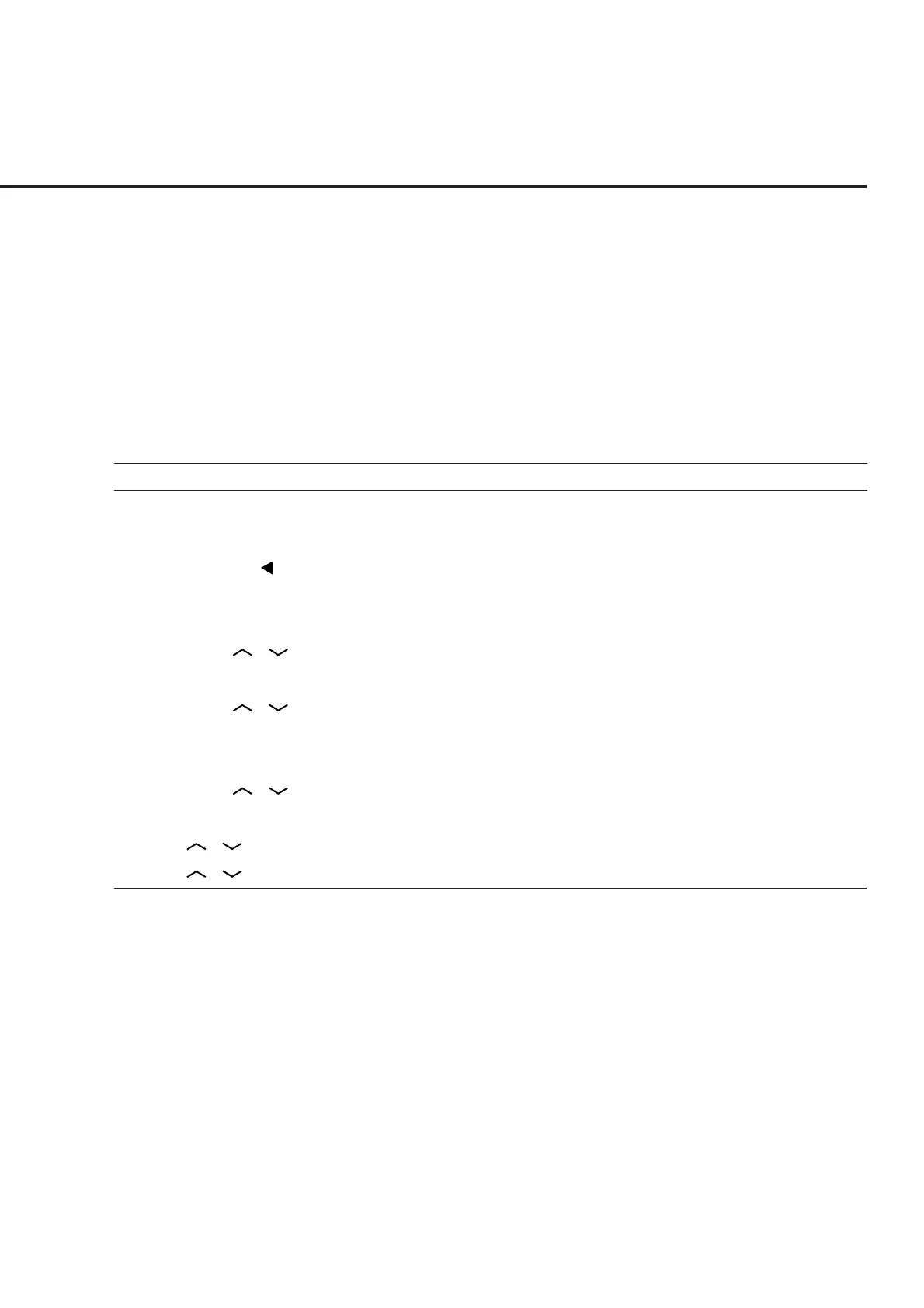
1. [Main Func On/Off] F6 Sets the Main Func on to display the main menu.
2. Next Menu [ ] Sets the Instrument Setup mode.
[Instrument Setup] F2 Displays the Instrument Setup screen.
(Selecting the remote control interface)
3. Cursor [ ] [ ] These cursor keys are used to select “Interface Connect to Controller.”
4. [Set] Opens the setup window.
5. Cursor [ ] [ ] Selects RS-232C on the setting window.
6. [Set] Closes the setting window and establishes the set value.
(Setting the RS-232C interface)
7. Cursor [ ] [ ] Uses these cursor keys to select the setting item Baud rate.
8. [Set] Opens the setup window.
9. [ ] [ ] [Set] Uses these cursor keys to select a Baud rate value (9600 [bps] etc.).
10. [ ] [ ] Sets other interface conditions in the same way.













 To Next Page