PREPARATION AND BASIC USAGE
20
Note:
AR-mini has been set Auto step and
Auto reception mode functions at
initial. These functions change the
frequency step and reception mode
automatically depending on the
band. They can be canceled and set
them manually.
5
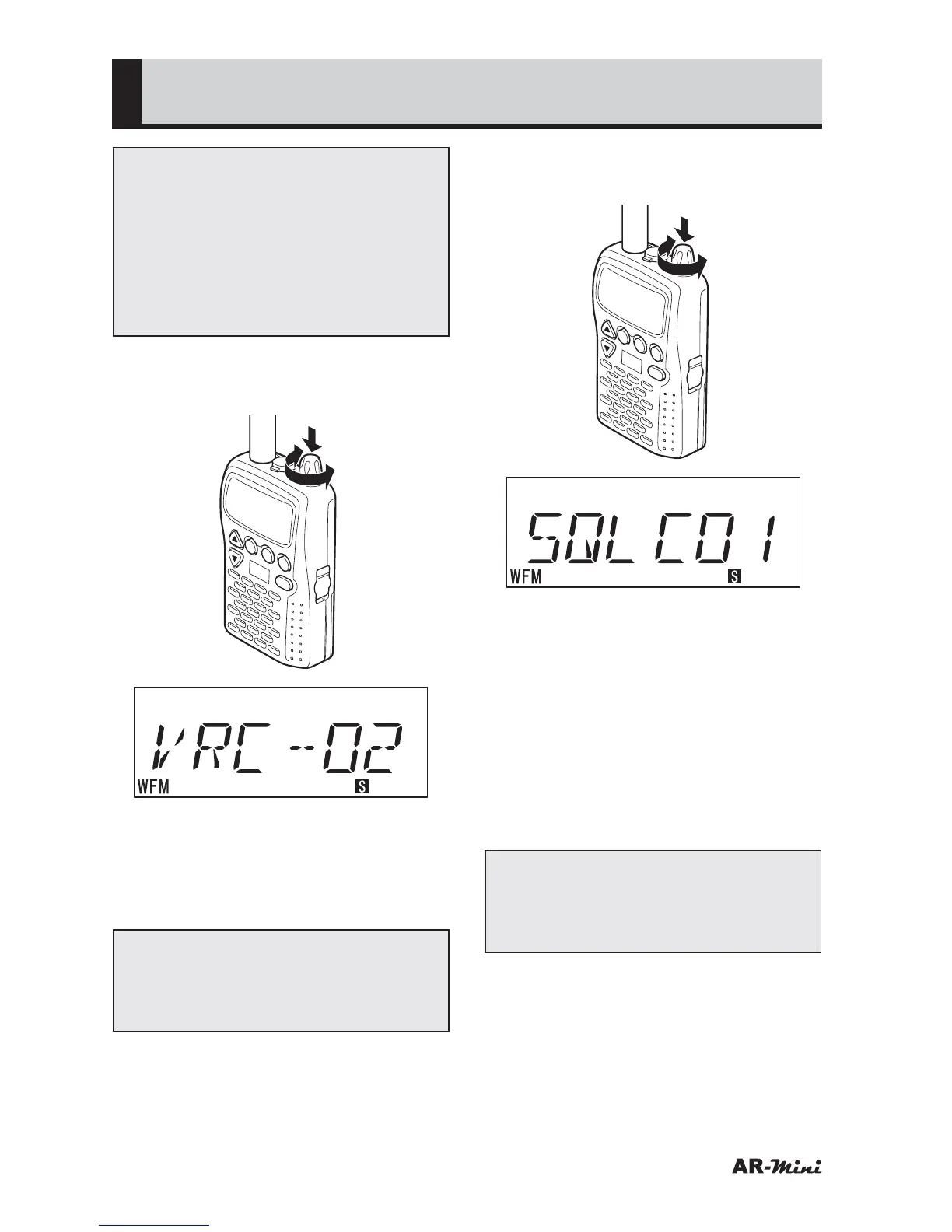
Press the dial knob, and turn it to
adjust the volume.
V/M
SCAN
MODE
PWR
ATT
DW
SKIP
COMMUNICATIONS R
ECEIVER AR-mini
SEL
PW
L.SRCH
TONE
MW
• The Volume is changed by turning
the dial knob as follows;
00
➝ 01 ➝ (01) ➝ (01) ➝ 02 ➝
(02) ➝ (02) ➝ 03 ➝ (03) ➝ (03) ➝
04 ➝ (04) ➝ (04) ➝ 05 ➝ ····· ➝ 10
Note:
The displayed volume value is not
changed during 2 steps, however
the volume is changed.
6
Press the dial knob again, and the
turn it to adjust the squelch.
V/M
SCAN
MODE
PWR
ATT
DW
SKIP
COMMUNICATIONS R
ECEIVER AR-mini
SEL
PW
L.SRCH
TONE
MW
• The Squelch level is changed by
turning the dial knob as follows;
• Increase direction (Clockwise)
00
➝ 01 ➝ (01) ➝ 02 ➝ (02) ➝ 03
➝ (03) ➝ 04 ➝ (04) ➝ 05 ➝ (05)
➝ 06 ➝ 07 ➝ 08 ➝ 09 ➝ 10
• Decrease direction
(Counterclockwise)
10
➝ 09 ➝ 08 ➝ 07 ➝ 06 ➝ 05 ➝
(05) ➝ 04 ➝ (04) ➝ 03 ➝ (03) ➝
02 ➝ (02) ➝ 01 ➝ (01) ➝ 00
Note:
Some displayed squelch value is not
changed, however the squelch level
is changed.



 To Next Page