ADVANCED OPERATION
47
Reversing the Tone
Squelch Function
Usually, a tone frequency will be
mixed with voices when transmitting.
A special radio uses a mixed tone
frequency when no voice is transmitted,
and tone squelch is cancelled when
transmitting with voice. This function is
set for reception of such special radio.
1
Confirm VFO mode is set.
2
Hold down the FUNC key and
press the MODE key until REV TSQ
is displayed.
3
Press the V/M key or dial knob.
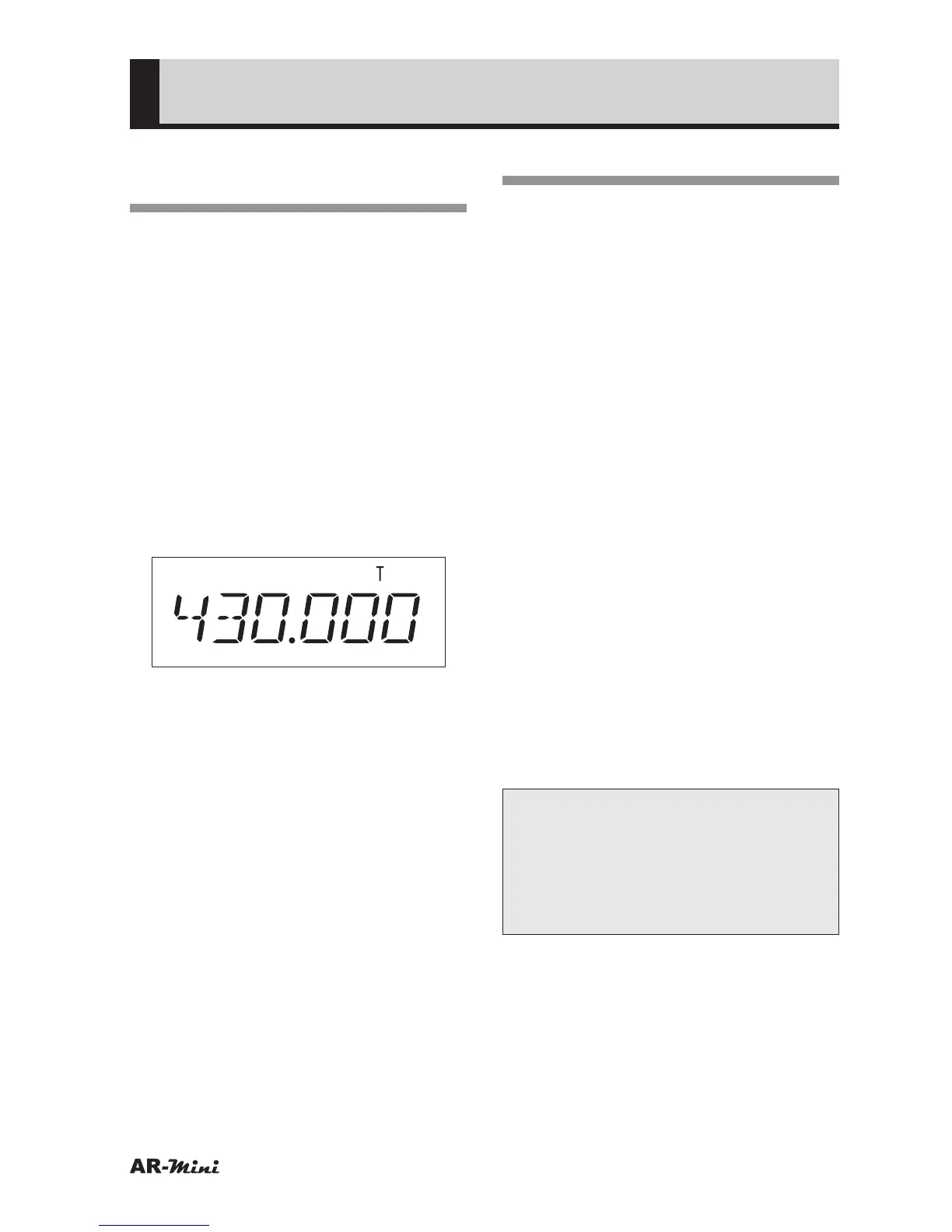
• “T” icon is displayed.
4
Hold down the FUNC key and
press the dial knob to enter the
setting mode.
5
Turn the dial knob to set the
setting mode number 21.
4
Turn the dial knob to select
REVTSQ.
5
Press the FUNC key and turn
the dial knob to select the tone
frequecny.
6
To return the VFO mode, press the
dial knob or V/M key.
7
To cancel, hold down the MODE
key until VFO is displayed and
press the dial knob.
Using the DCS
DCS (Digital Code Squelch) is set to
receive a signal which has been set the
DCS. The DCS code can be set to one
of 104 codes.
1
Confirm VFO mode is set.
2
Hold down the FUNC key and
press the MODE key until DCS is
displayed.
3
Press the V/M key or dial knob.
• “DCS” icon is displayed.
4
Hold down the FUNC key and
press the dial knob to enter the
setting mode.
5
Turn the dial knob to set the
setting mode number 25.
6
Hold down the FUNC key and turn
the dial knob to select DCS code.
7
To return the original display, press
the dial knob or V/M key.
8
To cancel DCS, hold down the
MODE key until VFO is displayed
and press the dial knob.
Tips:
When AM or Wide FM is set, the
tone squelch is canceled even if the
tone squelch icon is displayed. The
tone frequencies are listed on page
73.



 To Next Page